
AI-powered customer experience marketing (CXM) platform that helps local businesses win.



You’re on a ladder, mid-job, and your phone won’t stop ringing. Or maybe it’s 9 PM on a Saturday and a prospect calls about a quote you sent Tuesday. Knowing how to forward calls to voicemail the right way can mean the difference between capturing that lead and losing them to a competitor who picks up first. For service businesses especially, getting call forwarding set up correctly isn’t just a convenience, it’s a revenue decision.
What Does Forwarding Calls to Voicemail Mean?
Call forwarding to voicemail is the process of routing incoming phone calls directly to a voicemail box instead of letting the phone ring. It can happen automatically (after a set number of rings or during certain hours) or manually (when you press a button to decline a call). Every major carrier and most business phone systems support some version of this feature.
The key distinction here’s between conditional and unconditional forwarding. Conditional forwarding sends calls to voicemail only when you’re busy, don’t answer, or are unreachable. Unconditional forwarding sends every single call straight to voicemail without ringing your phone at all. Understanding which type you need matters because each serves a different business scenario.
How to Forward Calls to Voicemail on iPhone
Apple gives you several ways to send calls to voicemail, ranging from quick one-tap options to system-wide settings. The right method depends on whether you want to redirect a single call or all calls for a period of time.
Sending a Single Call to Voicemail
When a call comes in that you can’t take, press the side button (power button) once. That silences the ringer. Press it twice quickly, and the call goes straight to voicemail. You can also tap the red “Decline” button on screen if the phone is unlocked. Simple enough, but this only works call by call.
Using Do Not Disturb or Focus Mode
For broader coverage, Apple’s Focus modes are more practical. Open Settings, tap Focus, then select don’t Disturb. You can schedule it for specific hours or activate it manually from Control Center. All calls go to voicemail unless you’ve whitelisted certain contacts. This is ideal for after-hours periods when you don’t want any interruptions but still want VIP callers to get through.
Carrier-Based Call Forwarding
If you want unconditional forwarding at the network level, you can dial specific codes from your iPhone’s Phone app:
- *72 + your voicemail number activates unconditional forwarding on most carriers (AT&T, Verizon, T-Mobile)
- *73 deactivates it
- *71 sets up conditional forwarding (no answer) on some networks
- Check your carrier’s support page for exact codes, as they vary
Keep in mind that carrier-level forwarding overrides your phone’s built-in settings. So if you set it and forget it, every call will hit voicemail until you dial the deactivation code.
How to Forward Calls to Voicemail on Android
Android offers similar options, though the exact menu paths differ depending on your device manufacturer (Samsung, Google Pixel, OnePlus, etc.) and Android version.
Quick Decline During an Incoming Call
On most Android phones, swiping up on the incoming call screen sends it to voicemail. Some devices let you press the volume-down button to silence the ring, then press it again to decline. Samsung devices show a red phone icon you can swipe to reject. The behavior is essentially the same as iPhone’s single-call method.
Setting Up Call Forwarding in Android Settings
For system-wide forwarding, open your Phone app, tap the three-dot menu, and go to Settings > Calling accounts > Call forwarding. You’ll typically see four options:
- Always forward: Every call goes to the number you specify (your voicemail number)
- Forward when busy: Only when you’re on another call
- Forward when unanswered: After a set number of rings
- Forward when unreachable: When your phone is off or out of service
Enter your voicemail number in the relevant field and enable it. Your voicemail number is usually available from your carrier. If you aren’t sure what it’s, dial *86 on most US carriers to reach your voicemail, or contact customer support. According to Forbes Advisor’s small business statistics, the vast majority of small businesses still rely on personal cell phones for business calls, which makes getting these settings right even more critical.
Using Do Not Disturb on Android
Android’s don’t Disturb mode works similarly to Apple’s Focus mode. Go to Settings > Sound > don’t Disturb, and set your schedule. You can allow exceptions for starred contacts or repeat callers (someone who calls twice within 15 minutes). This approach is especially useful for service business owners who want after-hours quiet but don’t want to miss genuine emergencies.
Why Forwarding Calls to Voicemail Matters for Service Businesses
Here’s where the conversation shifts from a phone settings tutorial to a business strategy discussion. Missed calls aren’t just inconveniences. They’re lost revenue.
According to research from Aira’s missed business calls statistics, a significant percentage of callers who reach voicemail never call back. And SkipCalls reports that small businesses can lose over $26,000 per year from missed calls alone. That’s real money walking out the door every time a call rolls to a generic voicemail greeting.
The problem isn’t forwarding calls to voicemail. It’s what happens after the voicemail. Most callers expect a callback within minutes, not hours. Yet DaVinci Virtual’s research on missed call costs shows that slow follow-up is one of the biggest revenue killers for small businesses. If your voicemail sits unlistened for three hours while you’re on a job site, that prospect has already called your competitor.
The Real Cost of Voicemail Without a Follow-Up System
Forwarding calls to voicemail works great as a safety net. But without a system to act on those voicemails quickly, you’re just collecting recordings nobody listens to. Service businesses, including roofers, plumbers, HVAC companies, dental offices, and law firms, face this every single day. The NerdWallet small business data underscores how tight margins are for most SMBs, which means every lead counts.
What separates businesses that grow from those that plateau is often this: speed of response. A voicemail that triggers an instant text-back message (“Hey, we missed your call! How can we help?”) converts dramatically better than silence. That’s not speculation. It’s a pattern documented across multiple studies on missed call impact.
Best Practices for Business Call Forwarding to Voicemail
If you’re going to forward calls to voicemail, do it strategically. A sloppy setup creates frustration for callers and lost opportunities for your team. Here’s what works.
Record a Professional Voicemail Greeting
Your greeting should include your business name, confirm the caller reached the right place, set expectations for a callback time, and offer an alternative (like texting). Keep it under 20 seconds. Callers who hear a generic “leave a message” recording are far less likely to actually leave one.
Set Conditional Forwarding, Not Unconditional
Unless you’re deliberately blocking all calls for a specific reason, conditional forwarding is almost always the better choice. You want the phone to ring a few times first, giving you or your team a chance to pick up. Only send to voicemail when nobody’s available.
Build a Response System Around Voicemails
Voicemail should trigger something, not sit idle. The best-run service businesses pair voicemail with:
- Voicemail-to-text transcription so you can read messages without listening to audio
- Instant text-back to acknowledge the caller within seconds
- Automated notifications to the right team member based on the caller’s need
- CRM logging so no lead falls through the cracks
This is where basic phone settings stop being enough and business phone systems start earning their keep. A comparison from GetNextPhone’s AI receptionist guide highlights how modern AI-powered systems handle call routing far beyond what your carrier’s default voicemail can do.
How SalesCaptain Helps
SalesCaptain turns voicemail from a dead end into a live pipeline. Instead of forwarding calls to a voicemail box that nobody checks for hours, SalesCaptain’s AI Phone Agent answers calls 24/7 with a natural-sounding voice. It can book appointments, qualify leads, answer FAQs, and route callers to the right person, all without human intervention.
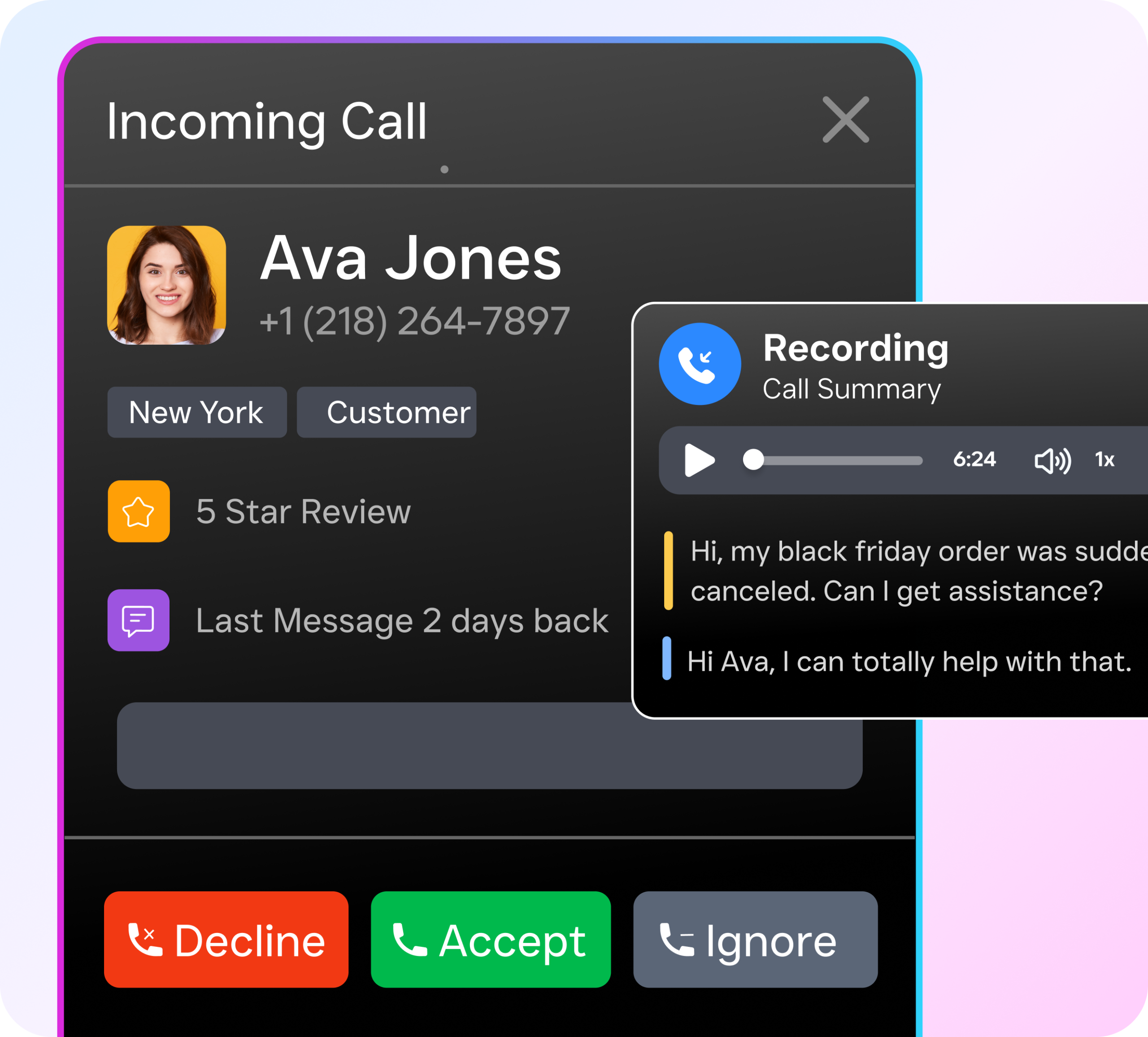
When a call does go to voicemail, SalesCaptain doesn’t just record it and wait. The platform generates AI transcriptions and summaries so your team can scan the key details in seconds. On top of that, the missed call text-back feature instantly sends an SMS to the caller, keeping the conversation alive while you’re unavailable. Everything flows into a unified inbox where calls, texts, webchat messages, and social media DMs sit in one place.
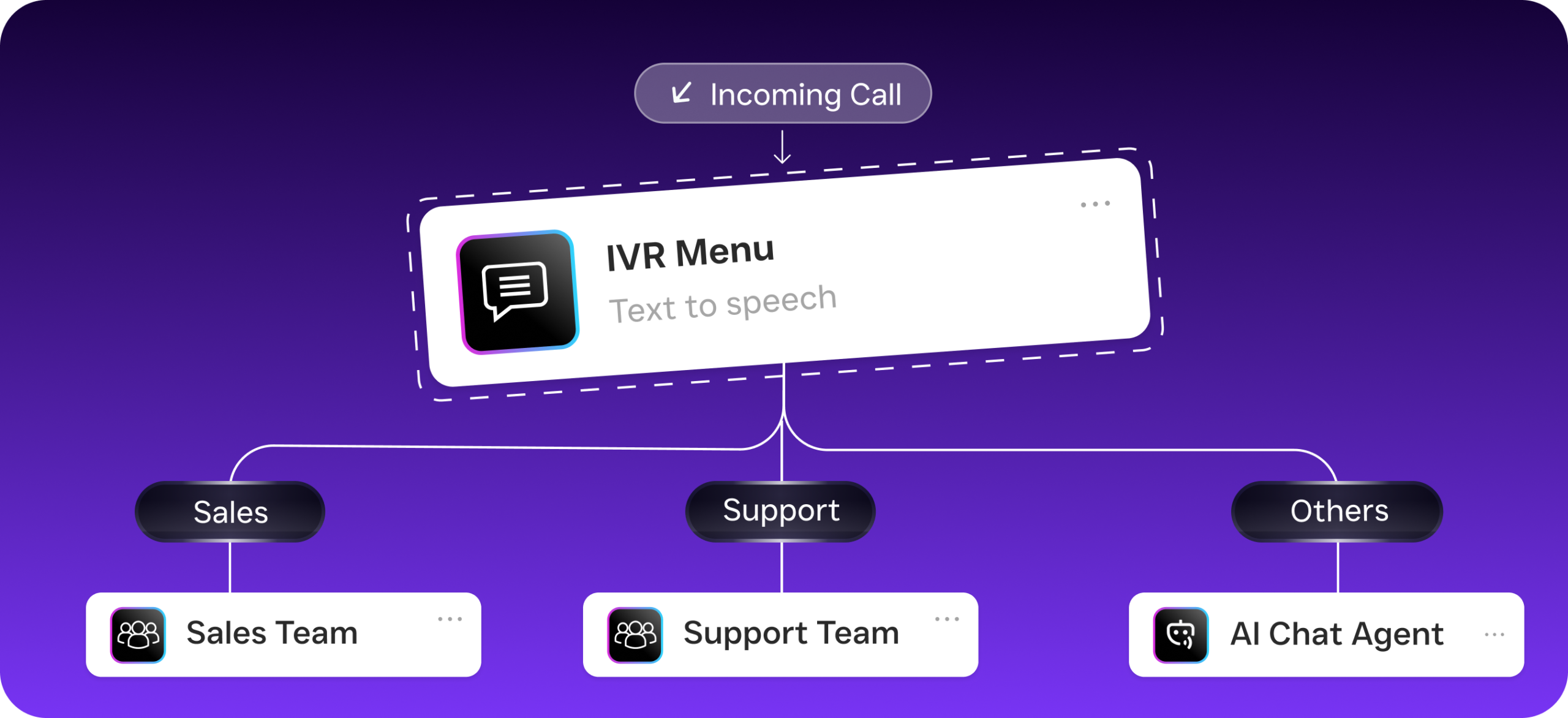
For service businesses running multiple locations, SalesCaptain’s call flow builder lets you design exactly how each incoming call is handled. You can set up after-hours routing, IVR menus, conditional forwarding rules, and AI agent handoffs using a drag-and-drop visual builder. No technical expertise required. Pricing starts with a free plan for one location, with paid plans at $159/month per location, and AI call minutes at just $0.12/minute.
Compared to platforms like OpenPhone, which offers minimal AI capabilities and no voicemail drop feature, or Aircall at $30/license with no AI voice agent or missed-call text-back, SalesCaptain provides a more complete solution built specifically for service businesses. It isn’t a sales dialer or a customer support tool repurposed for SMBs. It’s designed from the ground up for businesses that can’t afford to miss a single call.
Key Takeaways
Forwarding calls to voicemail is straightforward on both iPhone and Android, whether you’re declining a single call or setting up system-wide forwarding through carrier codes, don’t Disturb, or your phone’s settings. Conditional forwarding is almost always better than unconditional for business use.
However, the real question for service business owners isn’t how to forward calls to voicemail. It’s what happens after. A voicemail without a fast follow-up system is a missed opportunity dressed up as organization. The businesses that win are the ones that pair call forwarding with instant text-back, AI transcription, and automated workflows that ensure no lead goes cold. Your phone system should work as hard as you do, even when you can’t pick up.
Frequently Asked Questions
Can I forward calls to voicemail only during certain hours?
Yes. Both iPhone (Focus/don’t Disturb scheduling) and Android (don’t Disturb scheduling) allow you to set time-based rules. Business phone systems like SalesCaptain take this further with call flow builders that let you define different routing rules for business hours, after hours, weekends, and holidays.
Will the caller know I sent them to voicemail manually?
If you decline a call quickly (after one ring), the caller might suspect it. Most people won’t know for sure, though. When a call rings several times before going to voicemail, it appears as if you were simply unavailable. Conditional forwarding after multiple rings looks the most natural.
What’s the difference between Do Not Disturb and call forwarding?
don’t Disturb silences notifications and sends calls to voicemail at the device level. Call forwarding redirects calls at the network level, meaning your phone may not ring at all and the forwarding happens before the call reaches your device. You can use both together, but carrier-level forwarding takes priority.
How do I stop calls from going to voicemail?
If all calls are going straight to voicemail, check three things: don’t Disturb isn’t enabled, call forwarding isn’t active (dial *73 to deactivate on most carriers), and your phone has signal. On Android, also check Settings > Phone > Call forwarding to ensure “Always forward” isn’t toggled on.
Is there a way to respond to voicemails automatically?
Standard carrier voicemail doesn’t offer this. However, business phone platforms with missed-call text-back features can send an automatic SMS the moment a call goes unanswered. SalesCaptain’s AI Chat Agents can then continue the conversation via text, capture the lead’s information, and even book an appointment without any human involvement.
See How SalesCaptain Can Help
Stop losing leads to voicemail boxes nobody checks. SalesCaptain’s AI Phone Agent answers every call, and the unified inbox keeps every conversation in one place. Visit SalesCaptain and set up your AI-powered call system today.