
AI-powered customer experience marketing (CXM) platform that helps local businesses win.


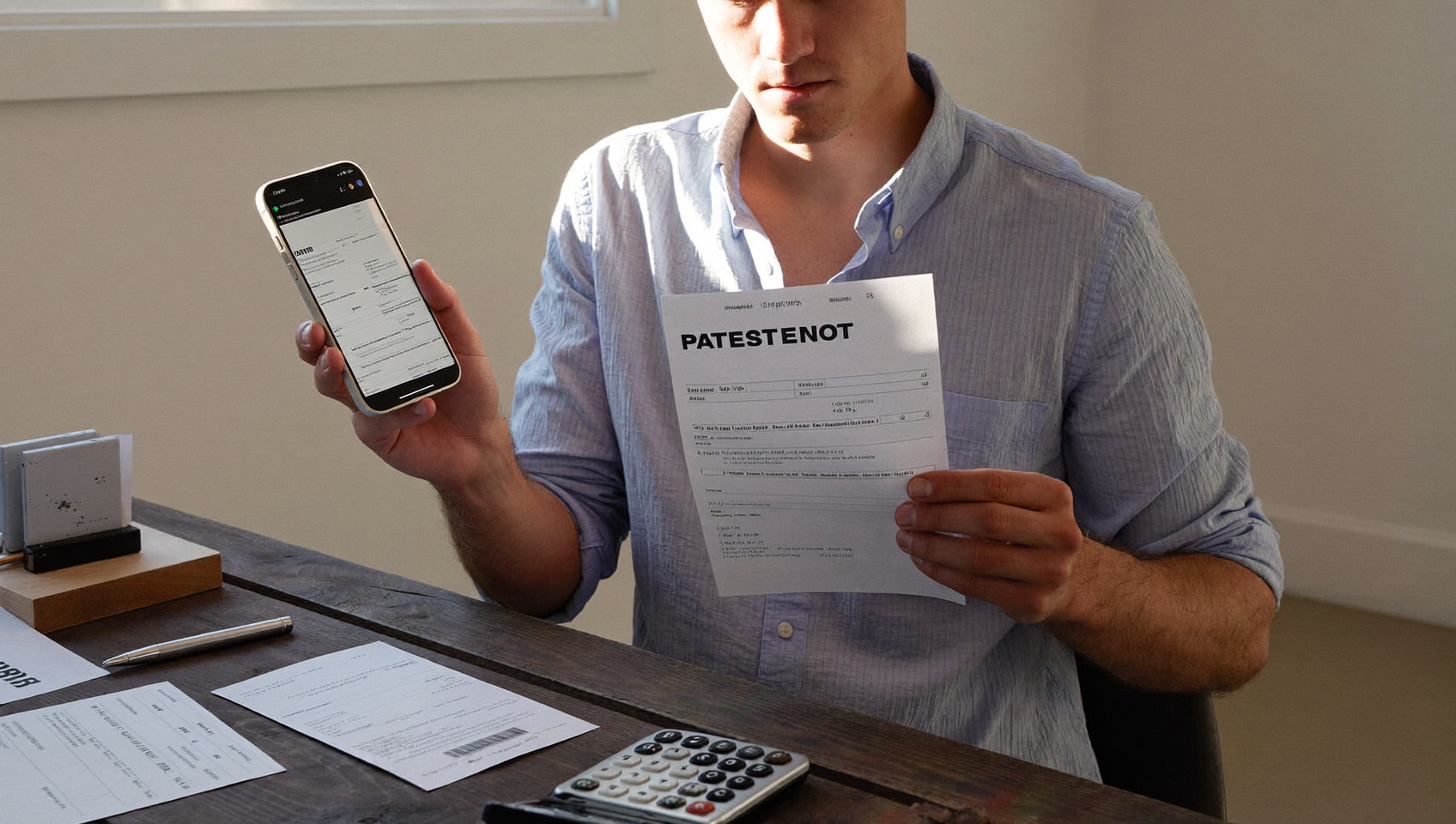
You sent the invoice two weeks ago. The due date passed five days back. Your customer still hasn’t paid. Now you’re stuck deciding whether to call them (awkward), email them (easily ignored), or just wait and hope. Sound familiar? There’s a better option: a well-crafted payment request text. With open rates far exceeding email, payment request text templates give you a direct, professional way to collect what you’re owed without damaging the relationship.
Payment request text templates are pre-written SMS messages that remind customers about outstanding invoices, due dates, or overdue payments. They include placeholders for customer name, invoice number, and amount owed. These templates achieve higher open rates than email and provide a direct, professional way to collect payments without damaging customer relationships.
Free weekly newsletter
Growth tips for service businesses
Every Tuesday — actionable ideas to get more leads, reviews, and repeat customers. No fluff.
Quick Answer
Send professional payment requests via text by keeping messages concise, friendly, and direct. Reference the invoice number and amount due, set a clear payment deadline, and include payment method instructions. A simple approach—mentioning the invoice, amount, due date, and a payment link—typically gets faster responses than formal emails while maintaining professionalism without aggressive tone.
What Are Payment Request Text Templates?
A payment request text template is a pre-written SMS message designed to remind a customer about an outstanding balance, upcoming due date, or overdue invoice. These templates include placeholders for details like the customer’s name, invoice number, amount owed, and a payment link. You customize them once, then reuse them across your entire customer base.
Unlike cold collection calls or formal letters, text-based payment requests feel less confrontational. They land directly on the customer’s phone. And according to Text Request’s 2024 State of Business Texting Report, business text messages see significantly higher engagement than email. That immediacy makes a huge difference when you’re trying to close a cash flow gap. Templates also keep your messaging consistent, so every customer gets a professional, on-brand reminder regardless of which team member sends it.
Why payment reminder texts Outperform Other Collection Methods
Most business owners already know that chasing payments is one of the least enjoyable parts of running a company. But the method you choose for follow-up shapes how quickly you actually get paid. Here’s why texts consistently win.
Speed and Visibility
Emails sit unread in cluttered inboxes. Voicemails go unheard for days. Text messages get read within minutes. That speed matters enormously when you’re dealing with tight cash flow or a customer who simply forgot their balance was due. According to Worldpay’s text-to-pay research, SMS payment links get faster responses compared to traditional invoicing methods.
Lower Friction for the Customer
A good payment request text doesn’t just remind someone they owe money. It includes a clickable payment link so they can pay right from their phone in under a minute. No logging into a portal. No digging through emails for an invoice PDF. That convenience reduces the gap between “I should pay this” and actually paying it. For service businesses like plumbers, roofers, or dental offices, where customers are already busy, removing friction is everything.
Preserving Professional Relationships
Phone calls about overdue payments create tension. Both sides feel uncomfortable. A brief, friendly text accomplishes the same goal without the awkwardness. You can be firm and professional in 160 characters without making anyone dread picking up the phone. Plus, texts create a documented payment trail that protects both parties if there’s ever a dispute about what was communicated and when.
10 Payment Request Text Templates You Can Use Today
Below are templates organized by situation. Replace the bracketed placeholders with your actual business details. Each one balances professionalism with a conversational tone that doesn’t feel robotic or aggressive.
1. Friendly Pre-Due-Date Reminder
“Hi [First Name], just a heads-up that your invoice #[Number] for $[Amount] is due on [Date]. You can pay securely here: [Link]. Thanks! – [Business Name]”
Send this two to three days before the due date. It’s not a demand; it’s a helpful nudge. You’ll often get paid before the deadline even arrives.
2. Due Date Alert
“Hi [First Name], your payment of $[Amount] for [Service] is due today. Tap here to pay now: [Link]. Questions? Reply to this text. – [Business Name]”
Timing matters here. Send this the morning of the due date so it’s top of mind during business hours.
3. Courtesy Follow-Up (1-3 Days Late)
“Hey [First Name], we noticed your payment of $[Amount] (Invoice #[Number]) is a few days past due. We’re sure it slipped through the cracks! Pay here: [Link]. – [Business Name]”
The tone here assumes positive intent. Most late payments aren’t malicious. People genuinely forget. Giving them the benefit of the doubt keeps the relationship intact.
4. Outstanding Balance Notice
“[First Name], you’ve an outstanding balance of $[Amount] for services on [Date]. Please submit payment at your earliest convenience: [Link]. Reply if you’ve questions. – [Business Name]”
This works well for balances that are a week or more overdue. It’s slightly more direct without being harsh.
5. Late Fee Warning
“Hi [First Name], your invoice #[Number] for $[Amount] is now [X] days past due. A late fee of $[Fee] will apply after [Date]. Pay now to avoid additional charges: [Link]. – [Business Name]”
Only use this if your service agreement actually includes late fee terms. Mentioning a specific date creates urgency without sounding threatening.
6. Payment Plan Offer
“[First Name], we understand things come up. If you’d like to set up a payment plan for your $[Amount] balance, reply YES and we’ll work out the details. Otherwise, pay in full here: [Link]. – [Business Name]”
Offering flexibility shows empathy. It often recovers revenue that would otherwise become a write-off. Home service businesses and healthcare practices find this especially effective for larger invoices.
7. Final Payment Reminder
“[First Name], this is our final reminder for your overdue balance of $[Amount]. Please pay by [Date] to avoid further action: [Link]. Contact us at [Phone] if you need assistance. – [Business Name]”
Reserve this for accounts that are significantly overdue. “Further action” is intentionally vague but serious enough to prompt a response.
8. Payment Confirmation
“Thank you, [First Name]! We’ve received your payment of $[Amount]. Your balance is now $0. We appreciate your business! – [Business Name]”
This isn’t a request, but it’s just as important. Confirming receipt builds trust and prevents follow-up calls that eat into your team’s time.
9. Recurring Payment Reminder
“Hi [First Name], your monthly [Service] payment of $[Amount] will be processed on [Date]. Reply STOP to cancel auto-pay or UPDATE to change your payment method. – [Business Name]”
Businesses with subscription or retainer models need this template. It reduces chargebacks and failed payment disputes by giving customers advance notice.
10. Billing Assistance Offer
“[First Name], we noticed your invoice #[Number] is past due. If there’s an issue with billing or you’ve questions about the charges, reply here and we’ll help sort it out. – [Business Name]”
Sometimes customers don’t pay because they’re confused. Not because they’re avoiding it. Opening the door to conversation often resolves things faster than repeated reminders.
Best Practices for Sending Payment Request Texts
Templates are only as effective as how you use them. Follow these guidelines to maximize collection rates while staying compliant and professional.
Get Consent First
Before you text anyone about payments, make sure you’ve their explicit opt-in to receive SMS messages. This isn’t just polite. The FCC’s TCPA regulations require it. Include SMS consent language in your service agreements or intake forms. A checkbox during booking or onboarding handles this easily.
Time Your Messages Strategically
Don’t send payment texts at 11 PM on a Sunday. Aim for weekday mornings between 9 AM and 11 AM, when people are alert and near their phones. And plan your reminder cadence thoughtfully:
- 3 days before due date: Friendly pre-reminder
- Day of due date: Due date alert
- 3 days after: Courtesy follow-up
- 7 days after: Outstanding balance notice
- 14 days after: Late fee warning or final reminder
Spacing your messages this way applies steady pressure without overwhelming the customer. Each escalation feels natural rather than aggressive.
Always Include a Payment Link
Every payment request text should contain a direct link to pay. If you’re asking someone to log into a website, find their invoice, and then enter payment details, you’ve already lost half your audience. Research from SMBcrm on text-to-pay consistently shows that embedded payment links dramatically improve collection speed.
Keep It Short and Identify Your Business
Aim for 160 characters when possible. Always include your business name. Customers won’t click links in texts from unknown senders. Avoid all-caps, excessive exclamation marks, or anything that looks like spam. Professional and brief wins every time.
Personalize Beyond the Name
Inserting “[First Name]” is a start, but referencing the specific service performed or the invoice number adds credibility. A text that says “your HVAC repair on June 3” feels more legitimate than a generic “your outstanding balance.” Personalization reduces the chance your message gets dismissed or reported as spam.
How SalesCaptain Helps
Sending payment reminder texts manually from your personal phone isn’t scalable. And it doesn’t look professional. SalesCaptain gives service businesses the tools to automate this entire process from a single platform.
With SalesCaptain’s Workflow Automation builder, you can set up trigger-based payment reminder sequences that fire automatically. For example, when an invoice is created in your payment system, SalesCaptain can send a pre-due-date reminder, follow up on the due date, and escalate to a courtesy reminder if no payment is received. You build the sequence once using the drag-and-drop visual workflow builder. Then it runs without anyone on your team lifting a finger.
SalesCaptain also supports Payments via Text through integrated payment gateways like Stripe, Helcim, and Authorize.net. That means your templates don’t just remind customers to pay. They include a secure link to pay right in the message. The customer taps, pays, and you see the confirmation in your Unified Inbox alongside every other conversation you’ve had with that contact.
For businesses using tools like Housecall Pro, ServiceTitan, or QuickBooks Online, SalesCaptain’s native integrations connect directly. When an invoice is created or marked paid in QuickBooks, that event can trigger automated texts or update contact records without manual data entry. And because everything flows through one inbox, your team sees the full picture: calls, texts, payment confirmations, and appointment history, all in one place.
Key Takeaways
Payment request text templates aren’t just a convenience. They’re a cash flow strategy. Texts get read faster, paid faster, and create less friction than phone calls or emails. The right template at the right time turns overdue invoices into collected revenue.
- Use a graduated reminder cadence: friendly first, firmer later.
- Always include a direct payment link in every message.
- Get SMS consent before you send your first reminder.
- Personalize with invoice numbers, service details, and your business name.
- Automate the entire sequence so no invoice falls through the cracks.
The businesses that collect fastest aren’t the ones who chase hardest. They’re the ones who’ve built a system that does the chasing for them. Consistently and professionally.
Frequently Asked Questions
Are payment request texts legally compliant?
Yes, as long as you’ve the customer’s prior consent to receive SMS messages. The FCC’s TCPA rules require express written consent before sending commercial or transactional text messages. Include opt-in language in your service agreements, and always provide an opt-out option in your texts.
How many reminder texts should I send before escalating?
A five-step cadence works well for most service businesses: pre-due reminder, due-date alert, courtesy follow-up at three days late, outstanding balance notice at seven days, and a final reminder at 14 days. After that, you’ll want to move to a phone call or formal collection process. Sending more than five texts risks annoying the customer and could lead to spam reports.
What should I include in a payment text message?
Every payment request text should include five elements: the customer’s name, the amount owed, the invoice number or service reference, a direct payment link, and your business name. Keep it under 160 characters when possible. The tone should match the reminder stage, whether that’s friendly, firm, or final.
Can I automate payment reminder texts?
Absolutely. Platforms with workflow automation let you create trigger-based sequences that send the right message at the right time without manual effort. You can tie these triggers to events in your CRM, invoicing software, or scheduling tool so reminders go out automatically when a payment is due or overdue.
What’s the best time of day to send payment texts?
Weekday mornings between 9 AM and 11 AM tend to perform best. Avoid evenings, weekends, and early mornings. According to business texting research from Text Request, messages sent during standard business hours see higher response rates and fewer opt-outs.
Ready to see it in action?
See how service businesses use SalesCaptain to collect payments faster with automated text reminders.
Book a Free Demo →See How SalesCaptain Can Help
Automate your payment reminders, send text-to-pay links, and manage every customer conversation from one inbox. SalesCaptain’s workflow builder and native integrations with QuickBooks, Housecall Pro, ServiceTitan, and more make it easy to get paid faster without chasing anyone.