
AI-powered customer experience marketing (CXM) platform that helps local businesses win.



If you’re searching for a RingCentral alternative for small business, you’re probably frustrated by complexity, opaque pricing, or features that don’t match how your service business actually operates. This guide compares RingCentral with SalesCaptain across the features that matter most to SMBs, especially those in home services, healthcare, legal, and other appointment-driven industries. You’ll walk away knowing exactly which platform fits your needs.
Quick Answer
Small businesses seeking alternatives to RingCentral should consider solutions like Vonage, 8×8, or Ooma, which offer comparable calling and messaging features at competitive prices. Evaluate based on your team size, required integrations, mobile support needs, and budget. Many alternatives provide lower per-user costs, simpler interfaces, or better industry-specific features, making them ideal for businesses with fewer than 50 employees prioritizing affordability and ease of use.
What Is RingCentral?
RingCentral is a well-known unified communications platform that bundles voice, video, and messaging into a single product. It’s built for general business use and serves organizations of all sizes, from startups to large enterprises. However, its pricing isn’t publicly listed in a straightforward way, and many small business owners find its feature set limited for the specific demands of service-based companies. While it covers the basics of cloud phone systems, RingCentral lacks several AI-driven capabilities and automation tools that modern SMBs increasingly rely on.
Related guide: dialpad alternative for small business.
Related guide: podium alternative for small business.
Related guide: kenect alternative for small business.
What Is SalesCaptain?
SalesCaptain is an AI-powered unified communication platform purpose-built for service businesses. It combines an AI Phone Agent, AI Chat Agents, a unified inbox, a full business phone system, and workflow automation into a single tool. Unlike platforms designed for generic office communication, SalesCaptain focuses on the problems service businesses face daily: missed calls, slow lead response, and juggling conversations across too many channels.
Free weekly newsletter
Growth tips for service businesses
Every Tuesday — actionable ideas to get more leads, reviews, and repeat customers. No fluff.
The platform starts with a free plan for one location. Paid plans run $159/month per location for the Business tier and $300/month per location for Enterprise. AI calls cost $0.12 per minute. That per-location model makes it especially affordable for multi-location businesses like dental practices, HVAC companies, and legal firms.
RingCentral vs SalesCaptain: Feature Comparison
Here’s a side-by-side look at the features that matter most when you’re evaluating a RingCentral alternative for small business operations. Every value below comes from verified feature data.
| Feature | SalesCaptain | RingCentral |
|---|---|---|
| AI Chat Agents | ✓ (SMS, webchat, Instagram, Facebook Messenger) | ✗ |
| Unified Inbox | ✓ (calls, texts, webchat, social DMs, email, notes) | ✗ |
| WhatsApp Messaging | ✓ | ✗ |
| Text-to-Pay | ✓ | ✗ |
| Call Flow Builder | ✓ (drag-and-drop visual builder) | ✗ |
| Workflow Automation | ✓ (trigger-based, 50+ integrations) | ✗ |
| AI Transcription & Summaries | ✓ | ✗ |
| Sentiment Analysis | ✓ | ✗ |
| Real-Time Speech Analytics | ✓ | ✗ |
| Call Coaching & Whispering | ✓ | ✗ |
| Missed Call Text-Back | ✓ | ✗ |
| Pricing | Free plan available; $159/mo per location | Not publicly listed |
| Best For | Service businesses and appointment-heavy SMBs | General business communication |
The gap is striking. RingCentral covers basic telephony and video meetings, but it doesn’t offer any of the AI-powered automation or multichannel messaging features that SalesCaptain provides out of the box.
Where RingCentral Falls Short
RingCentral’s core product was built in an era when a cloud phone system with video conferencing was enough to differentiate. That era is over. For small service businesses, the platform has several meaningful gaps.
No AI Voice or Chat Agents
RingCentral doesn’t offer an AI agent that can answer calls, qualify leads, book appointments, or respond to texts autonomously. Every missed call outside business hours stays missed unless you hire staff or a traditional answering service. According to research on missed business call costs, those unanswered calls represent significant lost revenue, particularly for service businesses where a single job can be worth hundreds or thousands of dollars.
No Unified Inbox for Service Businesses
While RingCentral handles calls and internal messaging, it doesn’t consolidate SMS, webchat, Instagram DMs, Facebook Messenger, WhatsApp, and email into a single team inbox. For a plumbing company or dental practice fielding inquiries from five different channels, that means constant app-switching and dropped conversations. SalesCaptain’s unified inbox solves this by pulling every customer interaction into one collaborative view.
Missing Automation and Workflow Tools
RingCentral lacks a drag-and-drop call flow builder, message flow builder, and trigger-based workflow automation. So you can’t set up automatic follow-up texts after missed calls, schedule appointment reminders through SMS, or sync call outcomes to your CRM without cobbling together third-party tools. As VoIP Insight notes in their review of alternatives, this limitation pushes small businesses toward platforms with more built-in automation.
Opaque Pricing
RingCentral doesn’t publicly list straightforward pricing, which makes it hard for budget-conscious SMBs to evaluate. Several alternative comparison guides highlight this lack of transparency as a common pain point. SalesCaptain, by contrast, publishes its pricing clearly: free for one location, $159/month per location for Business, and $300/month per location for Enterprise.
Why SalesCaptain Is the Better Choice for Service Businesses
If your business runs on appointments, inbound calls, and fast lead response, SalesCaptain was designed for exactly your workflow. Here’s what sets it apart from RingCentral and other RingCentral alternatives on the market.
- AI Phone Agent that works 24/7: A natural-sounding voice agent picks up every call, answers FAQs, qualifies leads, books appointments, blocks spam, and routes callers to the right person. No humans needed. Your business never misses an after-hours opportunity again.
- AI Chat Agents across every channel: Automated agents handle SMS, webchat, Instagram DMs, and Facebook Messenger simultaneously. They capture leads, respond instantly, and book appointments without your team lifting a finger.
- True unified inbox: Calls, texts, webchat, social media DMs, email, and internal notes all live in one collaborative workspace. Your team sees the full picture of every customer interaction, and nothing slips through the cracks.
- Drag-and-drop call flow builder: Design the exact path every incoming call follows. Route by department, play custom greetings, set after-hours rules, or hand off to the AI agent. No technical skills required.
- Workflow automation with 50+ integrations: Connect to HubSpot, Salesforce, Zoho, HousecallPro, ServiceFusion, Clio, Shopify, QuickBooks, Mindbody, and more. Automate follow-ups, CRM updates, reminders, and notifications with a visual builder.
- Real-time call intelligence: AI transcription, call summaries, sentiment analysis, and speech analytics give you actionable insights from every conversation. Call coaching and whispering help your team improve on live calls.
- Text-to-Pay and missed call text-back: Collect payments via text and automatically text back anyone who calls when you can’t answer. These two features alone can recover thousands in otherwise lost revenue each month.
- Transparent, affordable pricing: Start free. Scale at $159/month per location. No hidden per-user licensing fees that balloon as your team grows.
The result is a platform that doesn’t just replace your phone system. It replaces your phone system, your answering service, your text marketing tool, your webchat widget, and half your manual follow-up process. According to the NFIB, labor costs remain the top concern for small business owners. SalesCaptain directly addresses that by letting you handle more customer volume without hiring additional staff.
How to Choose the Right RingCentral Alternative
Not every business needs the same thing from a communication platform. If you’re a tech company that mostly needs internal video meetings, team messaging, and a basic phone line, RingCentral might be adequate. Its video and collaboration features serve that use case reasonably well, and the general-purpose design won’t get in your way.
But if you’re running a service business where missed calls mean lost revenue, where customers reach out on Instagram, text, and phone interchangeably, and where your team can’t afford to spend hours on manual follow-up, then RingCentral’s gaps become deal-breakers. SalesCaptain was built from the ground up for this exact scenario. The AI agents handle the repetitive work. The unified inbox keeps everything organized. And the per-location pricing means you won’t get punished financially as your business grows. For home services, healthcare, legal, real estate, and any appointment-heavy business, it’s the smarter choice.
Making the Switch from RingCentral
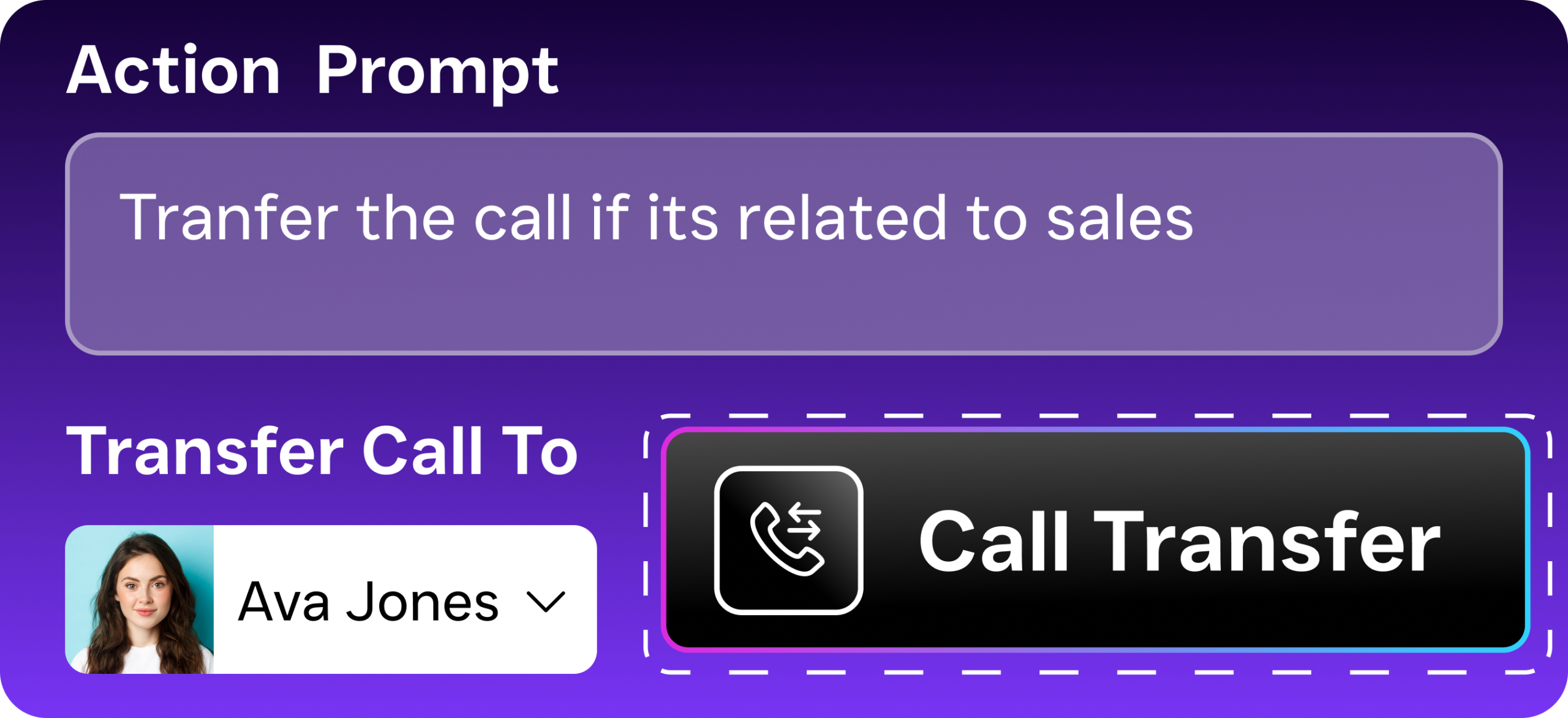
Switching communication platforms sounds daunting, but it doesn’t have to be. SalesCaptain’s setup process doesn’t require technical expertise. Most businesses get up and running quickly, not weeks. You can port your existing phone numbers, configure your AI agents with simple prompts, and connect your existing CRM or scheduling tools through native integrations or Zapier.
The free plan makes testing risk-free. Set it up alongside RingCentral, let the AI Phone Agent handle after-hours calls for a week, and measure the difference. Most service businesses see the value immediately when calls that previously went to voicemail start turning into booked appointments. As Phone2.io’s analysis of missed call costs shows, even recovering a handful of missed calls per week can more than cover the monthly subscription cost.
Common Mistakes When Switching From RingCentral to a Service-Focused Platform
The biggest mistake small businesses make is choosing a platform based solely on price or brand recognition without testing how it handles their actual workflows. RingCentral works fine for office communication, but service businesses often discover too late that it doesn’t integrate with scheduling software, CRM systems, or dispatch tools they depend on daily. Before committing to any alternative, run a two-week pilot with your team using real scenarios: incoming calls during appointments, customer callback requests, and team messaging during jobs. This reveals hidden friction that spreadsheets and demos won’t show.
Another critical error is underestimating the time cost of migration and training. Moving phone numbers, reconfiguring call routing, and teaching staff new features takes longer than expected—especially if your team is already stretched thin. Plan for at least one week of reduced productivity, and assign one person as the “platform champion” who masters the system first and trains others. Platforms like SalesCaptain that include onboarding support and pre-built workflows for service businesses can cut this transition time significantly compared to generic systems requiring custom configuration.
Many business owners also fail to evaluate mobile accessibility properly. Service technicians and field staff need to manage calls, access customer history, and update job status from their phones—not just from office desks. Test the mobile app thoroughly with your actual workforce and use cases before switching. Poor mobile experience means missed calls and slower service delivery, which directly impacts revenue and customer satisfaction in field-based operations.
Finally, don’t overlook integration capabilities when evaluating alternatives. Check whether the platform connects with your existing tools: scheduling software, invoicing systems, customer databases, and payment processors. A system that’s excellent in isolation but requires manual data entry between tools creates more work than it solves. Verify integrations work reliably and support your full tech stack before migration.
Frequently Asked Questions
Is SalesCaptain really free to start?
Yes. The Startup plan is completely free for one location. It gives you access to the core platform so you can test it before committing to a paid tier. Paid plans start at $159/month per location, and AI call minutes are billed at $0.12/minute.
Can I keep my existing phone number when switching from RingCentral?
Absolutely. SalesCaptain supports number porting, so you can bring your current business phone number with you. Your customers won’t notice any disruption.
Does SalesCaptain work for businesses with multiple locations?
It does, and particularly well. The per-location pricing model means you pay $159 or $300 per location rather than per user. For a dental group with five offices or an HVAC company covering three service areas, that’s significantly more affordable than per-seat licensing from platforms like RingCentral or other alternatives in the market.
Which RingCentral alternative has the best AI features for handling calls?
SalesCaptain is the only platform that combines a full AI Voice Agent, AI Chat Agents, and a unified inbox in a single tool. The AI Phone Agent answers calls 24/7, books appointments, qualifies leads, and handles FAQs with natural-sounding conversation. No other RingCentral alternative offers this level of AI-driven call handling for service businesses.
What integrations does SalesCaptain support?
SalesCaptain natively integrates with over 50 tools, including HubSpot, Salesforce, Zoho, ServiceFusion, HousecallPro, Mindbody, Shopify, QuickBooks, Clio, and Rezdy. For anything else, Zapier connectivity extends the reach to thousands of additional apps.
Ready to see it in action?
See how small businesses use SalesCaptain to handle calls and messages without expensive phone systems.
Book a Free Demo →Try SalesCaptain Free
Stop paying for a phone system that can’t answer your calls, follow up on your leads, or manage your customer conversations across channels. SalesCaptain gives you AI-powered calling, texting, and chat automation built specifically for service businesses, starting at $0.