
AI-powered customer experience marketing (CXM) platform that helps local businesses win.


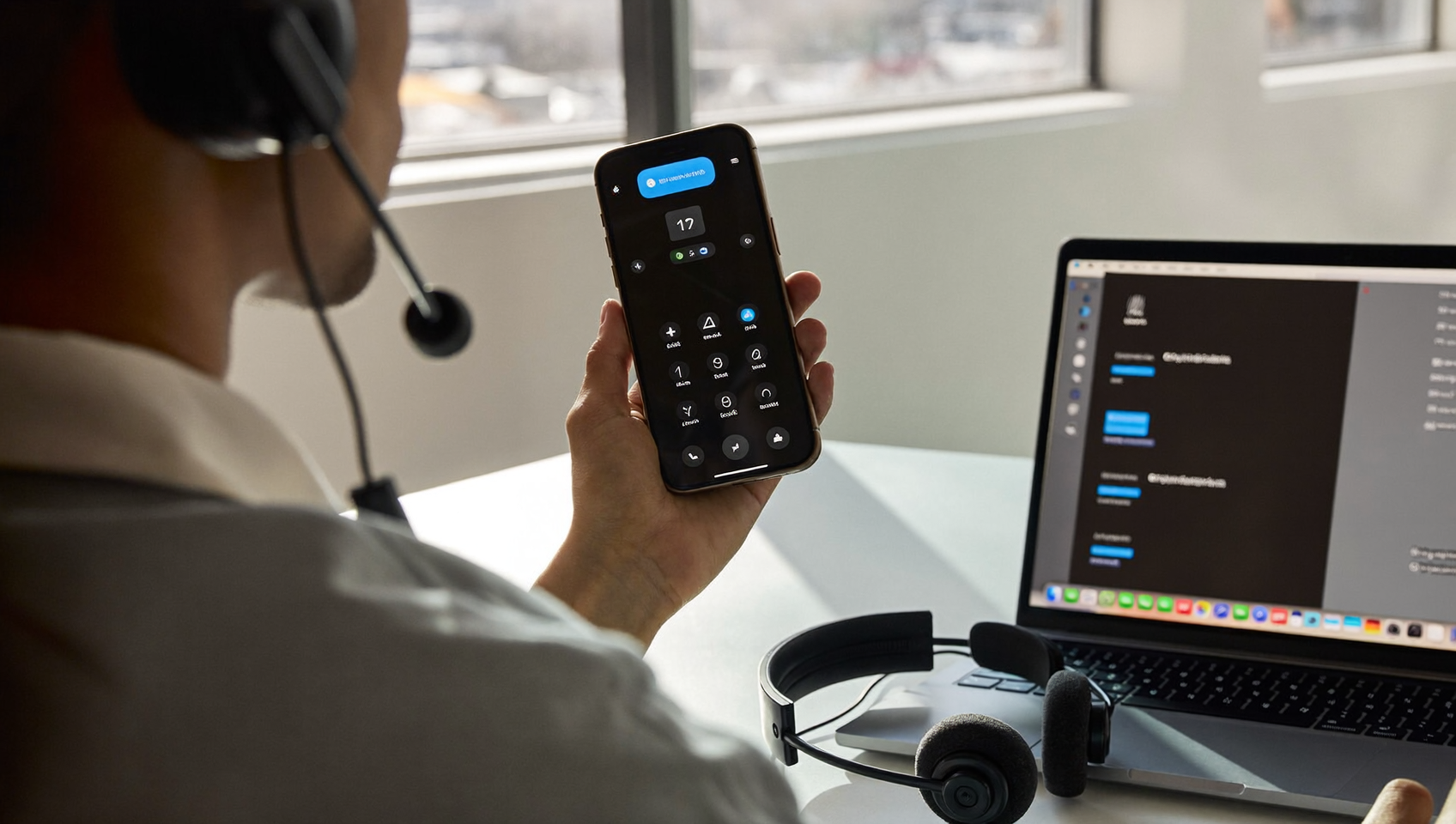
A softphone is software that lets you make and receive phone calls over the internet instead of using a traditional desk phone. Ever wondered what a softphone really is? Or whether it could actually replace that clunky hardware on your desk? The short answer is yes. For service businesses drowning in missed calls, after-hours inquiries, and scattered communication channels, a softphone isn’t just a nice-to-have—it’s essential. It’s the foundation of a modern phone system that keeps your business reachable without tying your team to a physical location. SalesCaptain’s phone system is built on this exact principle. It turns any device your team already owns into a full-featured business line with AI-powered capabilities layered on top.
A softphone is an application that runs on your computer or mobile device and uses the internet to make and receive phone calls instead of a traditional desk phone. It transforms any device into a business line, allowing your team to stay connected from anywhere without being tied to a physical location.
Free weekly newsletter
Growth tips for service businesses
Every Tuesday — actionable ideas to get more leads, reviews, and repeat customers. No fluff.
Quick Answer
A softphone is software that transforms your computer, smartphone, or tablet into a functioning business telephone. It uses your internet connection to make and receive calls, eliminating the need for traditional desk phones. Employees can stay connected from anywhere—office, home, or on the road—making it ideal for remote and hybrid teams.
What Is a Softphone?
A softphone is an application that runs on your computer, smartphone, or tablet and uses Voice over Internet Protocol (VoIP) to transmit calls over the internet. Think of it as a virtual phone. Instead of copper wires carrying your voice to a switchboard, your audio gets converted into data packets, sent across the internet, and reassembled on the other end. The result sounds like a regular call. But it doesn’t require any specialized hardware beyond the device you’re already using.
Traditional desk phones—sometimes called hardphones—need physical handsets, wiring, and often a PBX system on-site. That’s expensive to install. Difficult to scale. And completely useless when your team steps away from the office. Softphones eliminate all of that. According to Enterprise Apps Today’s VoIP statistics, VoIP adoption continues to grow rapidly among small and mid-sized businesses as they move away from legacy phone infrastructure.
Softphone vs. Hardphone
The distinction matters because it affects cost, flexibility, and what your team can actually do with calls. A hardphone is a dedicated piece of equipment that sits on a desk. It does one thing well: make and receive calls. But it can’t follow your technician to a job site, and it definitely can’t route a missed call to an AI agent at 2 AM.
A softphone, by contrast, goes wherever your team goes. Open the app on your phone, and you’re connected. Log into the desktop client, and your full call history, voicemail, and contacts are right there. The VoIP softphones market has grown substantially as businesses recognize this flexibility advantage. This is especially true in industries where employees spend time in the field rather than behind a desk.
How a Softphone Works in SalesCaptain
SalesCaptain’s phone system functions as a cloud-based softphone with business-grade features built in. Getting from zero to a working business phone takes just a few steps.
- Choose your number. Pick a local or toll-free business phone number directly inside SalesCaptain. You can also port your existing number if you’ve already got one your customers know.
- Install the app. Download SalesCaptain on your smartphone, tablet, or use the desktop application. Your team members each get access through the same account, so everyone shares one business number without sharing a personal phone.
- Set up call flows. Use the drag-and-drop call flow builder to define exactly what happens when someone calls. Route calls to specific team members, play a greeting, offer an IVR menu, or hand the call to the AI Phone Agent for after-hours coverage.
- Configure AI handling. Turn on the AI Phone Agent for any scenario where a human isn’t available. It answers calls with a natural-sounding voice, books appointments, qualifies leads, answers FAQs, and blocks spam. No human intervention needed.
- Connect your tools. Sync SalesCaptain with your existing software. Native integrations with Housecall Pro, ServiceTitan, JobNimbus, DrChrono, Acuity Scheduling, and over 50 other tools mean your call data flows into your CRM or scheduling system automatically.
- Start taking calls. Every call, voicemail, and text lands in the unified inbox alongside your webchat, Instagram DMs, Facebook Messenger conversations, and email. Your entire team sees the same view.
Key Capabilities
Not all softphones are created equal. A basic VoIP app gives you calling and maybe voicemail. SalesCaptain layers business-critical capabilities on top of the core softphone experience.
- 24/7 AI Phone Agent: When your team can’t pick up, the AI agent handles the call. It books appointments, qualifies leads, answers common questions, and routes callers based on your custom logic. According to Eric Vincent Consulting’s research on missed calls, unanswered business calls carry a significant revenue cost. This is especially true for service businesses where each call could represent a job worth hundreds or thousands of dollars.
- IVR and Call Routing: Build interactive voice menus and route calls to the right person or department. A roofing company might route “press 1 for new estimates” to the sales team and “press 2 for existing projects” to the operations manager.
- AI Summaries and Transcriptions: Every call gets transcribed with speaker distinction and summarized into key action items. Your team can review what was discussed without listening to the full recording. Follow-up tasks don’t slip through the cracks.
- Call Recording and Coaching: Record calls for training and quality control. SalesCaptain also offers real-time call coaching and whispering, so a manager can guide a newer team member during a live call without the customer hearing.
- Missed Call Text-Back: When a call goes unanswered, an automated text fires immediately to the caller. That keeps the conversation alive instead of losing the lead to a competitor who picks up faster.
- Power Dialer: For outbound follow-ups or sales campaigns, the built-in power dialer lets your team work through call lists efficiently without manually dialing each number.
Who Needs This?
A softphone-based system isn’t just for tech companies or call centers. Any business that receives phone calls from customers benefits from moving away from traditional phone lines. Nearly every service business fits that description. Here’s who gets the most value.
- Home service companies (roofers, plumbers, HVAC techs, landscapers, appliance repair): Your team is in the field all day. Calls go to voicemail. Jobs get lost. A softphone with AI backup ensures every call gets answered, even during a crawlspace repair.
- Legal practices: Client intake calls often come outside business hours. Missing them means a potential client calls the next firm on their list. The AI Phone Agent handles intake questions and books consultations 24/7.
- Healthcare and wellness providers (dental offices, MedSpas, therapy practices): Patients expect to reach someone when they call. With native DrChrono and Acuity Scheduling integrations, appointment booking happens automatically during the call.
- Salons, gyms, and fitness studios: High call volume for bookings, cancellations, and questions. Automating these with AI chat and phone agents frees staff to focus on the people already in front of them.
- Real estate agencies: Lead response speed matters enormously. A softphone with instant text-back and AI qualification ensures no buyer or seller inquiry sits unanswered while an agent is showing a property.
- Multi-location businesses: Managing phone systems across multiple sites is a headache with traditional hardware. SalesCaptain’s per-location pricing makes scaling straightforward. Start free for one location, then add locations at $159/month each.
Benefits of a Softphone for Your Business
Mobility Without Compromise
Your business number travels with your team. A plumber answering a customer call from a job site looks exactly the same as answering from the office. Caller ID shows your business number, not a personal cell. And because everything syncs to the unified inbox, the office manager can see that the call happened. They’ll read the AI-generated summary and follow up if needed.
Lower Costs, More Capability
Desk phones cost money to buy, install, and maintain. PBX systems require IT support. Traditional phone lines come with per-line charges that add up fast. A softphone eliminates all of those hardware costs. According to the virtual phone systems for small business market report, the shift toward cloud-based phone solutions is driven largely by cost savings and feature advantages that hardware simply can’t match.
SalesCaptain’s free Startup plan includes one location with full access to the phone system. That means a solo operator or small shop can run a professional phone operation without monthly phone bills. No hardware charges. No traditional line costs.
Fewer Missed Calls, More Revenue
This is the big one for service businesses. Every missed call is potentially a lost customer. Research from Missed Call Math documents just how many business calls go unanswered. The revenue implications are substantial. A softphone alone helps because your team can answer from anywhere. But when you pair that mobility with an AI Phone Agent that picks up when humans can’t, you’ve essentially eliminated the concept of a “missed call” from your business.
Integration With Your Existing Workflow
A standalone softphone is useful. One that connects to your scheduling, CRM, and job management software is transformational. When a call comes in through SalesCaptain and the AI agent books an appointment, that appointment can flow directly into ServiceTitan, Housecall Pro, or Acuity Scheduling. No double-entry. No sticky notes. Your team just sees the new booking appear in their system.
How SalesCaptain Compares
Most VoIP softphone providers give you calling, voicemail, and maybe some basic routing. SalesCaptain goes further. It combines the softphone with AI agents, a unified inbox, and workflow automation in a single platform. That distinction matters when you’re evaluating options.
Take Dialpad at $15 per user. It’s a capable softphone, but it doesn’t include toll-free minutes, audio conferencing, or high-volume SMS. It also lacks social chat integration, which means your text, webchat, and social media messages still live in separate tools. Aircall, starting at $30 per license with a three-seat minimum and AI voice agent capabilities as a $0.49/minute add-on, targets call center teams more than local service businesses. It doesn’t offer missed-call text-back, payments via text, or a leads capture form. Nextiva starts at $15 per user but caps SMS at 250 messages per user per month. It doesn’t include WhatsApp, text-to-pay, or a leads form.
SalesCaptain’s AI call handling runs at $0.12 per minute with no per-seat minimums. For a five-person plumbing company or a three-location dental practice, that pricing model is far more predictable than per-user costs that climb as you add team members. And because the AI Phone Agent, chat agents, unified inbox, and workflow automation are all native to the platform, you aren’t stitching together three or four separate subscriptions. You get everything in one place. As Technology Advice’s guide to AI answering services notes, the best solutions for small businesses combine call handling with broader communication automation rather than treating voice as an isolated channel.
Ready to see it in action?
See how businesses use SalesCaptain’s softphone to handle calls without expensive desk phones.
Book a Free Demo →Frequently Asked Questions
Do I need special hardware to use a softphone?
No. A softphone runs on devices you already have: smartphones, tablets, laptops, or desktop computers. You’ll want a decent internet connection and possibly a headset for clearer audio. But there’s no proprietary hardware to purchase.
Can a softphone replace my existing business phone number?
Yes. SalesCaptain supports number porting, so you can bring your current business number into the platform. Your customers won’t notice any change. They’ll call the same number they always have. But now it routes through your softphone system with AI backup and call flow logic attached.
What happens if my internet goes down?
Because SalesCaptain is cloud-based, calls can be routed to backup numbers or handled by the AI Phone Agent even if your local internet drops. The AI agent doesn’t rely on your office connection. It runs in the cloud and can answer calls, book appointments, and send follow-up texts regardless of your local network status.
Is call quality good enough for professional use?
SalesCaptain’s phone system delivers crystal-clear audio with 99.99% uptime. Modern VoIP call quality on a stable broadband connection is indistinguishable from traditional landlines. Often it’s better. The VoIP softphones market analysis from The Insight Partners confirms that audio quality improvements have been a primary driver of enterprise and SMB adoption.
Your phone system should work as hard as you do.
SalesCaptain gives your business a professional softphone with AI agents that answer calls 24/7, book appointments, and qualify leads. All from a single platform. See what it looks like for your business.