
AI-powered customer experience marketing (CXM) platform that helps local businesses win.



If your service business juggles phone calls, text messages, webchat, and social media DMs across separate tools, you already know the pain. Leads slip through the cracks. Your team wastes time switching between apps. Customers wait too long and call your competitor instead. A unified collaboration platform solves this by pulling every communication channel into one place, so nothing gets missed and your team works faster. SalesCaptain is built specifically for service businesses that need AI-powered calling, texting, and messaging in a single, affordable tool.
What Is a Unified Collaboration Platform?
A unified collaboration platform brings all your business communication, including voice calls, SMS, webchat, social media messaging, and email, into one shared workspace. Instead of checking five different apps throughout the day, your entire team sees every customer conversation in a single view. That means faster responses, fewer dropped leads, and a much cleaner workflow.
This category has exploded in recent years. According to Technavio’s market research, the unified communication and collaboration market is projected to grow by $95.4 billion from 2024 to 2028, with AI as a primary driver. Small businesses are leading the charge because they can’t afford to lose customers to slow, fragmented communication. Yet the tools built for enterprises, think RingCentral or 8×8, often feel bloated and overpriced for a five-person roofing company or a two-location dental practice.
What separates a true unified collaboration platform from a basic phone system? Three things: channel coverage, team collaboration features, and automation. A platform worth its name doesn’t just connect channels. It gives your team a shared inbox, automates repetitive tasks, and keeps a complete history of every customer interaction regardless of where it started. SalesCaptain hits all three, and adds AI agents on top.
How a Unified Collaboration Platform Works in SalesCaptain
Getting started doesn’t require technical expertise or a dedicated IT person. Here’s how the setup process works:
- Connect your channels. Link your business phone number, SMS, webchat widget, Instagram DMs, Facebook Messenger, and email to SalesCaptain. Everything flows into the Unified Inbox automatically.
- Build your AI agents. Use the no-code builder to create an AI Phone Agent that answers calls 24/7, plus AI Chat Agents for text and social messaging. Define your business hours, FAQs, appointment booking rules, and lead qualification criteria.
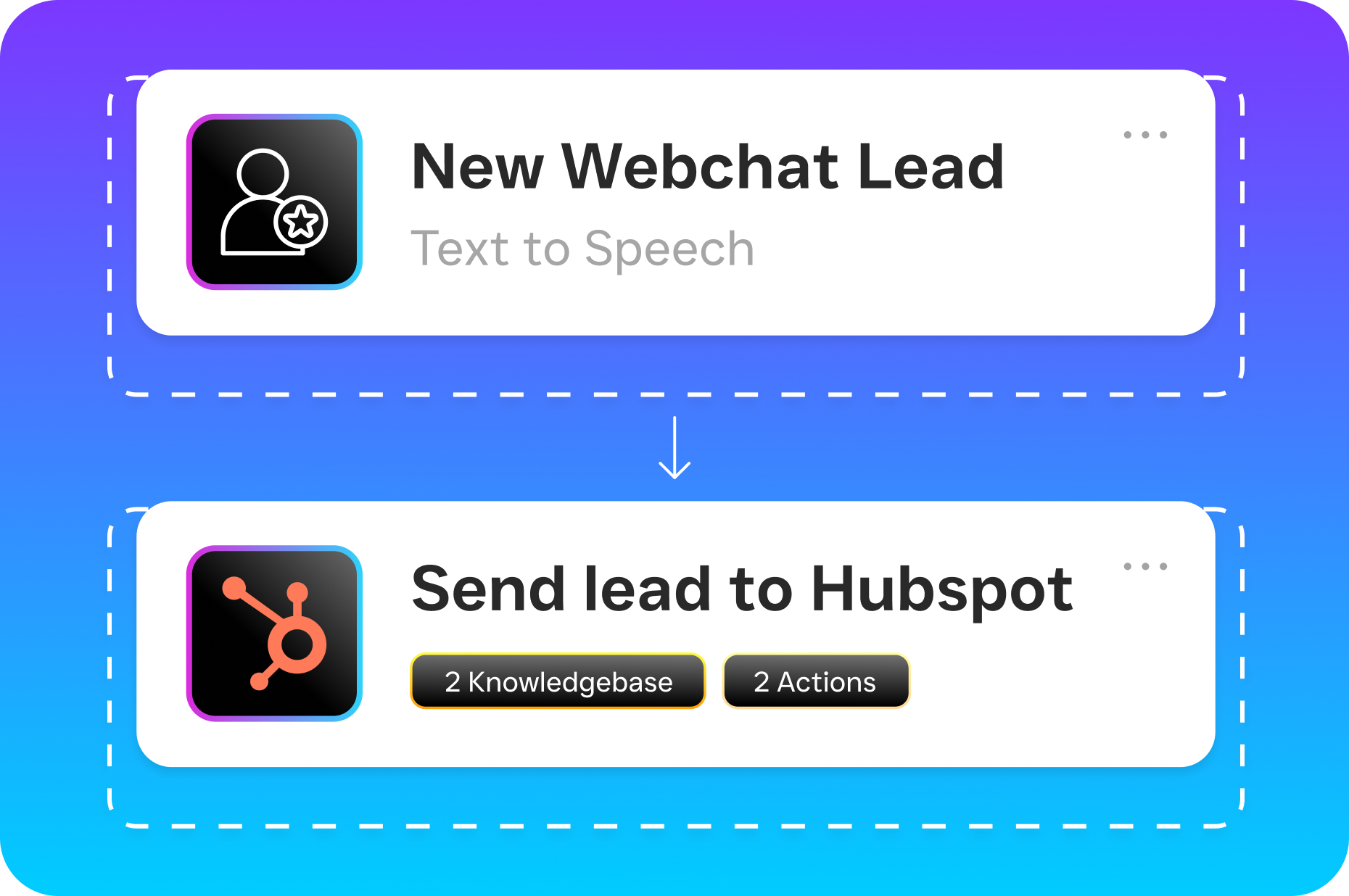
- Set up workflow automations. Use the drag-and-drop Workflow Automation builder to create follow-up sequences, appointment reminders, CRM updates, and team notifications. Connect to tools you already use through 50+ integrations, including HubSpot, ServiceFusion, HousecallPro, and Zapier.
- Invite your team. Add team members to the collaborative inbox so everyone can see conversation history, leave internal notes, and pick up where a colleague left off. No more “Did anyone call that lead back?”
- Go live. Once your agents and automations are active, every inbound call, text, chat, and DM gets handled instantly. Your team focuses on high-value work while AI manages the routine.
Key Capabilities
- Unified Inbox across every channel: Calls, SMS, webchat, Instagram DMs, Facebook Messenger, email, and internal notes all appear in one collaborative view. Your team never has to ask which app a conversation happened in.
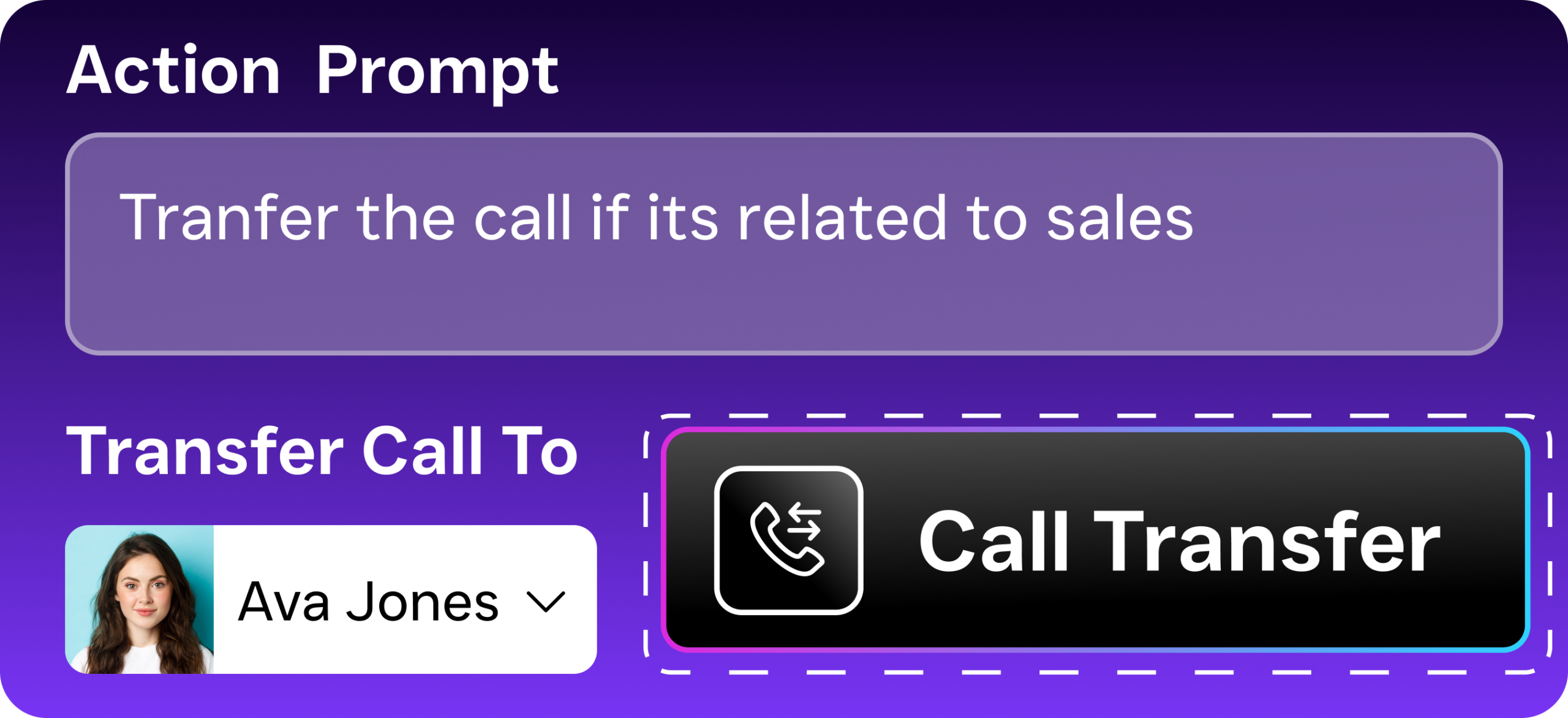
- AI Phone Agent with 24/7 availability: A natural-sounding voice agent answers calls around the clock, books appointments, qualifies leads, answers common questions, and blocks spam. After-hours calls get captured instead of lost.
- AI Chat Agents for instant text and social responses: Automated agents handle SMS, webchat, and social DMs in real time. They capture lead information, send appointment reminders, and trigger missed-call text-back so prospects hear from you in seconds.
- Full business phone system: SalesCaptain includes a complete phone system with 99.99% uptime, IVR builder, call routing, call recording, voicemail, and crystal-clear audio. No need for a separate VoIP provider.
- Drag-and-drop workflow automation: Build trigger-based automations for follow-ups, reminders, CRM syncing, and team notifications without writing a single line of code.
- Real-time call coaching and whispering: Managers can listen to live calls and coach team members in real time, a feature missing from most competing platforms at this price point.
Who Needs This?
A unified collaboration platform isn’t a luxury anymore. It’s table stakes for any business where missed communication means lost revenue. Research from OnceHub shows that missed calls cost small businesses significant revenue each year, and that number grows fast when you factor in texts and social messages that go unanswered. Here’s who benefits most:
- Home service companies (roofing, plumbing, HVAC, landscaping, appliance repair) where after-hours calls are common and every missed inquiry is a lost job.
- Healthcare and wellness practices (dental offices, MedSpas, therapy practices) that handle heavy appointment volumes and need HIPAA-conscious communication tools.
- Legal practices where potential clients expect immediate responsiveness and won’t leave a voicemail if nobody picks up.
- Appointment-driven businesses (salons, gyms, fitness studios) that need automated booking, reminders, and follow-ups across multiple channels.
- Real estate agencies and professional services managing client conversations across phone, text, and social simultaneously.
- Multi-location businesses that need per-location pricing instead of per-user fees that balloon as teams grow.
The common thread? These are businesses where speed of response directly affects revenue, and where staff is already stretched thin. According to the NFIB Small Business Economic Trends survey, labor quality and cost remain top concerns for small business owners. A platform that handles routine communication without adding headcount solves one of their biggest operational challenges.
Benefits of a Unified Collaboration Platform
Capture Every Lead Without Hiring More Staff
The math is straightforward. Industry data from SkipCalls suggests small businesses lose $26,000 or more per year from missed calls alone. With SalesCaptain’s AI Phone Agent answering 24/7 and AI Chat Agents responding to texts and social messages instantly, you capture leads that would’ve gone to a competitor. You don’t need to hire a receptionist, outsource to an answering service, or hope your team remembers to check every app.
Faster Response Times That Close More Deals
Speed wins in service businesses. When a homeowner’s pipe bursts at 9 PM, they’re calling the first plumber who picks up. SalesCaptain’s AI agents respond in seconds, whether the inquiry comes by phone, text, or Instagram DM. Because everything feeds into one inbox, your team can follow up the next morning with full context instead of starting from scratch.
Eliminate the Chaos of Multiple Tools
Before adopting a unified collaboration platform, most service businesses cobble together a phone system, a texting app, a social media management tool, and maybe a CRM. Each has its own login, its own notification system, and its own learning curve. SalesCaptain replaces that patchwork. One login, one inbox, one place to build automations. Your team spends less time managing tools and more time serving customers.
Scale Without Complexity
SalesCaptain’s per-location pricing starts with a free plan for one location, then $159/month per location for the Business tier. Compare that to platforms charging $20-30 per user per month. For a 10-person team, that’s $200-300/month on per-user pricing before you even add AI features. SalesCaptain’s model means adding team members to a location doesn’t increase your bill, which makes scaling predictable. The Mordor Intelligence market report notes that SMBs are driving UC adoption specifically because of affordability, and SalesCaptain’s pricing reflects that reality.
How SalesCaptain Compares
Most tools in the unified communications space were built for either enterprise teams or narrow use cases. Dialpad, for example, starts at $15 per user but doesn’t include toll-free minutes, audio conferencing, or social chat natively. Nextiva caps SMS at 250 messages per user per month and lacks WhatsApp support, which limits its value for businesses that communicate across multiple channels. Aircall charges $30 per license yet doesn’t offer a Voice AI Agent, webchat, or missed-call text-back.
SalesCaptain stands apart because it’s the only platform combining AI voice agents, AI chat agents, and a unified inbox in one tool, built specifically for service businesses. Features like real-time speech analytics, call coaching and whispering, voicemail drop, payments via text, and high-volume SMS come standard. You won’t find that combination in Podium (no outbound workflow automation engine), Birdeye (no call routing, IVR, or AI for calls), or Weave (limited to healthcare and dental with no social chat or WhatsApp).
The UCaaS adoption data compiled by Fit Small Business confirms that small businesses increasingly want AI-driven communication tools. However, most of the legacy platforms haven’t caught up. They’re still charging enterprise prices for features that don’t address what a local HVAC company or law firm actually needs.
Frequently Asked Questions
What channels does SalesCaptain’s unified collaboration platform support?
SalesCaptain brings phone calls, SMS, webchat, Instagram DMs, Facebook Messenger, WhatsApp, email, and internal team notes into one collaborative inbox. Every channel is managed from a single interface, so your team never needs to switch between apps to track a conversation.
Do I need technical skills to set up the AI agents?
No. SalesCaptain’s AI Phone Agent and AI Chat Agents use a no-code builder. You define your business hours, FAQs, booking rules, and call flows through a visual interface. Most businesses go live within a day without any developer involvement.
How does per-location pricing work compared to per-user pricing?
SalesCaptain charges per location, not per user. The free Startup plan covers one location. The Business plan is $159/month per location, and the Enterprise plan is $300/month per location. You can add as many team members as you want within a location without increasing your subscription cost. AI call minutes are billed separately at $0.12/minute.
Can SalesCaptain integrate with my existing CRM and business tools?
Yes. SalesCaptain offers 50+ native integrations including HubSpot, Salesforce, Zoho, ServiceFusion, HousecallPro, Mindbody, Shopify, QuickBooks, Clio, and Zapier. Workflow automations can sync data between SalesCaptain and your CRM automatically, so you don’t need to update records manually.
Stop Losing Leads to Scattered Communication
SalesCaptain gives your service business AI-powered calling, texting, and messaging in one unified collaboration platform, with a free plan to start. See SalesCaptain in action at salescaptain.com