
AI-powered customer experience marketing (CXM) platform that helps local businesses win.



SalesCaptain vs Zendesk: Which Platform Is Right for Your Service Business?
SalesCaptain vs Zendesk compares two different customer management approaches: Zendesk is enterprise-focused support software, while SalesCaptain is built for SMBs needing AI automation for calls, texts, and messages. Zendesk scales for large teams; SalesCaptain reduces staffing needs through automation.
If you’re comparing SalesCaptain vs Zendesk, you’re probably a small or mid-sized business owner trying to figure out how to manage customer communication without getting buried in complexity or cost. Both platforms promise to streamline your customer interactions, but they approach the problem from completely different angles. This comparison breaks down the key differences in features, pricing, ease of use, and who each platform actually serves, so you can make an informed decision fast.
Zendesk has been a household name in customer support software for over a decade, mostly serving larger organizations with dedicated support teams. SalesCaptain, though? It was built from the ground up for service businesses and SMBs that need AI-powered automation to handle calls, texts, and messages without hiring additional staff. By the end of this page, you’ll know exactly which tool fits your business, your budget, and your growth plans.
Free weekly newsletter
Growth tips for service businesses
Every Tuesday — actionable ideas to get more leads, reviews, and repeat customers. No fluff.
Quick Answer
SalesCaptain prioritizes sales automation and pipeline management with direct CRM integration, while Zendesk excels at customer support ticketing and service workflows. Choose SalesCaptain if your team focuses on sales prospecting and deal tracking; select Zendesk if you need robust customer service capabilities. Your decision depends on whether your primary need is sales acceleration or support operations.
What Is Zendesk?
Zendesk is a customer service and support platform that helps businesses manage support tickets, live chat, email, and knowledge bases. Founded in 2007 in Copenhagen, Denmark, it’s grown into one of the most widely used helpdesk solutions in the world, serving everyone from startups to large enterprises. Zendesk’s core strength? Its ticketing system, it organizes customer issues into trackable tickets that support agents can prioritize, assign, and resolve.
Over the years, the platform has expanded significantly. Zendesk Talk handles phone support. Zendesk Chat manages live interactions. There’s a CRM called Zendesk Sell. And more recently, AI-powered features came through their partnership with OpenAI. The platform is particularly popular among SaaS companies, e-commerce brands, and enterprises with dedicated customer support departments. According to Zendesk’s own 2024 CX Trends report, the company has been investing heavily in AI-driven customer experience, acknowledging that automation is the future of support interactions.
But here’s the catch: Zendesk’s roots are in reactive customer support. Someone contacts you with a problem, and your team resolves it through a ticket. That works well for businesses handling high volumes of inbound support requests. For service businesses? Not so much. Your roofing company, dental office, or law firm doesn’t need a reactive ticket system. You need proactive, sales-driven communication every single day. And many SMBs don’t even have a “support team”, you’ve got a front desk person, an office manager, or the owner answering the phone between jobs.
What Is SalesCaptain?
SalesCaptain is an AI-powered unified communication platform built specifically for service businesses and SMBs. Unlike traditional helpdesk software, it lets you build and deploy AI agents that handle phone calls, SMS, webchat, Instagram DMs, and Facebook Messenger conversations, all from a single collaborative inbox. The platform launched in 2023 with one clear mission: help small businesses capture every lead, respond instantly, and automate repetitive communication without hiring more staff.
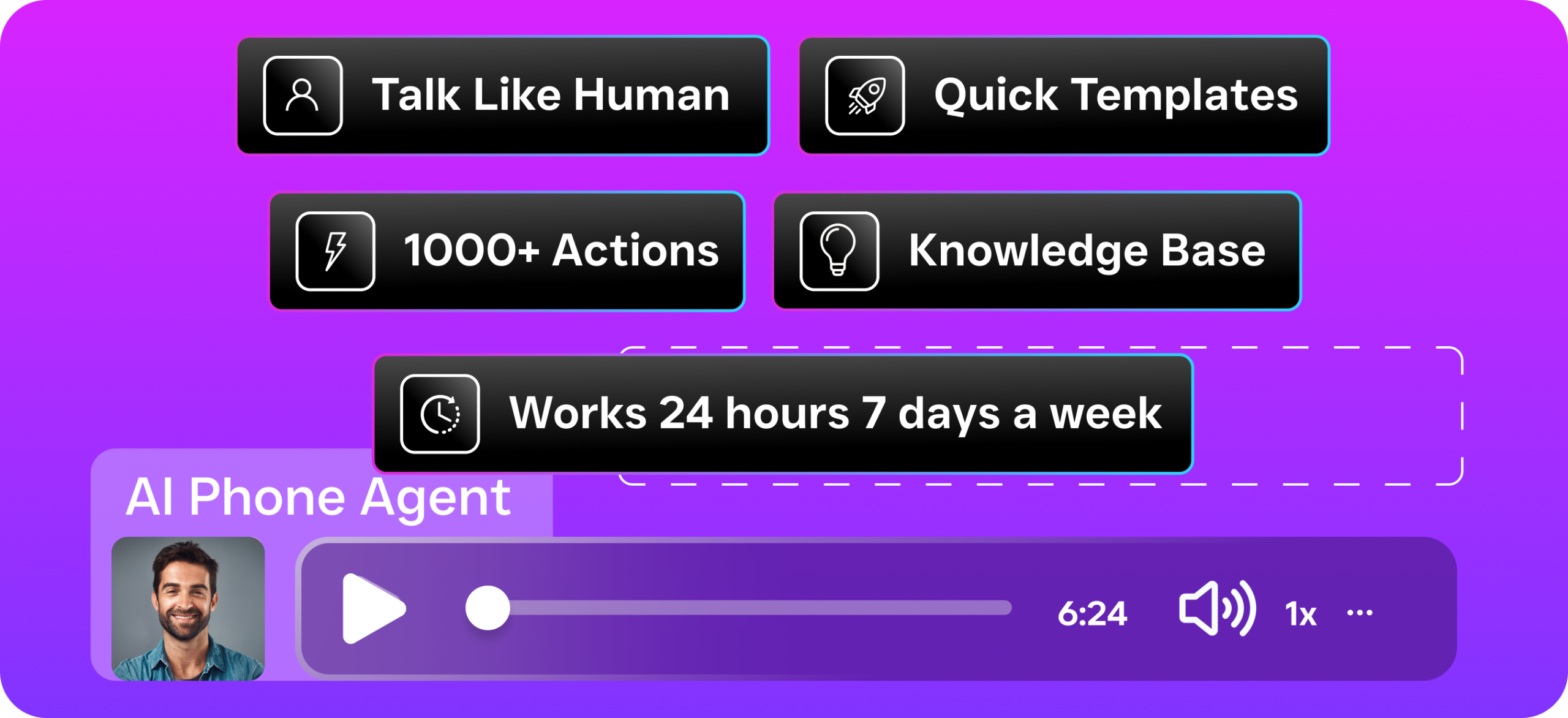
At its core, SalesCaptain combines three capabilities that no other platform offers together. An AI Phone Agent that answers calls 24/7 with a natural-sounding voice. AI Chat Agents that respond instantly across text and social channels. And a unified inbox where your entire team sees every conversation regardless of channel. It also includes a full business phone system with 99.99% uptime, a drag-and-drop workflow automation builder, and over 50 native integrations with tools like HubSpot, Salesforce, HousecallPro, Clio, and QuickBooks.
The pricing model was designed with SMBs in mind. There’s a free Startup plan for a single location. The Business plan runs $159/month per location. Enterprise is $300/month per location. And AI call minutes? You’re billed at $0.12/minute, which means you only pay for what you actually use. This per-location structure makes SalesCaptain particularly affordable for multi-location businesses like franchise operators, dental groups, or home service companies with regional offices.
SalesCaptain vs Zendesk: Feature Comparison
A side-by-side comparison makes the differences immediately clear. Zendesk offers solid support-oriented tools. SalesCaptain delivers something fundamentally different, an AI-first, automation-first value proposition centered on lead capture. The table below covers the features that matter most to service businesses evaluating the SalesCaptain vs Zendesk decision.
| Feature | SalesCaptain | Zendesk |
|---|---|---|
| AI Voice Agent | Built-in AI Phone Agent answers calls 24/7, books appointments, qualifies leads, blocks spam, routes callers | Zendesk Talk offers phone support but requires human agents; AI-powered IVR is limited and add-on based |
| AI Chat Agents | Automated AI agents across SMS, webchat, Instagram DMs, Facebook Messenger, instant responses, lead capture, appointment booking | Zendesk Bot available for chat and messaging; primarily designed for deflecting support tickets, not lead capture or appointment booking |
| Unified Inbox | Single inbox for calls, texts, webchat, social DMs, email, and internal notes, built for team collaboration | Omnichannel inbox (Agent Workspace) available on Suite plans; focused on ticket management rather than open conversations |
| Phone System | Full business phone system included, IVR builder, call routing, voicemail, call recording, 99.99% uptime | Zendesk Talk is a cloud-based call center add-on; pricing based on per-minute charges and agent seats |
| Workflow Automation | Visual drag-and-drop builder with trigger-based automation, CRM sync, follow-up reminders, 50+ integrations | Triggers and automations for ticket workflows; powerful but requires technical setup and is support-ticket focused |
| Pricing | Free plan available; $159/month per location (Business); $300/month per location (Enterprise); AI calls at $0.12/min | Suite Team starts at $55/agent/month; Suite Professional at $115/agent/month; Suite Enterprise requires custom pricing, costs scale rapidly with headcount |
| Ease of Setup | No technical expertise needed; AI agents can be configured without coding | Moderate to complex; full configuration often requires a dedicated admin or implementation consultant |
| Integrations | 50+ native integrations including HubSpot, Salesforce, Zoho, HousecallPro, ServiceFusion, Clio, Shopify, QuickBooks, Zapier | 1,500+ integrations via Zendesk Marketplace; broad ecosystem but many require additional apps or paid add-ons |
| Best For | Service businesses, SMBs with 1-200 employees, multi-location businesses needing AI-driven communication automation | Mid-market to enterprise companies with dedicated support teams managing high-volume inbound tickets |
The table highlights a fundamental difference in philosophy. Zendesk is a ticketing system enhanced with communication channels. SalesCaptain is an AI-first communication platform that eliminates the need for tickets altogether in most service business contexts. Sound familiar? Here’s what happens in the real world: A potential customer calls your roofing company at 8 PM. SalesCaptain’s AI Phone Agent picks up, answers their questions, and books an estimate. With Zendesk? A ticket sits there waiting until someone clocks in the next morning. According to research on missed business calls, the cost of unanswered calls is huge for small businesses, that after-hours response capability matters a lot.
Where Zendesk Falls Short for Service Businesses
To be clear: Zendesk is a well-built product. It excels at what it was designed for, managing customer support at scale. But here’s the problem. It wasn’t built for the way most service businesses actually operate. Understanding where Zendesk’s limitations lie will help you avoid investing in a tool that solves the wrong problem entirely.
No True AI Voice Agent
Zendesk Talk provides cloud-based phone support. But it fundamentally requires human agents to answer calls and resolve issues. While Zendesk has introduced some AI features for routing and summarization, there’s no autonomous AI voice agent that can pick up the phone, have a natural conversation, qualify a lead, and book an appointment without human involvement. For a dental office, HVAC company, or law firm that misses calls after hours, on weekends, or during busy periods, this is a critical gap. Why does this matter? According to industry analysis from SkipCalls, small businesses can lose tens of thousands of dollars annually from missed calls alone. Zendesk’s agent-dependent phone system doesn’t solve that problem.
Per-Agent Pricing Punishes Growing Teams
Zendesk’s pricing is based on per-agent, per-month billing. Every receptionist, office manager, or team member who needs access costs you more. Let’s do the math. For a home services company with five office staff, the Suite Team plan at $55/agent/month hits $275/month. That’s the most basic tier without the full feature set. Suite Professional at $115/agent/month for the same team? That’s $575/month. And it adds up fast. As many users have noted on G2, Zendesk’s total cost of ownership often exceeds initial expectations once add-ons, additional agents, and phone minutes are factored in.
Ticket-Based Workflow Doesn’t Fit Service Businesses
The entire Zendesk experience revolves around one concept: the “ticket.” A customer reaches out, a ticket is created, an agent works the ticket, and the ticket gets closed. This workflow makes sense for SaaS companies handling bug reports or e-commerce brands processing returns. But it doesn’t map well to actual service business operations. How does a landscaping company book a lawn care appointment through a ticket? Or a MedSpa follow up on a consultation request? Or a plumber schedule an emergency visit? Service businesses need conversations, not tickets. And those conversations need to flow easily into appointments, estimates, and follow-ups without ticketing system overhead.
Complex Setup and Administration
Zendesk is powerful. That power comes with complexity. Setting up triggers, automations, macros, SLAs, custom fields, and channel configurations requires either a technically savvy team member or an outside consultant. Zendesk even has a professional services arm and a certification program for administrators, which tells you something about the expertise required. For a busy business owner who just wants their phone answered and leads followed up on automatically? This level of configuration overhead is a dealbreaker. The learning curve alone can delay results by weeks or months.
Why SalesCaptain Is the Better Choice for Service Businesses
The SalesCaptain vs Zendesk comparison really comes down to one simple question: do you need a helpdesk, or do you need an AI-powered communication system that captures leads, books appointments, and automates follow-ups around the clock? If you’re a service business, the answer is almost always the latter. Here’s why SalesCaptain delivers more value for your specific needs.
AI That Actually Replaces Manual Work
SalesCaptain’s AI Phone Agent doesn’t just assist your team. It replaces the need for someone to be physically available to answer calls. The AI agent sounds natural, handles FAQs about your services and pricing, qualifies callers based on criteria you define, books appointments directly into your calendar, and blocks spam calls so your real conversations stay clutter-free. On the chat side, AI agents respond instantly to SMS messages, webchat inquiries, Instagram DMs, and Facebook Messenger conversations. According to recent statistics on AI in customer service from AIPRM, businesses using AI agents are seeing significant improvements in response time and customer satisfaction, particularly for after-hours interactions where no human is available.
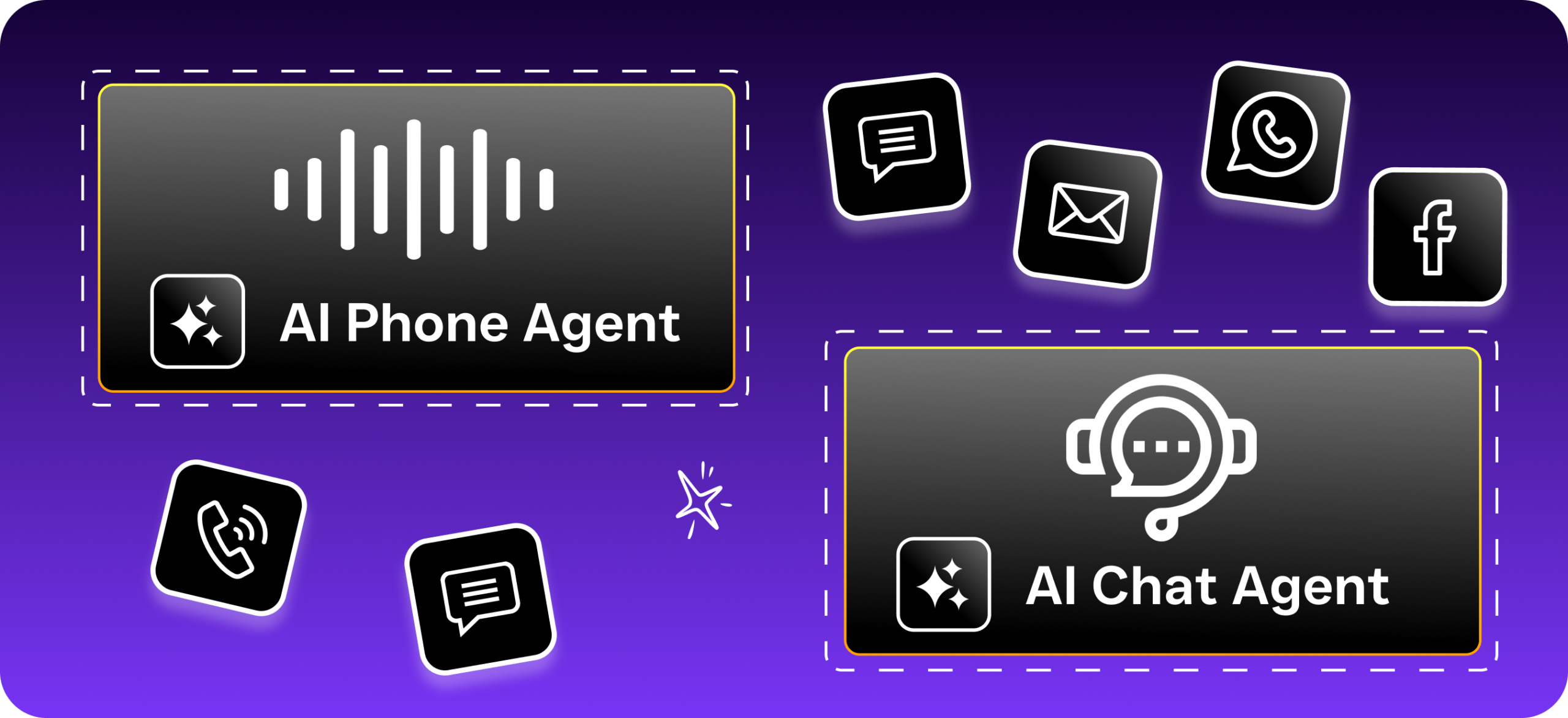
And this isn’t just a chatbot deflecting questions to knowledge base articles. It’s an AI agent that takes action, booking a real appointment, capturing a real lead’s contact information, or sending a follow-up text after a missed call. That missed-call text-back feature alone is a game-changer. When you can’t pick up, your AI agent automatically texts the caller back within seconds, keeping the conversation alive instead of losing the lead to a competitor.
Per-Location Pricing That Scales Affordably
SalesCaptain charges per location, not per agent. Your entire team at a given location, whether that’s 2 people or 20, can access the unified inbox, see conversation history, and collaborate without driving up your bill. Here’s the math: a multi-location dental practice with three offices would pay $477/month on the Business plan for full AI-powered communication across all locations. With Zendesk, the same practice with just two support agents per location would already be paying more on the Suite Team plan, and significantly more on higher tiers, without getting AI voice capabilities or appointment booking.
A Unified Inbox Built for Conversations, Not Tickets
SalesCaptain’s unified inbox brings every channel into one view. Calls, texts, webchat, social media DMs, email, and internal team notes, all in one place. There’s no ticketing system to manage, no statuses to update, no SLAs to configure. You see a customer’s complete conversation history in one spot, regardless of whether they called your office, texted your number, or sent you an Instagram DM. For the way service businesses actually work, where a customer might call for an estimate, text to confirm the appointment, and then D
Ready to see it in action?
See why service businesses are switching from Zendesk to SalesCaptain for AI-powered customer conversations.
Book a Free Demo →Frequently Asked Questions
What is the main difference between SalesCaptain and Zendesk?
SalesCaptain is built specifically for service businesses and SMBs needing AI-powered automation to handle calls, texts, and messages, while Zendesk is a reactive customer support platform designed for larger organizations with dedicated support teams handling high volumes of inbound support requests. Zendesk’s core strength is its ticketing system for organizing and tracking customer issues, whereas SalesCaptain focuses on proactive, sales-driven communication automation.
Is Zendesk suitable for small service businesses?
Zendesk is not ideal for small service businesses because its roots are in reactive customer support through ticket systems, which works better for handling high volumes of inbound support requests rather than the proactive, sales-driven communication needs of roofing companies, dental offices, or law firms. Service businesses typically benefit more from platforms like SalesCaptain that are purpose-built for their specific needs.
What features does Zendesk offer?
Zendesk offers a comprehensive suite including a ticketing system for organizing customer issues, Zendesk Talk for phone support, Zendesk Chat for live interactions, Zendesk Sell as a CRM, and AI-powered features through a partnership with OpenAI. The platform is particularly popular among SaaS companies, e-commerce brands, and enterprises with dedicated customer support departments.
How does SalesCaptain handle customer communication?
SalesCaptain uses AI-powered automation to handle calls, texts, and messages without requiring additional staff, making it designed for service businesses and SMBs that need proactive, sales-driven communication rather than reactive support ticketing. This automation approach allows smaller teams to manage customer interactions at scale without hiring more employees.
Which platform is better for a small business on a tight budget?
SalesCaptain is generally better for small businesses on tight budgets because it’s purpose-built for SMBs and eliminates the need to hire additional staff through AI-powered automation, whereas Zendesk tends to be more costly and complex for smaller operations that don’t need its enterprise-level reactive support ticketing system. Your choice should depend on whether you need proactive sales communication (SalesCaptain) or reactive customer support management (Zendesk).