
AI-powered customer experience marketing (CXM) platform that helps local businesses win.


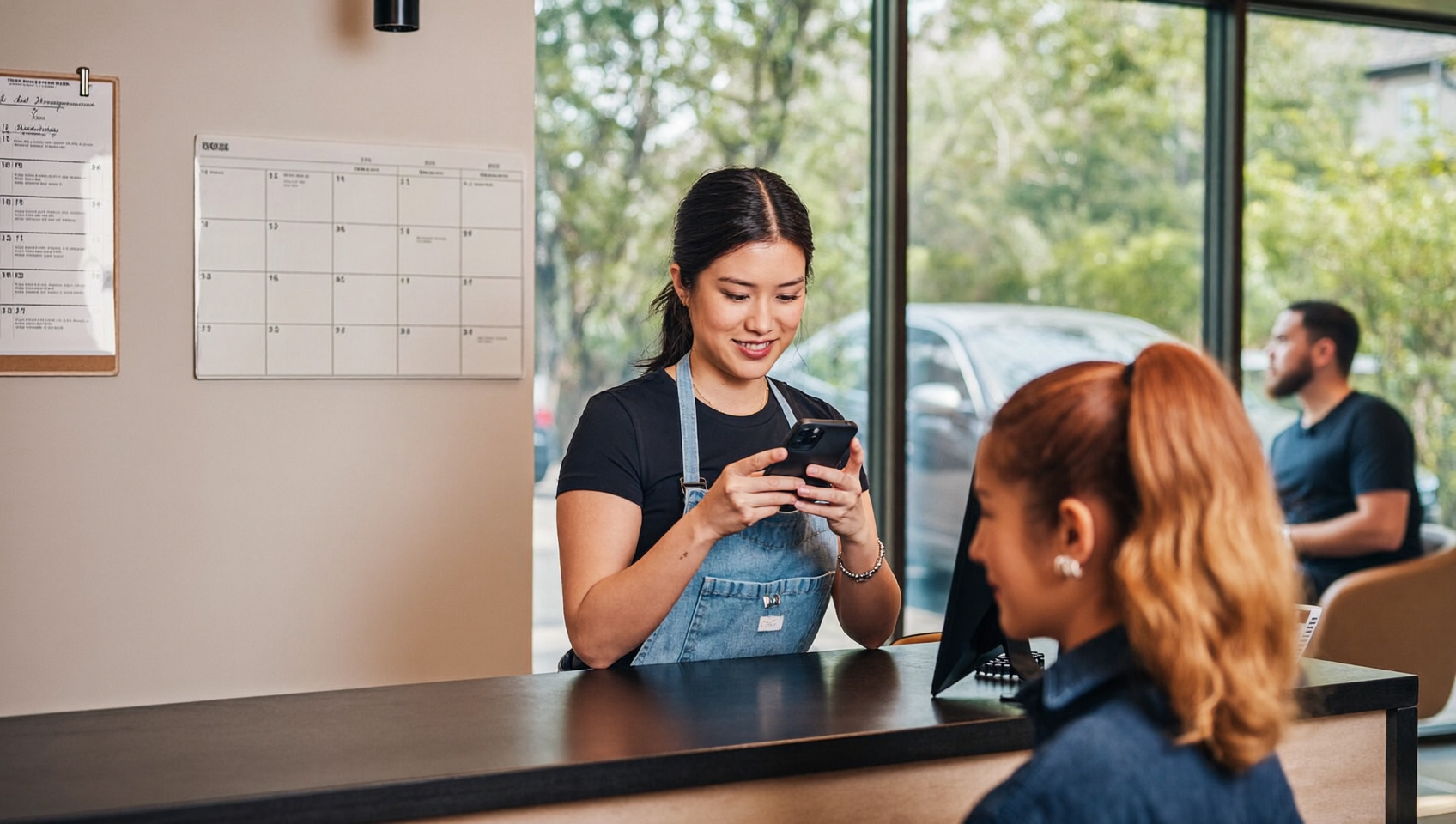
A potential customer visits your website at 10 p.m., ready to book. But there’s no way to schedule one online. So they leave, find a competitor who lets them book instantly, and you never hear from them again. That missed opportunity isn’t rare. According to recent research on missed call costs, small businesses lose significant revenue every year from failing to capture customer intent in real time. Learning how to set up online booking for your business is one of the most practical steps you can take to stop losing leads and start converting them around the clock.
Setting up online booking for your business means installing a scheduling system that lets customers book appointments directly through your website, text, or social media. Instead of calling during business hours, customers select available time slots and receive instant confirmations, capturing leads around the clock.
Free weekly newsletter
Growth tips for service businesses
Every Tuesday — actionable ideas to get more leads, reviews, and repeat customers. No fluff.
Quick Answer
Online booking systems let customers reserve your services directly through your website or app without calling. Choose a platform matching your business type, customize your availability and pricing, integrate it with your calendar and payment processor, then promote the booking link across your website and marketing channels. Most systems sync automatically to prevent double-bookings and send confirmation emails to reduce no-shows.
What Is Online Booking for a Business?
Online booking is a system that lets your customers schedule appointments, consultations, or services through a digital interface. Your website, a text message link, or a social media channel. Instead of calling your office during business hours and hoping someone picks up, customers choose an available time slot, confirm the booking, and receive automatic confirmation. It’s self-service scheduling that works 24/7. No staff involvement needed.
For service businesses like HVAC companies, dental practices, salons, and law firms, online booking solves a real problem. Your customers want to schedule on their own terms, often outside of your operating hours. A booking system bridges that gap. It captures demand when it exists, not just when your team is available to answer the phone.
Why Online Booking Matters More Than You Think
The case for online booking goes well beyond convenience. It directly affects your revenue. Your team’s workload. And how customers perceive your business.
You’re Losing Customers to Response Delays
Speed wins. When a customer reaches out and doesn’t get an immediate path to scheduling, they move on. According to data on missed call costs for small businesses, the financial impact of slow response times compounds quickly. Every unanswered call or delayed callback represents a customer who’s already browsing your competitor’s site. Online booking removes that friction. The customer completes the action themselves, right when motivation is highest.
Your Staff Shouldn’t Be a Bottleneck
Think about how much time your front desk spends answering scheduling calls. Each one takes two to five minutes. Multiply that by 20 or 30 calls a day. You’ve burned hours on a task that software handles in seconds. According to the SBA’s 2024 small business FAQ, most small businesses operate with fewer than 20 employees. That means every minute your team spends on manual scheduling is a minute they aren’t spending on customer service, sales follow-up, or actually delivering your service.
After-Hours Demand Is Real
A significant portion of booking intent happens outside of business hours. People research providers in the evening, on weekends, during lunch breaks. Without an online booking option, you’re invisible during those windows. Online booking means you’re capturing appointments while your team sleeps. That’s not optional anymore. It’s a competitive requirement.
How to Set Up Online Booking Step by Step
Setting up online booking doesn’t need to be complicated. But it does require intentional planning. Here’s a practical walkthrough that applies whether you’re a solo operator or managing multiple locations.
Step 1: Define Your Booking Parameters
Before you pick any tool, get clear on what you’re booking. Not every business books the same way. Your system needs to reflect your actual operations.
- Service types: List every service you want bookable online. A dental office might offer cleanings, consultations, and emergency slots. A roofing company might offer inspections and estimates.
- Duration and buffer time: Assign realistic time blocks to each service. Include buffer time between appointments for travel, cleanup, or notes.
- Availability windows: Decide which days and hours are open for online scheduling. You can offer more limited windows online than you keep internally.
- Staff assignments: If you have multiple team members, determine who handles which services and set their individual availability.
- Intake information: Decide what customer details you need at booking. Name, phone number, email, and a brief description of the issue are standard.
Do this groundwork first. It prevents the most common mistake: setting up a booking tool that doesn’t match how your business actually runs. Then spending weeks tweaking it.
Step 2: Choose the Right Booking Platform
Your choice depends on what you already use. And how complex your needs are. Some businesses just need a simple scheduling link. Others need booking tightly integrated with their phone system, CRM, and customer communication channels.
When evaluating platforms, prioritize these capabilities:
- Calendar sync: Two-way sync with Google Calendar, Outlook, or your existing scheduling tool prevents double-booking.
- Automated reminders: SMS and email reminders reduce no-shows dramatically. Look for platforms that handle this natively.
- Multi-channel access: Can customers book from your website, via text, or through social media? The more entry points, the more bookings you’ll capture.
- Payment collection: For businesses that require deposits or prepayment, built-in payment processing eliminates extra steps.
- Integration with your existing tools: If you use HubSpot, Salesforce, ServiceFusion, or HousecallPro, your booking system should sync data automatically so you aren’t re-entering information.
G2 and Capterra are helpful for comparing real user experiences across platforms. Keep in mind that many scheduling tools operate in isolation. They handle the booking but don’t connect to your phone system, your text messages, or your customer communication history. That fragmentation creates its own problems.
Step 3: Embed Booking on Your Website and Channels
Once your platform is configured, put booking where customers actually are. A booking system that only lives on a standalone page won’t perform as well as one embedded throughout your digital presence.
- Website: Add a booking widget or button to your homepage, service pages, and contact page. Make it impossible to miss.
- Google Business Profile: Add your booking URL to your Google listing so customers can schedule directly from search results.
- Social media: Link your booking page in your Instagram bio, Facebook page, and any ad campaigns you run.
- Text and chat: Share booking links automatically via SMS or webchat when customers inquire about services.
The goal is zero friction. Every customer touchpoint should offer a clear, fast path to scheduling. If someone has to hunt for your booking page, you’ve lost them.
Step 4: Automate Confirmations, Reminders, and Follow-Ups
Booking the appointment is only half the battle. No-shows and last-minute cancellations can devastate your schedule and revenue. Automation handles the follow-through without burdening your team.
At minimum, set up these automated touchpoints: an instant booking confirmation via email and SMS, a reminder 24 hours before the appointment, a second reminder one to two hours before, and a follow-up message after asking for feedback or a review. According to business benchmarking data, companies that automate appointment reminders see measurably better retention rates than those relying on manual outreach.
Common Mistakes to Avoid
Even businesses that set up online booking sometimes undermine their own results. Here are the pitfalls that trip up most service businesses.
Treating Booking as a Standalone Tool
If your booking system doesn’t talk to your phone system, your CRM, or your messaging channels, you’ll end up with data silos. A customer who books online and then calls with a question shouldn’t feel like they’re starting from scratch. Your team needs the full picture in one place.
Ignoring the Phone Channel
Not every customer wants to book online. Some will still call. Especially older demographics or customers with complex needs. According to missed call statistics, a large percentage of callers who reach voicemail never call back. Your online booking system should complement, not replace, a responsive phone experience. The best setup handles both channels without requiring additional staff.
Overcomplicating the Booking Form
Every extra field you add reduces completion rates. Ask only for what you genuinely need at the point of scheduling. You can collect additional details through a pre-appointment follow-up message. Keep the initial booking experience fast. Simple.
How SalesCaptain Helps
Most booking platforms solve one problem: scheduling. But for service businesses, the real challenge is the entire customer communication journey. From the first inquiry to the booked appointment to the follow-up. SalesCaptain connects all of those pieces in a single platform built specifically for businesses like yours.
SalesCaptain’s AI Chat Agents can respond instantly to website visitors, Instagram DMs, Facebook messages, and SMS inquiries. Then guide customers directly to booking. If a customer calls instead, the AI Phone Agent answers 24/7, qualifies the caller, answers common questions, and books the appointment without a human ever picking up. As noted by TechnologyAdvice’s review of AI answering services, businesses using AI-powered call handling capture significantly more leads than those relying on voicemail or traditional receptionist services.
What makes this different? Everything flows into SalesCaptain’s Unified Inbox. Your team sees the call transcript, the booking confirmation, and every text message in one thread per customer. Workflow Automation handles confirmations, reminders, and follow-ups automatically. And with 50+ integrations including HubSpot, Salesforce, HousecallPro, and ServiceFusion, your booking data syncs to whatever CRM or field service tool you already use. Pricing starts with a free plan, and the Business tier runs $159 per month per location. That makes it accessible for multi-location service businesses that need to scale without adding headcount.
Key Takeaways
Setting up online booking isn’t just adding a calendar widget to your website. Done right, it transforms how your business captures and converts demand.
- Define your services, availability, and intake requirements before choosing a platform.
- Embed booking across every customer touchpoint: website, social, text, and search.
- Automate confirmations and reminders to reduce no-shows.
- Don’t ignore the phone channel. Many customers still call first, and missed calls mean lost revenue.
- Choose a platform that connects booking to your phone system, messaging, and CRM so your team has one source of truth.
Online booking is table stakes for service businesses in 2025. The businesses that win aren’t just offering it. They’re connecting it to every channel where customers reach out. And they’re using automation to make sure nothing falls through the cracks.
Frequently Asked Questions
How much does it cost to set up online booking for a small business?
Costs vary widely. Some platforms offer free tiers with limited features. Others charge $20 to $300+ per month depending on functionality and number of users or locations. SalesCaptain, for example, offers a free Startup plan and a Business plan at $159/month per location that includes AI-powered booking, communication, and automation. The right question isn’t just “what does it cost?” but “what’s it costing me not to have it?”
Can I set up online booking if I don’t have a website?
Yes. Many booking platforms provide a standalone booking URL that you can share via text, email, or social media. You can also add booking links to your Google Business Profile. However, having at least a basic website with embedded booking will significantly increase your visibility and conversion rate.
How do I reduce no-shows after customers book online?
Automated reminders are the single most effective tool. Send a confirmation immediately after booking, a reminder 24 hours before, and another one to two hours before the appointment via both SMS and email. Some businesses also require a small deposit at the time of booking to increase commitment.
Should I still answer phone calls if I have online booking?
Absolutely. Online booking captures one segment of your customers. But many people prefer to call, especially for high-value or complex services. According to research on missed call impact, failing to answer phone calls remains one of the biggest revenue leaks for small businesses. The ideal setup handles both channels.
What’s the difference between a booking tool and a unified communication platform?
A booking tool handles scheduling. A unified communication platform like SalesCaptain handles scheduling plus calls, texts, webchat, social media messages, automated follow-ups, and CRM sync. All in one inbox. The difference matters because customers don’t just book. They ask questions, call back, reschedule, and leave reviews. A booking-only tool leaves gaps in that journey.
Ready to see it in action?
See how businesses use SalesCaptain to set up online booking and capture every customer inquiry automatically.
See How SalesCaptain Can Help
SalesCaptain gives your business AI-powered booking, calling, texting, and follow-up in one platform. Capture every lead, book more appointments, and stop losing customers to slow response times.
Start your free account at SalesCaptain.com and see the difference in your first week.