
AI-powered customer experience marketing (CXM) platform that helps local businesses win.


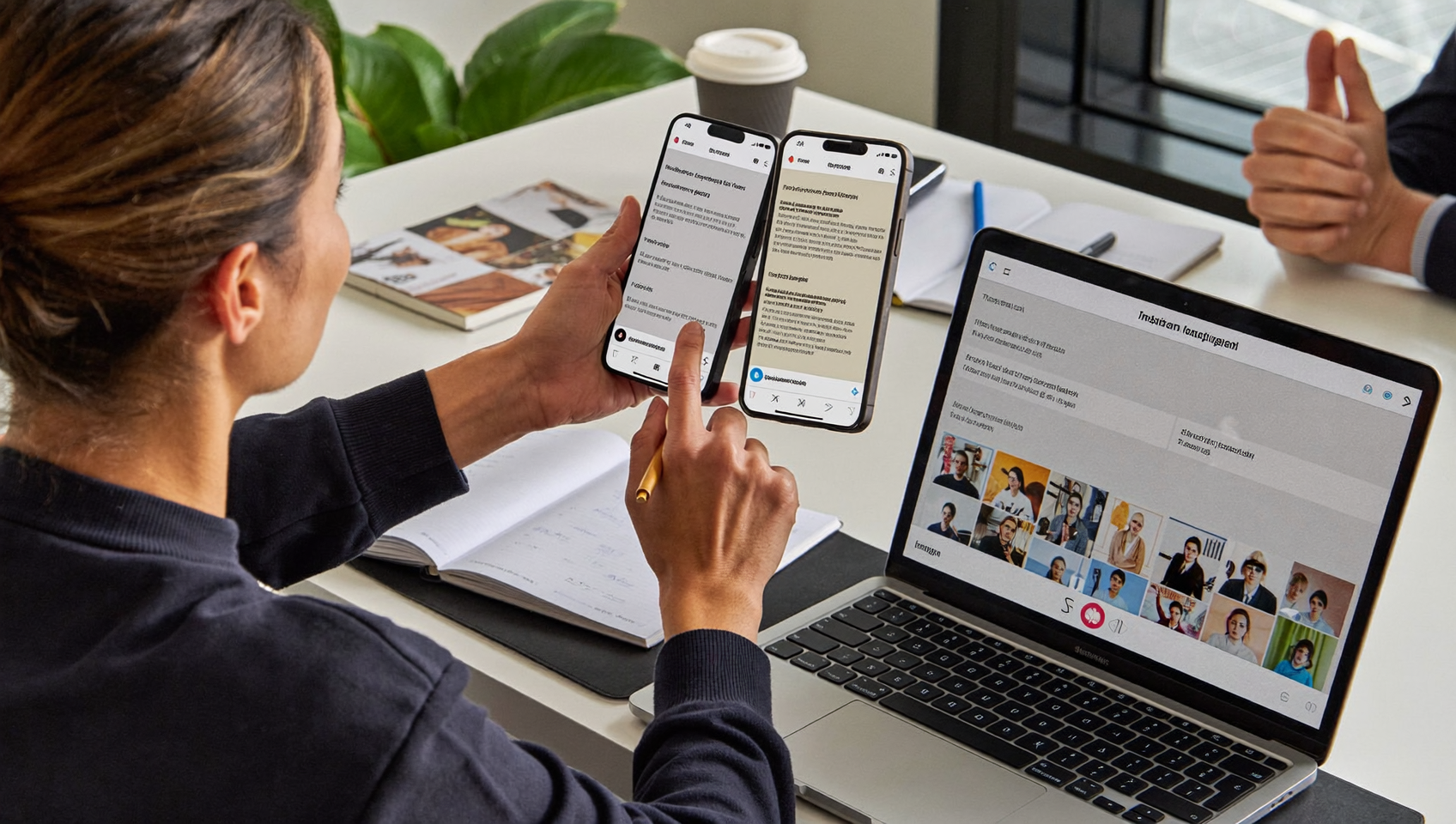
A potential customer sends your business an Instagram DM at 8:47 PM asking about pricing. Your team doesn’t see it until the next morning. By then, they’ve already booked with a competitor. This scenario plays out constantly for service businesses. And it’s not limited to Instagram. Messages pile up across SMS, webchat, Facebook Messenger, and email. Each lives in a separate app. Each is easy to miss. If you’ve been searching for how to respond to Instagram DMs from one inbox, you’re already on the right track toward solving a much bigger problem.
Responding to Instagram DMs from one inbox means consolidating messages from Instagram, SMS, email, and other channels into a single dashboard. This prevents missed messages across platforms and lets your team reply to customers faster, reducing response times and lost sales opportunities.
Free weekly newsletter
Growth tips for service businesses
Every Tuesday — actionable ideas to get more leads, reviews, and repeat customers. No fluff.
Quick Answer
Instagram doesn’t natively support responding to DMs from a single unified inbox. However, you can use third-party messaging platforms that integrate with Instagram to consolidate your DMs alongside email, SMS, and chat into one centralized dashboard. This allows your team to manage all customer conversations from a single interface without switching between apps.
What Is a unified inbox for Instagram DMs?
A unified inbox pulls messages from multiple communication channels into a single view. Instead of switching between Instagram, Facebook, your texting app, email, and webchat, your team sees every conversation in one place. When a customer sends an Instagram DM, it appears alongside their text messages, missed call notifications, and webchat conversations.
This isn’t just about convenience. It’s about speed. Research from NerdWallet’s 2024 small business report highlights how digital engagement directly affects small business revenue. Customers expect fast responses. And the businesses that deliver them win the booking. A unified inbox makes that possible without hiring extra staff or checking five apps every ten minutes.
Why Instagram DMs Deserve the Same Priority as Phone Calls
Many service business owners still treat Instagram as a marketing channel, not a communication channel. That’s a mistake. Instagram has over 2 billion monthly active users. And Instagram’s own business resources emphasize that DMs are one of the primary ways customers interact with brands. For businesses like salons, med spas, fitness studios, and home service providers, a DM often represents a ready-to-buy lead. What does that look like in practice? Someone texts asking “Are you available Saturday?” That’s a customer ready to book.
The Cost of Slow Responses
Consider what happens when you don’t reply quickly. Data on missed communication from Greet shows how failing to respond promptly leads to significant revenue loss for small businesses. The same principle applies to DMs. A message left unanswered for hours carries the same cost as a missed phone call. Your competitor replies in two minutes. They get the job.
Instagram DMs tend to be more casual and conversational too. People ask quick questions: “Do you serve my area?” or “What’s your availability this weekend?” These aren’t complex inquiries. They need fast, simple answers. But when your team has to open Instagram separately, scroll past personal notifications, and hunt for business messages, response times balloon. It’s frustrating for everyone.
How to Manage Instagram DMs from One Inbox
Getting all your Instagram messages into a single dashboard requires a platform that integrates with Instagram’s messaging API. Here’s what the setup process typically looks like. And what to consider at each step.
Step 1: Connect Your Instagram Business Account
You’ll need an Instagram Business or Creator account linked to a Facebook Page. Personal accounts don’t support API access. Most unified inbox platforms walk you through this connection in a few clicks. Once linked, incoming DMs flow directly into your shared inbox alongside other channels. It’s that simple.
Step 2: Consolidate Your Other Channels
Instagram alone won’t solve the fragmentation problem. To truly respond from one inbox, connect all the channels your customers use:
- SMS and text messaging
- Facebook Messenger
- Webchat from your website
- Phone calls and voicemail
Each of these channels likely generates leads you’re currently managing in separate apps. Bringing them together means your team never has to ask “did anyone check the Instagram messages today?” Everything’s in one place.
Step 3: Set Up Automated Responses for Common Questions
Speed matters most for straightforward inquiries. According to the SBA’s 2024 small business FAQ report, small businesses face constant pressure to do more with fewer resources. Automation handles that pressure. Configure your inbox platform to auto-reply to common DM topics like pricing, hours, and service areas. This buys your team time while still giving the customer an instant acknowledgment. They get an answer fast. You save hours.
Step 4: Assign Conversations and Collaborate
A unified inbox works best when your team can assign conversations, leave internal notes, and see the full history of each contact. If someone DMed on Instagram last week and called yesterday, both interactions should be visible in one thread. That context prevents embarrassing “can you repeat everything you told my colleague?” moments. It also speeds up every handoff.
Best Practices for Responding to Instagram DMs as a Business
Having the right tool is only half the equation. How you respond matters just as much as how fast you respond. So let’s dig into the tactics that actually work.
Keep Responses Short and Action-Oriented
Instagram DMs aren’t the place for paragraphs. Match the platform’s conversational tone. Answer the question, then guide the customer toward a next step, whether that’s booking an appointment, visiting your website, or calling your office. Every message should move the conversation forward. No fluff.
Don’t Let After-Hours Messages Go Dark
Most DMs arrive outside business hours. CallJolt’s analysis of missed communication costs reinforces that after-hours gaps are where small businesses lose the most revenue. An automated acknowledgment like “Thanks for reaching out! We’ll get back to you within the hour” can be the difference between keeping and losing a lead. Even better? An AI chat agent can actually answer the question and book the appointment right then. No waiting until morning.
Track What Converts
Not all DMs are equal. Some channels drive higher-quality leads than others. Use your unified inbox’s tracking features to identify which conversations turn into paying customers. Over time, this data helps you invest more in the channels that perform and less in the ones that don’t.
- Tag conversations by source (Instagram, SMS, webchat) to compare conversion rates
- Note which types of questions lead to bookings versus which ones fizzle out
- Review response times by channel to spot bottlenecks
How SalesCaptain Helps
SalesCaptain’s Unified Inbox brings Instagram DMs, Facebook Messenger, SMS, webchat, email, and phone calls into one collaborative dashboard. Your team sees every customer conversation in a single view. Full contact history. Internal notes. Real-time tracking. There’s no switching between apps. No forgotten messages.
What sets SalesCaptain apart is combining unified messaging with AI Chat Agents. These agents can respond instantly to Instagram DMs, capture lead information, answer FAQs, and even book appointments. All without human intervention. So when that 8:47 PM DM comes in, it doesn’t sit there until morning. The AI agent handles it immediately.
For businesses managing phone calls alongside digital messages, SalesCaptain also includes an AI Phone Agent that answers calls 24/7, qualifies leads, and routes callers. Plus, the platform integrates with tools like HubSpot, Salesforce, HousecallPro, and over 50 other apps your business likely already uses. The free Startup plan covers one location. The Business plan runs $159/month and scales affordably for multi-location operations.
Compared to platforms like Birdeye, which lack social chat features entirely, or Podium, which doesn’t offer outbound workflow automation, SalesCaptain provides a more complete solution. It’s built specifically for service businesses that need to handle high volumes of customer communication without growing their team. That’s a real differentiator.
Key Takeaways
Responding to Instagram DMs from one inbox isn’t a nice-to-have. It’s essential for any service business that wants to capture leads, respond faster than competitors, and stop losing customers to slow follow-up. Here’s what to remember:
- Instagram DMs carry the same revenue potential as phone calls and should be treated with equal urgency
- A unified inbox eliminates the app-switching chaos that causes delayed responses
- Automated and AI-powered responses ensure after-hours messages don’t go unanswered
- Conversation tracking helps you identify which channels actually drive bookings
- The right platform connects Instagram with SMS, webchat, calls, and email in one place
Every unanswered DM is a potential customer walking away. The businesses that centralize their communication and automate their responses are the ones that grow. Without burning out their teams.
Frequently Asked Questions
Can I respond to Instagram DMs from the same place I manage text messages and calls?
Yes. Unified inbox platforms connect Instagram DMs alongside SMS, phone calls, webchat, Facebook Messenger, and email. Your team manages all conversations from a single dashboard without switching between separate apps. It’s all in one place.
Do I need a special type of Instagram account to connect to a unified inbox?
You’ll need an Instagram Business or Creator account that’s linked to a Facebook Page. Personal Instagram accounts don’t support the API connections that unified inbox platforms require. Switching to a Business account is free. It takes just a few minutes in your Instagram settings.
Will automated responses on Instagram feel impersonal to my customers?
Not if they’re written well. The best automated responses acknowledge the customer’s question, provide a helpful answer, and offer a clear next step. AI chat agents can go further by personalizing replies based on what the customer asked. That often feels more responsive than a human who takes hours to reply.
How fast should I respond to an Instagram DM from a potential customer?
As fast as possible. Small business data from Fit Small Business consistently shows that response speed directly impacts conversion rates. Ideally, you’d reply within five minutes. Automated or AI-powered responses make that realistic even outside business hours.
What’s the difference between using a unified inbox and just checking Instagram more often?
Checking Instagram more often only solves one channel. Your customers also reach out via text, phone, webchat, and Facebook. A unified inbox consolidates all of these. So you don’t just respond faster on Instagram. You respond faster everywhere. And your team can see the complete history of each contact across every channel.
Ready to see it in action?
See how businesses use SalesCaptain to manage all Instagram DMs and calls from one unified inbox.
See How SalesCaptain Can Help
SalesCaptain brings your Instagram DMs, texts, calls, webchat, and social messages into one inbox. With AI agents that respond instantly so you never lose another lead. Start with the free plan. See the difference a unified communication platform makes for your business.