AI-powered customer experience marketing (CXM) platform that helps local businesses win.

Two Way Texting for Medical Offices
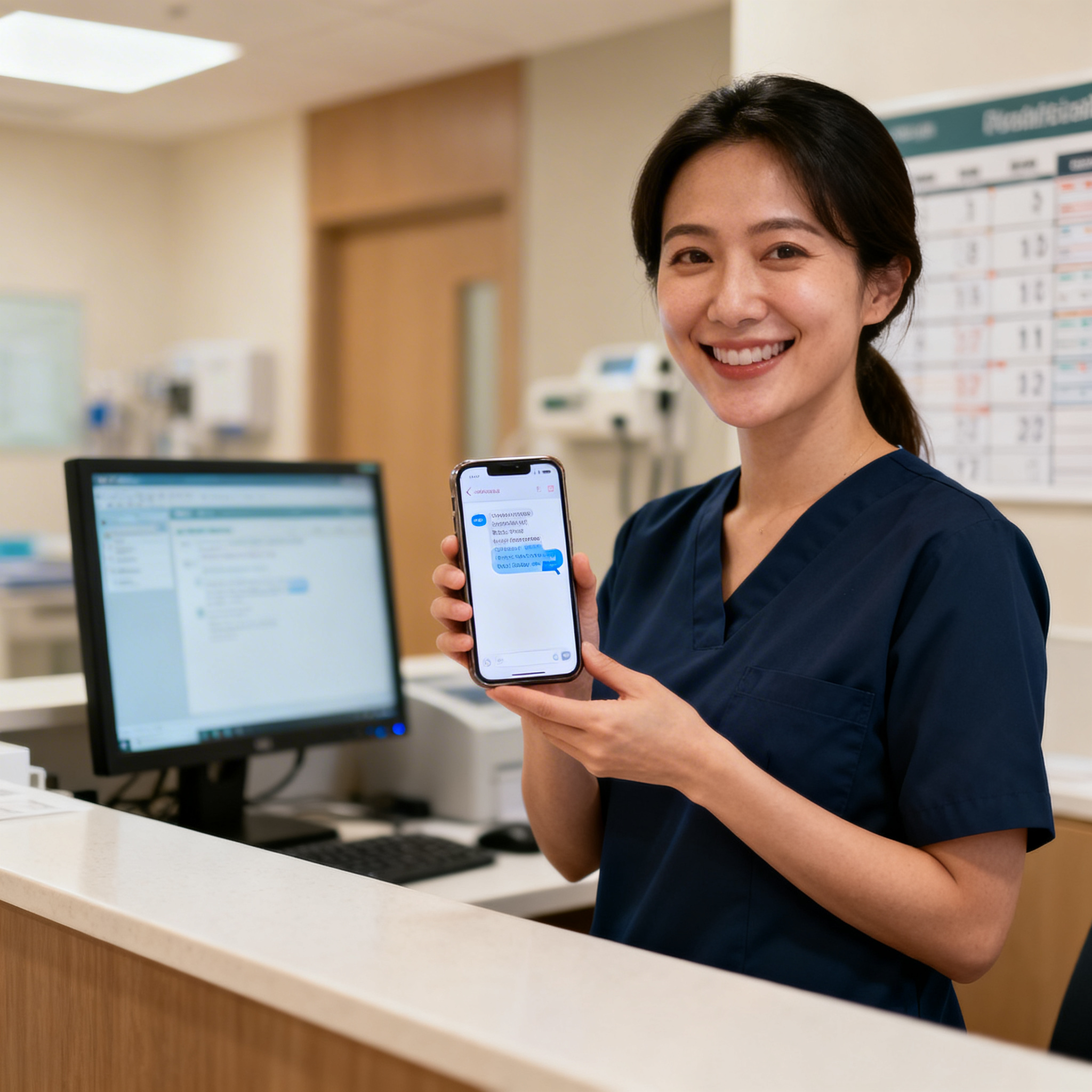
Medical offices lose patients every day. Not because of poor care, but because of poor communication. When a patient calls to confirm an appointment, ask about lab results, or request a prescription refill, they’re often met with hold music, voicemail, or silence. Two way texting for medical offices solves this by giving patients a fast, familiar channel to reach your practice. Your staff gets a way to respond without being glued to the phone. If your front desk is drowning in call volume and your patients are frustrated waiting on hold, this is the feature that changes everything.
What Is Two Way Texting for Medical Offices?
Two way texting is exactly what it sounds like: a real-time text conversation between your medical office and your patients. Both sides can send and receive messages. Unlike one-way appointment reminders that blast out a notification with no option to reply, two way texting opens a genuine dialogue. A patient texts your office number to ask about hours, confirm an appointment, request a callback, or follow up on a visit. And your team (or an AI agent) can respond instantly from a single dashboard. It transforms your office phone number into a modern communication channel that patients actually prefer to use.
This matters because text message statistics show the vast majority of texts are read within minutes. SMS is far more effective than phone calls or emails for time-sensitive healthcare communication. Patients don’t want to wait on hold. They want to fire off a quick text while at work or picking up kids and get a response when it’s convenient. So two way texting for medical offices bridges the gap between what patients expect and what most practices deliver. No complicated new software required.
But here’s what two way texting isn’t: a replacement for clinical communication or electronic health records. It’s the communication layer that handles the operational back-and-forth. Scheduling, reminders, intake forms, billing questions, general inquiries. Think of it as your front desk’s most powerful tool, one that works 24/7, even when your office is closed.
How Two Way Texting Works in SalesCaptain
Setting up two way texting for your medical office takes minutes, not weeks. No technical expertise required. No IT department needed. No complex integrations to configure before you can start. Here’s how the process works from start to finish.
Step 1: Connect Your Business Phone Number
You can port your existing office phone number into SalesCaptain or get a new local number assigned to your practice. Either way, patients text the same number they already call. Confusion eliminated. Your phone system continues to work for voice calls with 99.99% uptime, and that same number now handles text conversations too. This detail matters. Patients don’t need to save a new contact or download an app. They just text the number they already have.
Step 2: Configure Your AI Chat Agent
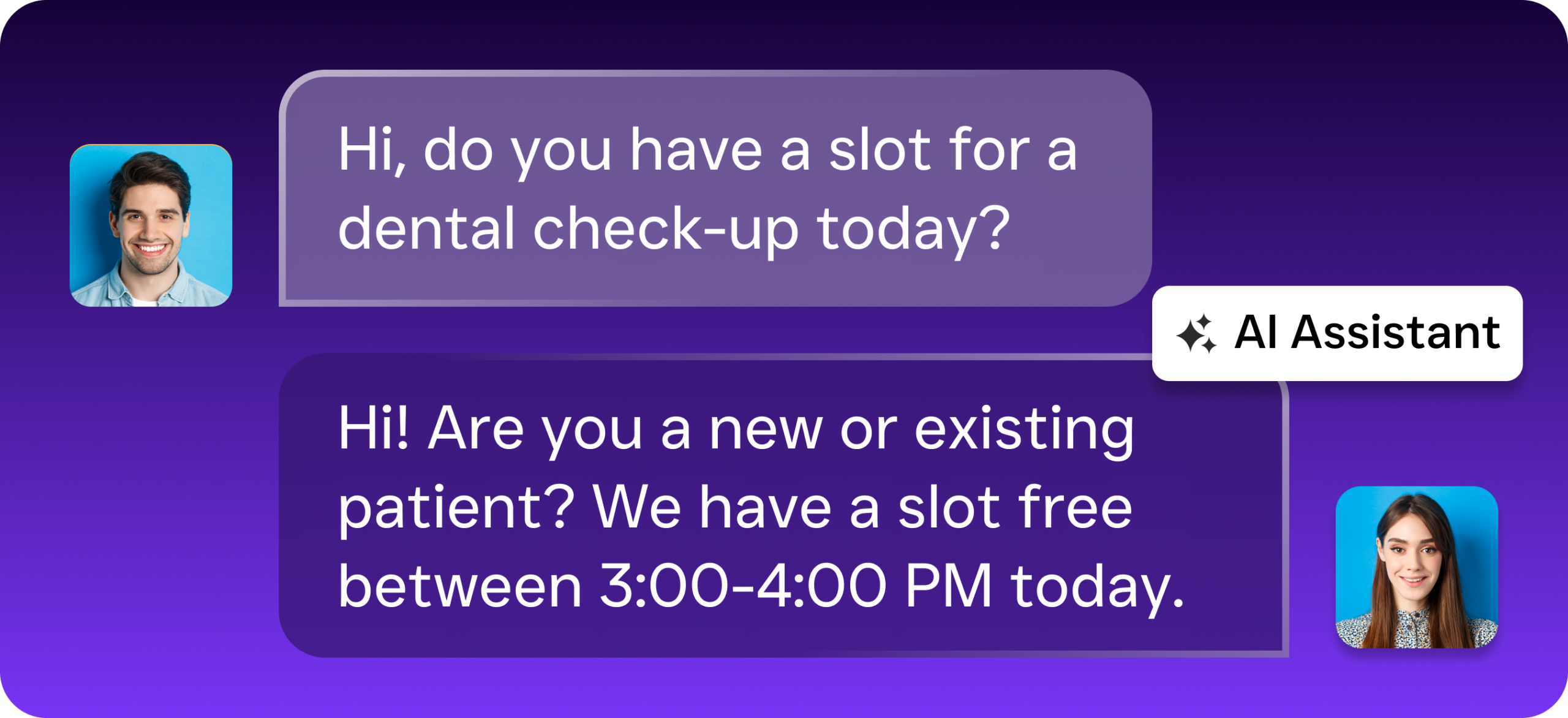
SalesCaptain’s AI Chat Agents can be trained on your practice’s specific information: office hours, accepted insurance plans, appointment types, provider names, directions, common patient questions. When a patient texts in, the AI agent responds instantly with accurate information. No human needed. You set the rules for when the AI handles conversations solo and when it hands off to a staff member for nuanced requests. Your front desk only gets pulled in when it truly requires a human touch.
Step 3: Manage Everything From the Unified Inbox
Every text conversation appears in SalesCaptain’s Unified Inbox. Along with calls, webchat messages, Facebook messages, Instagram DMs, and internal notes. Your entire team can see the full communication history with each patient in one place. No one has to ask, “Did anyone reply to Mrs. Johnson?” Staff members can collaborate on responses, assign conversations, and pick up where a colleague left off. The chaos of managing messages across multiple platforms? Gone.
Step 4: Automate Follow-Ups and Reminders
Using SalesCaptain’s Workflow Automation builder, create automated text sequences triggered by specific events. A patient books an appointment? They automatically get a confirmation text, a reminder 24 hours before, a follow-up after their visit. A new patient inquiry comes in after hours? The AI captures their information and your workflow sends a personalized follow-up first thing in the morning. These aren’t generic blasts. They’re triggered, contextual messages that feel personal.
Key Capabilities of SalesCaptain’s Two Way Texting
Not all texting solutions are created equal. Some only let you send outbound messages. Others require patients to opt into a separate platform. What does that actually look like in practice? SalesCaptain’s two way texting is built specifically for service businesses like medical offices. It addresses the unique communication demands of healthcare practices.
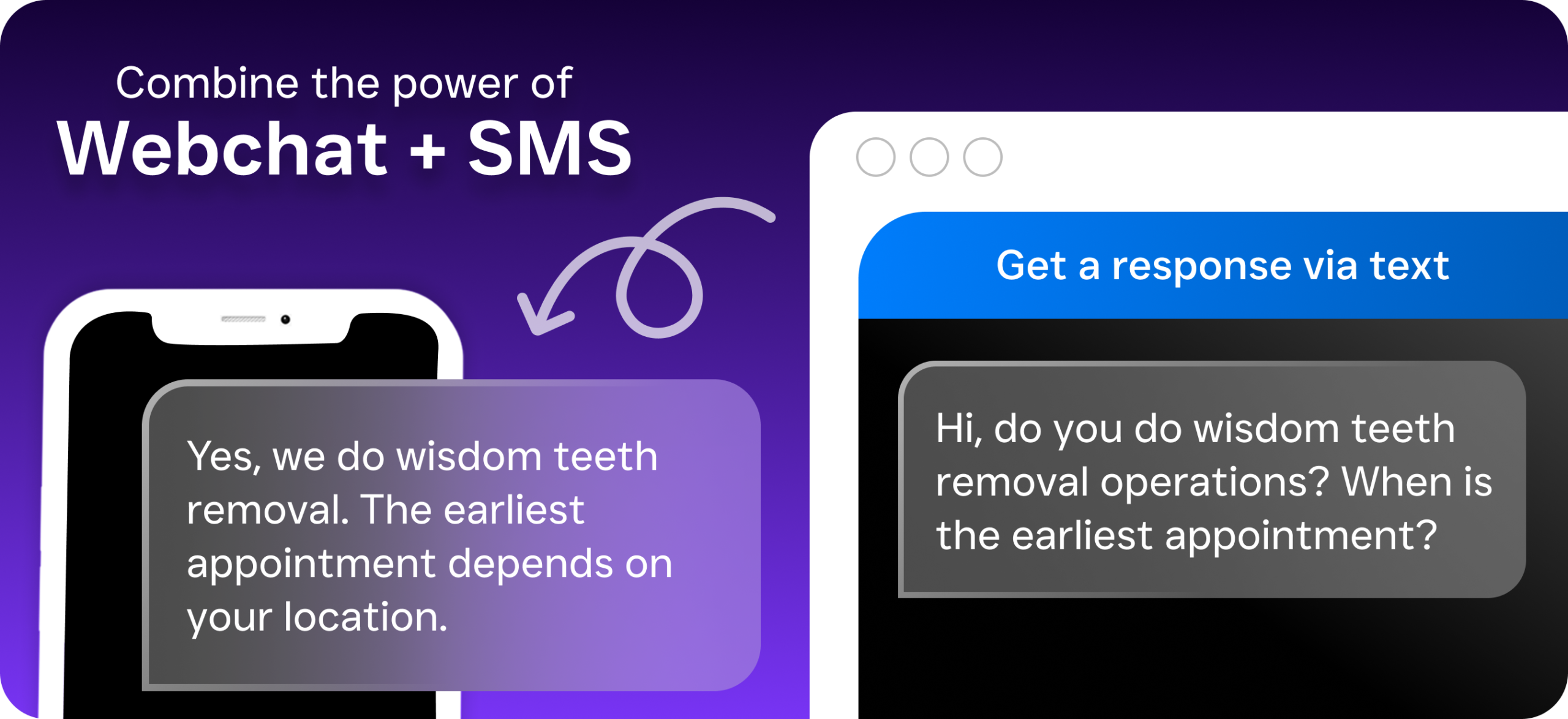
Instant AI-Powered Responses: AI Chat Agents reply to patient texts in seconds, 24 hours a day, 7 days a week. No patient message goes unanswered, even on holidays, weekends, or lunch breaks. Missed Call Text-Back: When a patient calls and no one picks up, SalesCaptain automatically sends a text saying “Sorry we missed your call, how can we help?” The conversation stays alive instead of losing the patient to a competitor. According to research on the cost of missed calls and their impact on business revenue, a single unanswered call can mean hundreds of dollars in lost revenue. Appointment Booking via Text: Patients can schedule, reschedule, or cancel appointments directly through the text conversation. The AI agent checks availability, confirms the booking, syncs it with your calendar. No phone tag required. Customizable Reminders and Sequences: Build automated reminder workflows for appointments, follow-ups, annual check-ups, outstanding balances. Every text is personalized with the patient’s name, appointment time, provider details. Multichannel Messaging in One Inbox: SMS isn’t the only channel patients use. SalesCaptain consolidates texts, webchat conversations, Instagram DMs, Facebook Messenger, and email into a single collaborative inbox. Your team never switches between apps. Lead Capture and Qualification: When a prospective patient texts your office for the first time, the AI agent asks qualifying questions: insurance type, reason for visit, preferred provider. Then it routes them to the right staff member or books them directly. 50+ Integrations: SalesCaptain connects to tools medical offices already use. Practice management systems. CRMs like HubSpot, Salesforce, Zoho. Thousands more through Zapier. Team Collaboration Features: Multiple staff members can view, respond to, and assign text conversations. Internal notes keep everyone aligned without the patient seeing behind-the-scenes details.
Who Needs Two Way Texting for Medical Offices?
Two way texting isn’t just for large hospital systems with dedicated IT teams. It’s built for practices stretched thin. Where the front desk is answering phones, checking in patients, verifying insurance, and returning voicemails all at once. Sound familiar? This feature was designed for you.
Private Practices and Small Clinics
Solo practitioners and small group practices often have one or two people handling all patient communication. When the phone rings during a patient check-in, something has to give. Two way texting offloads a huge percentage of routine interactions to text. An AI agent handles them instantly. Your receptionist gets back to the patients standing in front of them. According to business text messaging statistics compiled by Textline, the majority of consumers now prefer texting over calling businesses. You’re not forcing a new behavior. You’re meeting patients where they already want to communicate.
Dental Offices and MedSpas
Appointment-heavy practices live and die by their schedule. No-shows are expensive. Phone-based confirmation calls are time-consuming and often go unanswered. Two way texting lets you send reminders patients actually read and respond to. No-show rates drop dramatically. Patients can confirm with a simple “yes” text, ask to reschedule, or inquire about pricing for additional services. All without a single phone call.

Multi-Location Healthcare Groups
Managing multiple clinic locations? Keeping communication consistent across all of them is a nightmare without a centralized system. SalesCaptain’s per-location pricing makes it affordable to roll out two way texting everywhere. Starting with a free plan for one location, then $159/month per location for the Business plan. Each location gets its own number and AI agent. Your management team oversees all conversations from the Unified Inbox.
Specialty Practices and Therapy Offices
Therapists, psychiatrists, physical therapists, and other specialty providers often have patients hesitant to call. Anxiety, privacy concerns, the inconvenience of a phone call, all barriers to reaching out. Texting removes that obstacle. A patient can discreetly text your office to book a session, ask about telehealth availability, or let you know they’re running late. No one has to speak to anyone. For practices that value patient comfort, two way texting is a natural fit.

Benefits of Two Way Texting for Medical Offices
Implementing two way texting does more than add another communication channel. It fundamentally changes how your practice operates. How patients experience your office. How much revenue you capture. Here are the real-world outcomes medical offices see.
Dramatically Faster Response Times
Speed matters in healthcare. When a patient reaches out, a fast response builds trust. It keeps them from calling the next practice on their list. The 2024 State of SMS Engagement Report from TextUs is clear: practices that respond within minutes retain far more patients than those taking hours or days. SalesCaptain’s AI Chat Agents respond in seconds around the clock. Your response time effectively drops to zero. Even at 2 AM on a Sunday.
Reduced Front Desk Workload
Your front desk staff didn’t enter healthcare to spend their entire shift on the phone. Routine questions like “What time do you open?” and “Do you take Blue Cross?” get handled automatically by text. Your team reclaims hours every week. Those hours go toward patient care, intake processing, billing follow-up, or simply providing a better in-office experience. This isn’t about replacing staff. It’s about freeing them from repetitive work that doesn’t require a human.
Fewer No-Shows and Cancellations
Automated text reminders with two way capability let patients confirm, cancel, or reschedule with a quick reply. This beats voicemails or emails that get buried. And when a patient cancels via text, your office can immediately reach out to patients on the waitlist. The slot gets filled. Your schedule stays fuller, provider time gets used better, revenue increases. For practices where a single appointment is worth $150-$500+, recovering just a few no-shows per month pays for the entire platform many times over.
After-Hours Patient Capture
Research from multiple sources shows that small businesses lose significant revenue from unanswered after-hours calls. In healthcare, those missed calls are often new patients trying to book their first appointment. Why does this matter? SalesCaptain’s AI agents handle these interactions via text. They capture patient information, answer questions, and even book appointments. You never lose a patient to a competitor simply because your office was closed.
Better Patient Satisfaction
Patients who can communicate quickly and conveniently report higher satisfaction. They don’t have to take time out of their workday to make a phone call. No sitting on hold. No waiting for a callback that may never come. Texting fits into their life, not the other way around. Happy patients leave better reviews, refer friends and family, stay with your practice longer. In an era where online reputation directly impacts new patient acquisition, this matters more than ever.
How SalesCaptain Compares for Two Way Texting in Medical Offices
Several platforms offer some form of texting for healthcare practices. But most fall short in critical areas. Understanding the differences helps you avoid investing in a tool you’ll outgrow. Or one that doesn’t actually solve the problem.
SalesCaptain vs. Text-Only Platforms
Tools like Kenect focus exclusively on text messaging. That’s fine if texting is your only need. But medical offices also need phone coverage, webchat, social media messaging, and automation. SalesCaptain combines AI phone agents, AI chat agents, a full phone system, and a unified inbox in one platform. You’re not just adding texting. You’re upgrading your entire communication infrastructure. With Kenect, you’d still need separate solutions for voice AI and workflow automation. More vendors. More invoices. More complexity.
SalesCaptain vs. Weave
Weave is popular in dental and medical offices. But it’s narrowly focused on those verticals and lacks solid AI agent-building capabilities. SalesCaptain’s AI Chat Agents can be trained on your specific practice information and deployed across SMS, webchat, Instagram, and Facebook simultaneously. Not just texting. If your practice wants to automate across every communication channel, SalesCaptain provides a more comprehensive solution at a competitive price point.
SalesCaptain vs. Podium and Birdeye
Podium handles inbound texting and review management well. But it lacks outbound automation and true AI agent capabilities. Birdeye is primarily a reputation management tool that includes messaging as an add-on rather than a core strength. Neither platform offers an AI phone agent that can answer calls, qualify leads, and book appointments the way SalesCaptain does. For medical offices wanting to automate both phone and text from a single platform, without stitching together multiple tools, SalesCaptain is the purpose-built choice. As noted by Texty Pro’s analysis of business texting needs, the real value of two way texting comes when it’s integrated into a broader communication strategy, not bolted on as an afterthought.
Frequently Asked Questions
Is two way texting for medical offices compliant with healthcare regulations?
SalesCaptain is designed for service businesses including healthcare practices. The platform provides secure messaging capabilities suitable for operational communication like appointment scheduling, reminders, and general inquiries. For clinical communication involving protected health information (PHI), practices should ensure their texting workflows align with their existing compliance policies. SalesCaptain’s AI agents can be configured to avoid requesting sensitive health details via text. Instead, they route those conversations to secure channels.
Can patients text our existing office phone number?
Yes. SalesCaptain allows you to text-enable your existing business phone number. Patients don’t need to learn or save a new contact. Your number continues to receive voice calls as normal. It now sends and receives text messages too. Start using two way texting immediately without printing new business cards, updating your website, or confusing patients with a different number.