
AI-powered customer experience marketing (CXM) platform that helps local businesses win.


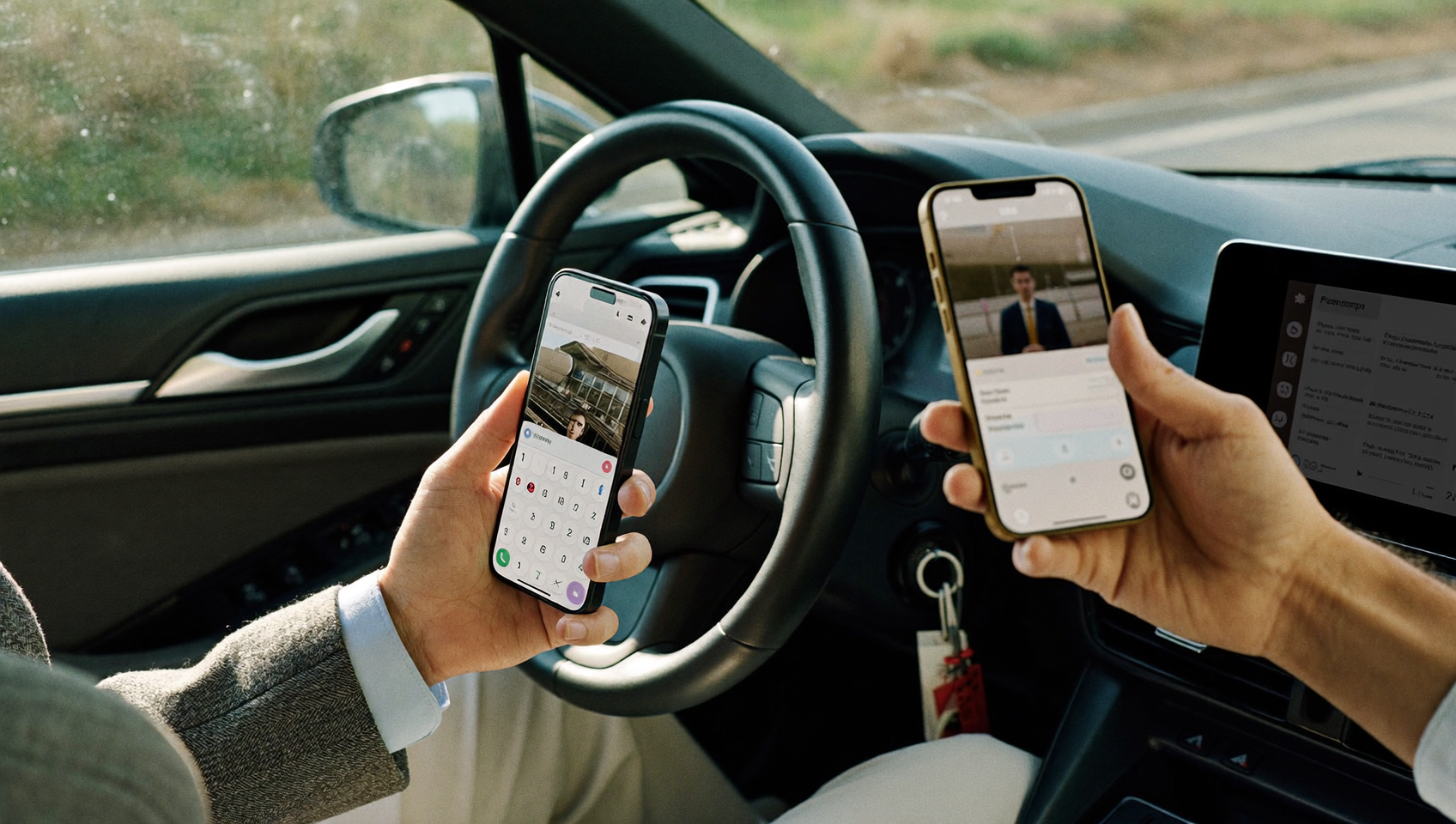
Every service business hits the same wall: a customer calls or texts your main line, but your team’s out on a job, stuck in a meeting, or completely off the clock. That call goes unanswered. That text sits there for hours. Forwarding calls and texts to another phone fixes this by routing incoming messages to wherever your team actually is—a cell phone, a secondary line, or even an AI agent handling it automatically. Sound familiar? If you’re running a plumbing company, dental practice, or landscaping crew, missed calls and slow text replies are quietly eating into your revenue. SalesCaptain gives you a smarter way to forward both calls and texts from a single business number, so nothing slips through the cracks.
Forwarding calls and texts to another phone automatically routes incoming messages from your business number to your cell phone, team members, or an AI agent—ensuring no customer reaches voicemail. Service businesses use it to capture calls during jobs, meetings, or off-hours, preventing missed revenue opportunities.
Free weekly newsletter
Growth tips for service businesses
Every Tuesday — actionable ideas to get more leads, reviews, and repeat customers. No fluff.
Quick Answer
Call and text forwarding automatically routes incoming communications from one phone number to another device, ensuring you never miss customer contact. This works through your carrier’s network settings or third-party apps, letting you receive calls and messages on a different phone while maintaining your original number. It’s essential for teams working remotely or in the field who need constant accessibility.
What Is Forwarding Calls and Texts to Another Phone?
Call forwarding redirects an incoming call from one number to another. Instead of ringing at your office desk and dying in voicemail, the call rings your cell, a colleague’s line, or whatever backup number you’ve set up. Text forwarding works the same way for SMS: an incoming message to your business number gets routed to another device or platform so someone can jump on it fast.
Most people know basic call forwarding from their personal phones. You dial a code, flip a setting, and calls go elsewhere. Pretty simple. But for a business? Basic forwarding has serious gaps. It’s usually all-or-nothing: every single call gets forwarded, no matter what time it’s, who’s calling, or which team member should actually handle it. And traditional call forwarding setups don’t touch text messages at all. Your SMS traffic gets completely ignored.
That gap costs you more than you’d think. According to Text Request’s 2024 State of Business Texting report, customers are texting instead of calling now more than ever. If you’re only forwarding calls and blanking on texts, you’re losing a huge chunk of inbound leads. A real forwarding setup needs to handle both channels at once, routing them based on rules you control.
How Forwarding Calls and Texts Works in SalesCaptain
SalesCaptain doesn’t just blindly forward everything. It gives you a visual call flow builder and a unified inbox that routes both calls and texts based on conditions you decide. Here’s the setup:
- Set up your business phone number. Port your existing number into SalesCaptain or pick a new local or toll-free number. This becomes your single business line for calls, texts, and even fax.
- Build your call flow. Use the drag-and-drop call flow builder to define what happens when a call comes in. You can route by time of day, by department, or by caller ID. For example, after-hours calls can forward to your cell, while daytime calls ring your office first and then overflow to a teammate.
- Configure text routing in the unified inbox. Incoming texts to your business number appear in SalesCaptain’s unified inbox, where any team member can pick them up. You can assign conversations to specific people, or let the AI Chat Agent respond instantly with appointment booking, FAQ answers, or lead capture.
- Enable the AI Phone Agent for unanswered calls. Instead of forwarding to voicemail when nobody picks up, route calls to SalesCaptain’s AI Phone Agent. It answers in a natural voice, qualifies the lead, books an appointment, or takes a message. This works 24/7 without any human involvement.
- Set up missed call text-back. If a call does go unanswered, SalesCaptain automatically sends the caller a text message acknowledging their call and inviting them to continue the conversation over SMS. This keeps the lead warm while your team catches up.
- Turn on workflow automations. After a forwarded call or text, trigger follow-up sequences: send appointment reminders, update your CRM, or notify a manager. Everything connects through SalesCaptain’s drag-and-drop automation builder.
No technical skills required. Zero code. No IT department headaches, no complicated PBX setup. You build it visually, test it, and you’re live.
Key Capabilities
- Conditional call routing: Forward calls based on business hours, caller location, IVR menu selections, or team availability. Calls reach the right person, not just any person.
- Unified call and text forwarding: Both calls and texts to your business number are managed in one system. Unlike basic phone forwarding, your SMS traffic doesn’t get orphaned on a personal device with no team visibility.
- AI Phone Agent fallback: When no one is available, the AI Phone Agent picks up instead of voicemail. It answers questions, books appointments, and qualifies leads in a natural-sounding conversation. Every interaction gets logged and transcribed, so your team has full context for follow-up.
- Missed call text-back: An automatic SMS goes out to any caller you couldn’t reach. This is one of the most effective lead-recovery tactics available, because text messages have significantly higher open rates than email or voicemail.
- Team collaboration in the unified inbox: Forwarded calls and texts don’t disappear into one person’s phone. Every interaction lives in a shared inbox where team members can see contact history, leave internal notes, and hand off conversations without the customer repeating themselves.
- Integration-driven follow-up: After a forwarded call or text, SalesCaptain can push data to your existing tools. Native integrations with Housecall Pro, ServiceTitan, JobNimbus, and Acuity Scheduling mean new leads and appointments sync automatically. For tools like Jobber, HubSpot, or Salesforce, Zapier bridges the gap.
Who Needs This?
Forwarding calls and texts to another phone isn’t just convenient. It’s a revenue-protection strategy for any business that depends on inbound communication. Here’s who benefits most:
- Home service businesses (HVAC, plumbing, roofing, landscaping): Your team is in the field all day. Calls ring unanswered while techs are on ladders or under sinks. Forwarding to a cell or AI agent keeps every lead alive.
- Healthcare and wellness practices (dental, medical, MedSpa, therapy): Front desk staff can’t always answer during patient visits. Call forwarding prevents the bottleneck that causes patients to call the next provider on their list.
- Legal practices: Potential clients often call once, and if they don’t reach someone, they move on. Forwarding to an AI agent or associate’s cell ensures intake doesn’t depend on one receptionist being available. SalesCaptain’s native Clio integration keeps matters and contacts in sync.
- Appointment-heavy businesses (salons, gyms, fitness studios): Stylists and trainers aren’t sitting at a front desk. Texts and calls need to reach someone who can book the appointment right away.
- Multi-location businesses: Owners managing several locations can’t be everywhere. SalesCaptain’s per-location pricing (starting free, then $159/month per location) makes it practical to set up independent forwarding rules for each site.
- Solo operators and small teams: If you’re the owner, technician, and receptionist all in one, you need a system that catches what you can’t. An AI Phone Agent answering at $0.12 per minute costs a fraction of a missed job.
Benefits of Forwarding Calls and Texts
Stop Losing Leads to Voicemail
Research shows that missed calls have a direct and measurable impact on revenue for small businesses. Most callers won’t leave a voicemail. They’ll call your competitor instead. What does that look like in practice? Forwarding calls to a live person or AI agent means more of those callers become customers. And when you pair that with missed call text-back, even the calls you can’t answer immediately turn into text conversations where leads stay in the game.
Respond to Texts Before the Competition Does
Speed is everything in lead conversion. A customer texts your business and gets a reply within a minute? They’re far more likely to book. Wait four hours? They’re gone. With SalesCaptain, incoming texts appear in your unified inbox and can trigger an instant AI response. Your team doesn’t need to stare at their phone constantly. The system handles it.
Keep Your Personal Number Private
Many small business owners give out their personal cell number because they don’t have a reliable forwarding system. That means work calls at midnight and customers texting your personal iMessage thread. SalesCaptain gives you a dedicated business number that forwards to your cell when you want it to, routes to AI when you don’t, and keeps your personal life separate.
Scale Without Hiring More Staff
Hiring a full-time receptionist or contracting an answering service gets expensive fast. The AI Phone Agent handles routine calls around the clock: confirming hours, booking appointments, qualifying leads, and blocking spam. Your existing team focuses on higher-value work. The AI covers the rest.
How SalesCaptain Compares
Most phone systems offer some form of call forwarding. But few handle calls and texts together in one unified system. And fewer still include an AI agent as the fallback when nobody picks up.
Take Nextiva. It starts at $15 per user and includes call forwarding, but it caps SMS at 250 messages per user per month. That’s a hard limit for any service business using texts for appointment confirmations, follow-ups, and lead nurture. SalesCaptain doesn’t impose that ceiling. Plus, Nextiva doesn’t offer call coaching and whispering, which SalesCaptain includes for training new team members on live calls.
Aircall offers solid call routing at $30 per license (with a three-seat minimum), and its AI Voice Agent add-on runs $0.49 per minute. Compare that to SalesCaptain’s AI Phone Agent at $0.12 per minute. For a business handling moderate call volume, that gap adds up fast. On top of that, Aircall doesn’t include payments via text, a leads form, or real-time AI during live calls.
OpenPhone (now rebranded to Quo) does include an AI agent called Sona on plans starting at $19 per user. It’s solid for startups and small teams. But it lacks call coaching, whisper mode, power dialing, and the workflow automation builder that service businesses need for post-call follow-up sequences. SalesCaptain’s drag-and-drop workflow builder fills that gap. It connects forwarded calls to CRM updates, appointment reminders, and multi-step nurture sequences.
The real difference? SalesCaptain was built for service businesses from day one. It’s not a general-purpose VoIP platform adapted for SMBs. Every feature—from call flows to AI agents to the unified inbox—is designed around the reality that your team is in the field, with customers, or completely off-hours. And your phone still needs to work.
Frequently Asked Questions
Can I forward both calls and texts from the same business number?
Yes. SalesCaptain routes both calls and texts from your business number into one system. Calls follow the call flow rules you’ve set (forwarding to a cell, team member, or AI agent). Texts appear in the unified inbox where anyone on your team can respond. Unlike basic carrier forwarding, both channels stay connected and visible.
What happens if nobody answers a forwarded call?
You’ve got two options. The call can go to voicemail with transcription. Or it can route to SalesCaptain’s AI Phone Agent. The AI answers in a natural voice, handles the caller’s questions, books appointments, and qualifies the lead. It also sends you a summary and transcription so you know exactly what happened.
Does forwarding work after business hours?
Absolutely. The call flow builder lets you set different rules based on time of day. During business hours, calls might ring your office and then overflow to a cell. After hours, they go straight to the AI Phone Agent. Texts work around the clock in the unified inbox. You can enable AI Chat Agents to respond instantly even at 2 AM.
Will I lose my existing phone number?
No. You can port your existing business number into SalesCaptain. The process keeps your number active so customers don’t need to learn a new one. Or you can pick up a new local or toll-free number and forward from your existing carrier to SalesCaptain as a transition step.
Ready to see it in action?
See how businesses use SalesCaptain to forward calls and texts without missing a single lead.
Book a Free Demo →Stop Missing Calls and Texts
SalesCaptain gives your business one number, one inbox, and an AI agent that never clocks out. Set up call forwarding, text routing, and AI-powered responses in minutes.