
AI-powered customer experience marketing (CXM) platform that helps local businesses win.


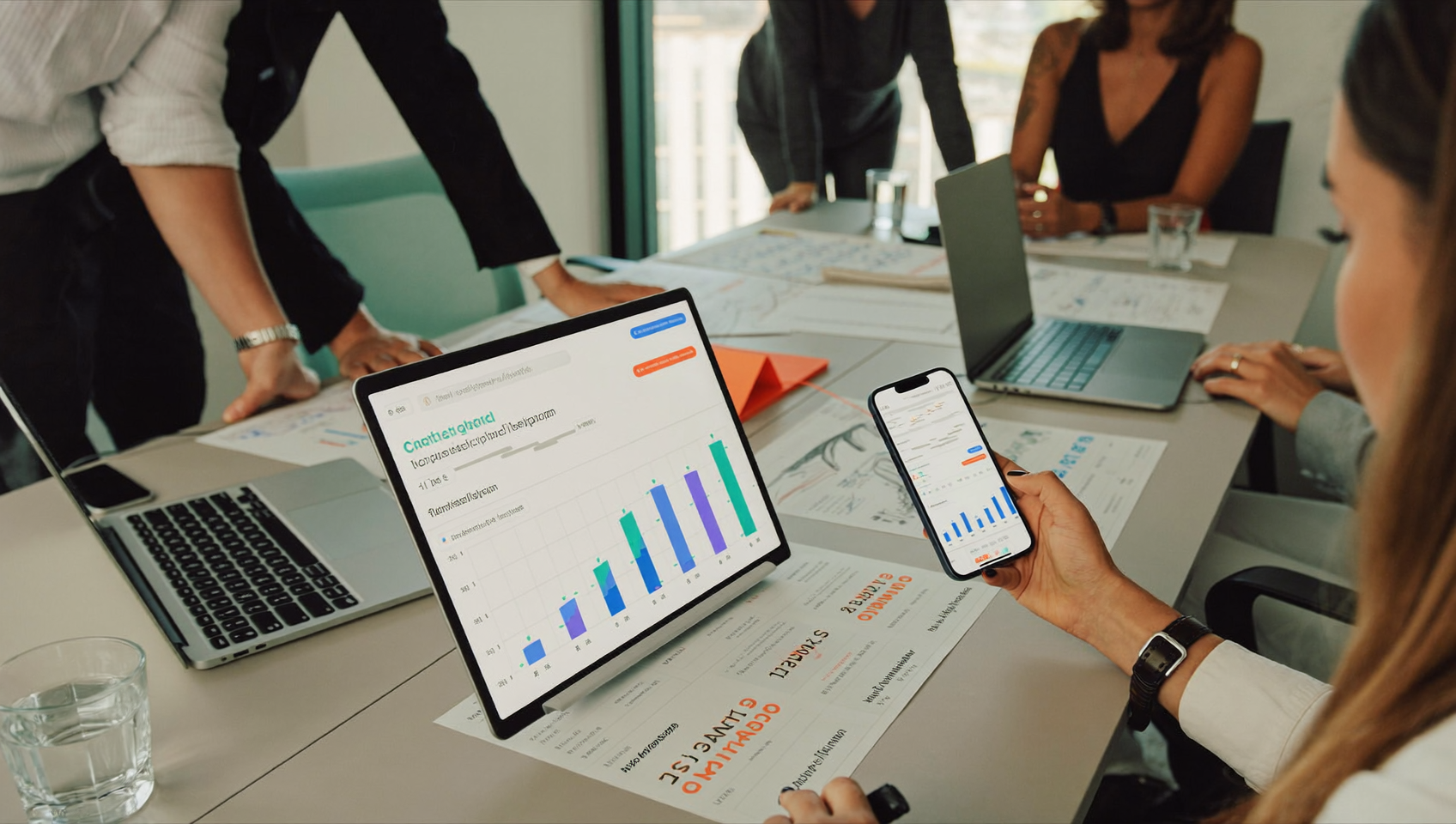
Every SMS you send is a chance to drive action. Whether that’s booking an appointment, visiting a landing page, or claiming a promotion. But here’s the problem: if you can’t see who clicked, when they clicked, and which links performed best, you’re flying blind. Click tracking for SMS campaigns gives service businesses the visibility they need to measure what’s working and cut what isn’t. SalesCaptain builds this tracking directly into its messaging platform, so you don’t need third-party tools, manual UTM tagging, or spreadsheets to understand your SMS performance.
Click tracking for SMS campaigns monitors when recipients tap links in text messages. Each link gets wrapped in a trackable URL that records clicks, timestamps, and contact information. This data flows directly into your campaign dashboard, showing you exactly which messages drive action and which don’t—eliminating guesswork from SMS performance.
Free weekly newsletter
Growth tips for service businesses
Every Tuesday — actionable ideas to get more leads, reviews, and repeat customers. No fluff.
Quick Answer
SMS click tracking uses shortened URLs with embedded identifiers to monitor when recipients tap links in text messages. Each click is recorded with timestamps and user data, showing which messages drive engagement and conversions. This data helps marketers optimize content, identify high-performing links, and calculate ROI on SMS campaigns with precision.
What Is Click Tracking for SMS Campaigns?
Click tracking is the process of monitoring when a recipient taps a link inside a text message. Each link in your SMS gets wrapped in a trackable URL that records opens, clicks, timestamps, and the contact who engaged. That data flows back into your campaign dashboard, giving you a clear picture of engagement without any guesswork.
Why does this matter for service businesses specifically? Because SMS isn’t just a marketing channel for you. It’s how you confirm appointments, send payment links, share intake forms, and follow up on estimates. SMS click-through rates consistently outperform email, often landing between 10% and 30% depending on the industry. Yet many platforms either don’t offer native click tracking or bury it behind expensive add-ons. Without it, you’re stuck guessing. You can’t tell whether your appointment confirmation link actually got tapped, or whether that promotional text drove any real traffic.
The Difference Between Opens and Clicks
SMS doesn’t support traditional “open tracking” the way email does. There’s no invisible pixel to load. So clicks are your primary engagement signal. That’s the real deal. When someone taps a link in your text, that’s a deliberate action, far more meaningful than an email open. It tells you the message resonated enough for the recipient to take the next step. According to Klaviyo’s 2024 SMS benchmarks, industries like health and beauty see click rates above 10%, while home services and professional services often exceed that when messages are well-targeted.
How Click Tracking Works in SalesCaptain
SalesCaptain handles the entire tracking workflow natively. You won’t need to paste links into a third-party shortener, manually create UTM parameters, or juggle multiple dashboards. Here’s how it actually works:
- Compose your SMS campaign. Write your message in SalesCaptain’s campaign builder. Include any link, whether it’s a booking page, review request, payment form, or promotional landing page.
- Auto URL shortening activates. SalesCaptain’s Auto URL Shortening feature automatically converts your full-length URLs into clean, branded short links. This keeps your character count low and your messages looking professional.
- Send to your audience. Target your recipients using contact lists, tags, or segments. SalesCaptain handles high-volume SMS, so whether you’re texting 50 customers or 5,000, delivery is consistent.
- Track clicks in real time. As recipients tap your links, SalesCaptain logs each click with the contact’s identity, timestamp, and the specific campaign it came from. You’ll see this data in your campaign results view.
- Trigger follow-up actions. Use SalesCaptain’s Workflow Automation to create trigger-based responses. For example, if a contact clicks your booking link but doesn’t complete the appointment, you can automatically send a follow-up text 30 minutes later.
Everything stays inside one platform. No switching between tools. No manual data reconciliation.
📺 Watch: How to Create an SMS Campaign
Key Capabilities
- Auto URL Shortening: Every link you include gets shortened automatically before sending. Short links save valuable character space in your 160-character SMS and look cleaner to recipients. Each shortened URL is unique per campaign, enabling precise tracking.
- Per-Contact Click Attribution: SalesCaptain doesn’t just tell you how many clicks a campaign received. It shows you exactly which contact clicked and when. That means your sales team or AI Chat Agent can follow up with the right context, not a generic message.
- High Volume SMS Support: Running a flash sale or sending seasonal reminders to thousands of customers? SalesCaptain supports high-volume SMS sending, so your click tracking scales with your campaign size without throttling or delays.
- Advanced Templating and Personalization: Personalized messages get more clicks. SalesCaptain’s advanced templating lets you insert customer names, appointment details, or location-specific offers directly into your texts. Each personalized link still gets tracked individually.
- Workflow-Based Follow-Ups: Click data becomes actionable through SalesCaptain’s drag-and-drop workflow builder. Set triggers based on click behavior: send a reminder to non-clickers, route hot leads to your AI Phone Agent, or update your CRM automatically when someone engages.
- Unified Inbox Visibility: Click activity appears alongside call logs, chat transcripts, and email history in SalesCaptain’s Unified Inbox. Your team sees the full picture of every customer interaction in one place, not scattered across separate tools.
Who Needs This?
Click tracking for SMS campaigns isn’t limited to large marketing teams running sophisticated funnels. It’s valuable for any business that sends texts with links. And that’s nearly every service business today.
- Home service companies (roofers, plumbers, HVAC techs, landscapers) who send estimate links, booking pages, and seasonal promotions. Knowing which customers clicked your “Schedule Your Spring AC Tune-Up” link helps you prioritize follow-up calls.
- Healthcare and wellness practices (dental offices, MedSpas, therapy clinics) sending appointment confirmation links, intake forms, or patient portal URLs. Click tracking confirms the patient actually accessed the form before their visit.
- Legal practices sharing consultation booking links or document upload pages via text. Tracking confirms client engagement without needing a phone call to check.
- Salons, gyms, and fitness studios running promotions, referral campaigns, or class sign-up links. You’ll see which offers drive real engagement versus which ones fall flat.
- Real estate agencies texting listing links, open house RSVPs, or virtual tour URLs. Click data tells agents exactly which prospects are actively interested.
- Operations managers and business owners who need clear ROI data on their messaging spend without hiring a marketing analyst.
Benefits of Click Tracking for SMS Campaigns
Measure Real ROI, Not Vanity Metrics
Delivery rates and send counts look impressive in a report. But they don’t tell you whether anyone actually engaged. Click tracking moves you from “we sent 2,000 texts” to “347 people tapped our booking link, and 89 completed appointments.” That’s the kind of data you can tie directly to revenue. For service businesses operating on tight margins, this clarity isn’t optional. According to Postscript’s 2024 SMS benchmarks, brands that actively track and optimize click rates see meaningful improvements in conversion over time.
Stop Guessing Which Messages Work
Maybe you’ve been sending two types of appointment reminders: one with a direct booking link, another with a “call us back” prompt. Without click data, you’d never know which approach drives more action. With tracking in place, patterns emerge quickly. You might find that texts mentioning a specific service (“Your roof inspection is due”) outperform generic reminders by a wide margin. And here’s the thing: over a few campaigns, these insights compound. Your messaging strategy becomes genuinely data-driven.
Automate Follow-Ups Based on Behavior
Here’s where click tracking becomes more than a reporting feature. When SalesCaptain knows a contact clicked your estimate link but didn’t complete the form, your workflow automation can trigger a follow-up text or even route the contact to your AI Phone Agent for a personal call. Conversely, contacts who didn’t click at all might get a re-send with different messaging. This kind of behavior-based automation used to require expensive marketing platforms. Now it’s built in.
Keep Your Team Aligned
Because click data lives in the Unified Inbox alongside call recordings, chat histories, and notes, your team always has context. A receptionist can see that a customer clicked the payment link yesterday but hasn’t paid yet. A technician can confirm the client reviewed the pre-visit checklist. No one has to ask “did you get my text?” The data answers that question automatically.
How SalesCaptain Compares
Not every communication platform includes click tracking. And even fewer combine it with the other tools service businesses rely on daily. Aircall, priced at $30 per license, doesn’t offer click tracking, Auto URL Shortening, or Payments via Text. It’s built primarily as a call center solution, not a full messaging platform. Weave is popular in healthcare, but it also lacks click tracking and Auto URL Shortening. While Weave handles some appointment-related texting, it doesn’t give you the granular link-level engagement data that SalesCaptain provides.
Platforms like Dialpad focus heavily on voice and sales calling. They don’t support high-volume SMS or social chat natively, which means your click tracking would need to happen in yet another tool. SalesCaptain consolidates all of this: AI voice agents, AI chat agents, SMS campaigns with click tracking, and a unified inbox. As TechnologyAdvice notes in their review of AI answering services, the trend is clearly moving toward platforms that combine communication channels rather than siloing them. SalesCaptain was built from the ground up with that approach.
For businesses already losing revenue to missed calls and slow follow-ups, adding click tracking to SMS is one more way to close the gap between outreach and conversion. And you’re not adding another subscription to your tech stack.
Frequently Asked Questions
Does SalesCaptain shorten links automatically, or do I need a separate tool?
SalesCaptain’s Auto URL Shortening handles this natively. Any link you include in an SMS campaign gets shortened before sending, with tracking built in. You don’t need Bitly, Rebrandly, or any other link shortener.
Can I see which specific contact clicked a link?
Yes. SalesCaptain attributes each click to the individual contact, not just the campaign. You’ll see who clicked, when they clicked, and which link they engaged with. This data also appears in your Unified Inbox alongside their full conversation history.
Will click tracking work with high-volume SMS sends?
Absolutely. SalesCaptain supports high-volume SMS campaigns, and click tracking scales with your send volume. Whether you’re texting 100 contacts or 10,000, every link click gets recorded and reported in real time.
Can I trigger automated follow-ups based on who clicks?
Yes. SalesCaptain’s Workflow Automation lets you create triggers based on click behavior. For instance, you can automatically send a follow-up message to anyone who clicked your estimate link but didn’t book, or route engaged contacts to your AI Phone Agent for immediate outreach.
Ready to see it in action?
See how service businesses use SalesCaptain to track SMS clicks and convert more customers.
Start Tracking Every Click in Your SMS Campaigns
SalesCaptain gives you click tracking, auto URL shortening, and behavior-based automation in one platform, alongside AI voice agents, AI chat agents, and a unified inbox. Plans start free for a single location.