
AI-powered customer experience marketing (CXM) platform that helps local businesses win.


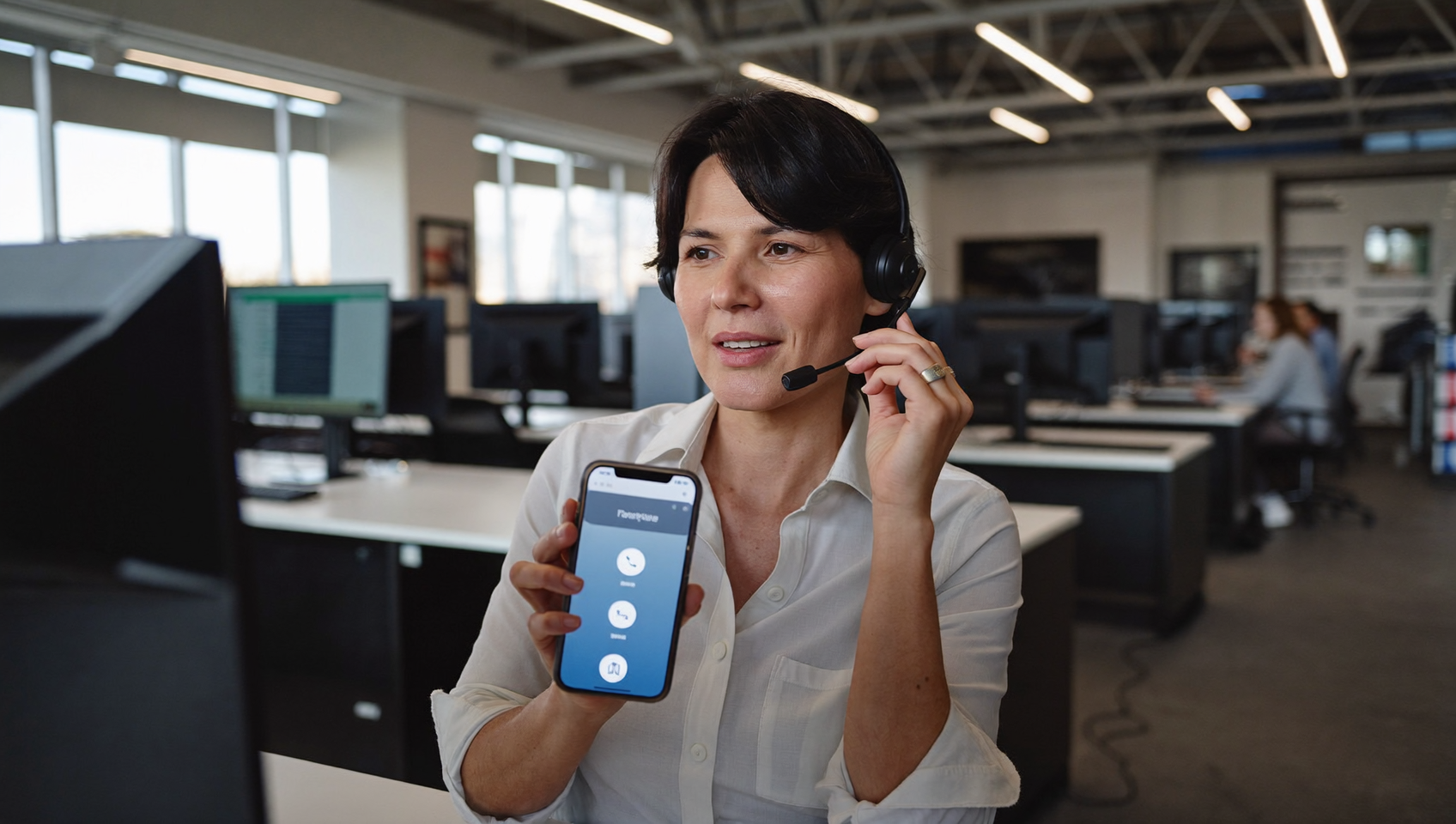
A free dialer for calling can completely transform how your service business handles outbound communication. Whether you’re following up with leads, confirming appointments, or reconnecting with past customers, a reliable dialer removes the friction of manual dialing. It lets your team focus on actual conversations. But here’s the catch: most free dialers come with serious limitations. Capped minutes. No CRM integration. Clunky interfaces that slow you down. SalesCaptain offers a power dialer built into a full unified communication platform, so you’re not just dialing faster, you’re managing every customer interaction from one place.
A free dialer for calling is software that automates outbound phone calls by pulling contacts from a list and connecting calls automatically, eliminating manual dialing. This lets your sales or service team focus on conversations rather than typing numbers, significantly boosting productivity and call volume.
Free weekly newsletter
Growth tips for service businesses
Every Tuesday — actionable ideas to get more leads, reviews, and repeat customers. No fluff.
Quick Answer
Free dialers typically offer limited minutes monthly and basic features, making them suitable for small teams testing outbound calling. For serious sales operations, you’ll need paid plans that provide unlimited minutes, call recording, analytics, and CRM integration. Evaluate based on your call volume, team size, and whether you need advanced automation and lead management capabilities.
What Is a Free Dialer for Calling?
A dialer is software that automates the process of placing outbound phone calls. Instead of your team manually typing in numbers one at a time, a dialer pulls contacts from a list and connects calls automatically. That sounds simple. But the productivity impact is enormous. According to Grand View Research’s analysis of the dialer market, dialer solutions have become one of the fastest-growing segments in the contact center software space, driven largely by small and mid-size businesses that need to do more with fewer people.
Free dialers typically fall into three categories: preview dialers (which show you the contact before dialing), progressive dialers (which auto-dial one call at a time), and power dialers (which move through a list rapidly, connecting your agent only when someone answers). Most free options only offer basic preview dialing. They won’t include call recording, analytics, or the ability to send a follow-up text after a call. And that’s where the “free” part starts to cost you.
Why Service Businesses Need More Than a Basic Dialer
Think about a roofing company. You just ran a storm-damage campaign and collected 200 leads. Calling each one manually might take a full-time employee two or three days. A power dialer cuts that to a single afternoon. But the real value isn’t just speed—it’s what happens around the call. Did the lead answer? If not, did they get an automatic text? Was the conversation logged? These aren’t nice-to-haves for busy service teams. They’re the difference between closing deals and losing them to a competitor who followed up faster.
Research from The Phone Lady’s 2024 Report on Phone Communication Trends found that phone calls still rank as the most trusted communication channel for service purchases. Customers prefer hearing a real voice before making a decision, especially for high-ticket services like HVAC, legal, or medical appointments.
How a Free Dialer for Calling Works in SalesCaptain
SalesCaptain’s power dialer is built directly into the platform, which means there’s no separate app to install or third-party tool to connect. What does that look like in practice? Here’s how it works from start to finish:
- Import or select your contact list. Upload a CSV, pull contacts from your CRM, or tag a segment of existing customers in SalesCaptain. You can filter by lead status, location, or any custom field.
- Configure your dialing session. Choose your caller ID (local or toll-free business number), set the pause between calls, and decide whether unanswered calls should trigger an automatic follow-up text via SalesCaptain’s missed call text-back feature.
- Start dialing. The power dialer moves through your list automatically. When someone picks up, you’re connected instantly. Call notes, recordings, and transcriptions are captured in real time through SalesCaptain’s AI transcription engine.
- Review and follow up. After each session, every call shows up in SalesCaptain’s unified inbox alongside texts, emails, and social messages. AI summaries highlight what was discussed, so your team knows exactly what to do next without re-listening to recordings.
- Automate the next step. Use SalesCaptain’s workflow automation builder to trigger follow-up sequences. A completed call can automatically send a confirmation text, update your CRM via HubSpot or Salesforce sync, or schedule the next touchpoint.
Key Capabilities
- Power Dialer with List Management: Automatically cycle through contact lists without manual input. Skip disconnected numbers and move to the next prospect without downtime, keeping your call volume high and your team productive.
- Missed Call Text-Back: When a prospect doesn’t answer, SalesCaptain can instantly send a personalized SMS. According to Aira’s research on missed business calls, a significant percentage of unanswered calls never get returned. An immediate text bridges that gap before the lead goes cold.
- AI Call Summaries and Transcriptions: Every outbound call is transcribed and summarized automatically. Your team can search conversations by keyword, review customer concerns, and share notes without spending time on manual documentation.
- Call Coaching and Whispering: Managers can listen in on live calls and whisper guidance to team members without the prospect hearing. This is especially valuable for training new hires or handling complex sales situations.
- Voicemail Drop: Record a voicemail once, then drop it automatically when you hit a voicemail box. Your reps save 30 to 60 seconds per unanswered call, which adds up fast over a 200-call session.
- Post-Call Analytics: Track call duration, answer rates, sentiment, and outcomes across your entire team. Identify which reps are converting and which call scripts need refinement, all from a single dashboard.
Who Needs This?
A free dialer for calling is relevant to any business that makes outbound calls regularly. But certain teams see an outsized return:
- Home service companies (roofers, HVAC, plumbers, landscapers) following up on estimates, storm leads, or seasonal campaigns
- Legal practices reaching out to potential clients after initial intake or managing case follow-ups through Clio integration
- Healthcare and wellness offices (dental, MedSpa, therapy) confirming appointments, handling recall lists, or re-engaging patients who haven’t scheduled in months
- Real estate agencies prospecting new listings or following up with open house attendees
- Sales managers who need visibility into team call activity, script adherence, and conversion rates
- Operations managers at multi-location businesses who want consistent outbound processes across every location
Benefits of Using SalesCaptain’s Dialer
Faster Lead Response Without Hiring More Staff
Speed-to-lead is everything. RingReady’s analysis of missed call costs shows that delayed follow-up is one of the primary drivers of lost revenue for service businesses. A power dialer compresses response time from hours to minutes. Your existing team can reach two to three times more contacts per day without burning out. The software handles all the dead time between calls.
Every Interaction Lives in One Place
Most standalone dialers create a data silo. Call logs sit in one app while texts are in another and appointment confirmations live in a third. SalesCaptain eliminates that problem entirely. After a dialing session, your team can see the call recording, the AI summary, any follow-up texts, and the prospect’s full history. It’s all in a single view. That context matters when a lead calls back two days later and talks to a different team member.
Automation That Actually Saves Time
The dialer itself is only part of the equation. What happens after the call is where most businesses drop the ball. With SalesCaptain’s workflow automation, you can set triggers based on call outcomes. A “no answer” triggers a text and a callback reminder for tomorrow. A “booked appointment” updates your CRM and sends a confirmation. These workflows aren’t complex to build, either. The drag-and-drop builder makes it accessible for anyone on your team. No developer required.
How SalesCaptain Compares
Several platforms offer calling features. But few combine a power dialer with the broader communication tools that service businesses actually need. OpenPhone, priced at $15 per user, lacks voicemail drop, call coaching, and real-time speech analytics. It’s a solid basic phone app, but it wasn’t built for outbound dialing at scale. Aircall comes in at $30 per license and still doesn’t include a Voice AI Agent, missed call text-back, or webchat. It’s designed for call center environments, not local service businesses.
Dialpad offers some AI features at $15 per user. But it doesn’t include toll-free minutes, audio conferencing, or high-volume SMS. That becomes a limitation quickly if you’re running multi-channel campaigns. According to Hiya’s State of the Call 2024 report, consumers increasingly expect businesses to reach them across multiple channels, not just voice. SalesCaptain handles calls, SMS, webchat, Instagram DMs, Facebook Messenger, WhatsApp, and email from one inbox.
SalesCaptain’s free Startup plan includes one location at no cost. It’s genuinely accessible for businesses evaluating their first dialer. As you scale, the Business plan at $159 per month per location keeps pricing transparent and predictable. There are no hidden per-seat fees or surprise overages. And you’re getting far more than a dialer. You’re getting an AI-powered communication platform that handles inbound and outbound across every channel.
Frequently Asked Questions
Is SalesCaptain’s dialer really free?
SalesCaptain offers a free Startup plan that includes one location. The power dialer and core communication features are available within the platform. AI-powered calls are billed at $0.12 per minute, which keeps costs low. You get access to advanced features like call summaries, transcriptions, and workflow automation.
Can I use the dialer with my existing CRM?
Yes. SalesCaptain integrates natively with HubSpot, Salesforce, Zoho, and over 50 other tools including Zapier. Call outcomes, notes, and AI summaries can sync directly to your CRM. Your records stay current without manual data entry.
What happens when a prospect doesn’t answer?
You’ve got several options. SalesCaptain can automatically drop a pre-recorded voicemail, send a follow-up text through missed call text-back, or trigger a workflow that schedules a callback attempt. According to Dialfyne’s missed call benchmarks, businesses that follow up within minutes of an unanswered call are significantly more likely to eventually connect.
How many calls can I make per day with the power dialer?
There’s no artificial daily cap on outbound calls. Your throughput depends on your list size, average call duration, and how many team members are dialing simultaneously. Most small teams report reaching 80 to 150 contacts per person per day using SalesCaptain’s power dialer. That’s compared to 30 to 50 with manual dialing.
Ready to see it in action?
See how sales teams use SalesCaptain to dial more prospects and close deals faster.
Start Dialing Smarter Today
SalesCaptain gives your team a power dialer, AI call summaries, missed call text-back, and a unified inbox for every channel. All starting on a free plan. Stop losing leads to slow follow-up and disconnected tools.