
AI-powered customer experience marketing (CXM) platform that helps local businesses win.


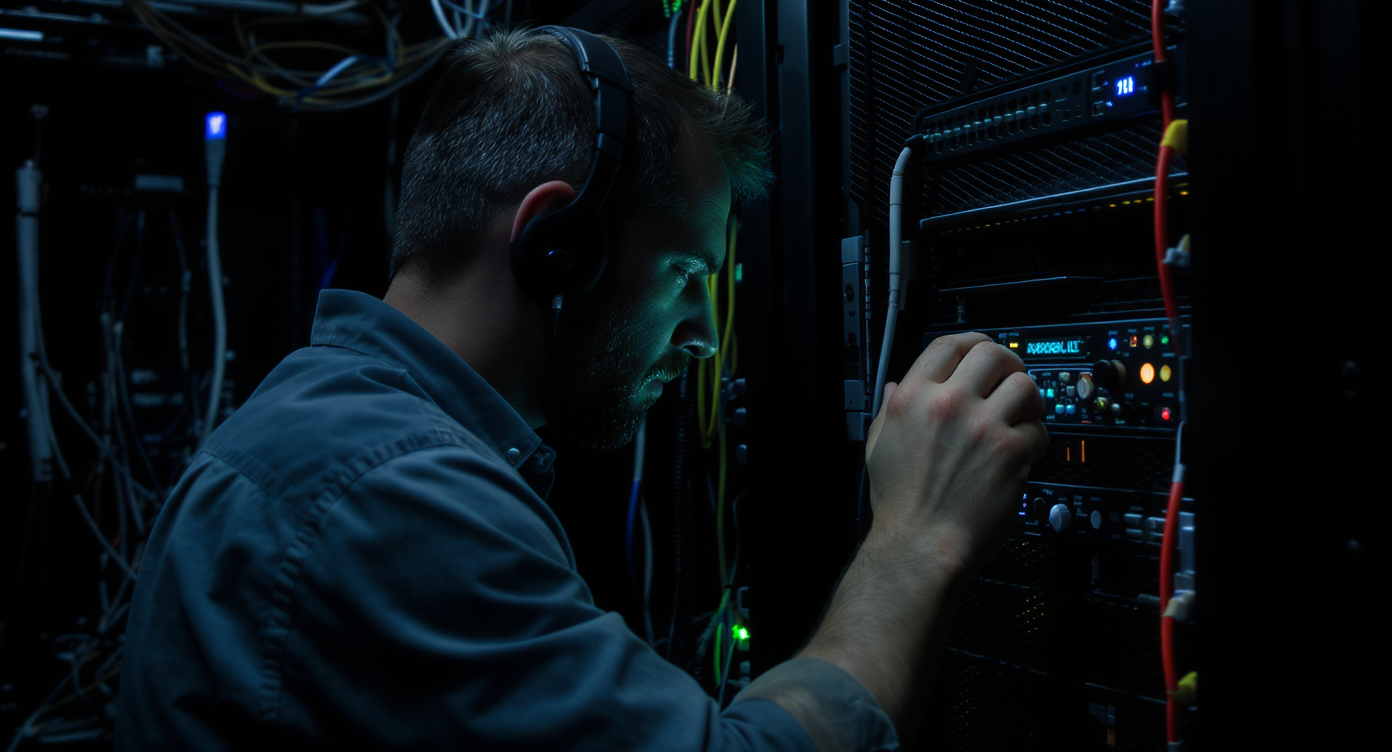
A server goes down at 11 PM. Your client calls, gets voicemail, and starts hunting for another IT support provider before morning. This scenario plays out constantly, and it’s one of the fastest ways to lose a managed services contract. Knowing how to handle after hours calls for IT support companies isn’t just an operational detail. It’s actually your retention strategy.Handling after-hours calls for IT support companies means having a system to receive, prioritize, and respond to customer emergencies outside normal business hours. This typically involves automated answering, on-call rotation schedules, and escalation procedures to ensure critical issues like server outages get immediate attention and prevent client churn.
Quick Answer
IT support companies can handle after-hours calls by implementing an on-call rotation system, using automated call routing to qualified technicians, and setting up voicemail with callback guarantees. Consider hiring offshore teams for 24/7 coverage, offering tiered response times based on urgency, and establishing clear escalation protocols. Use helpdesk software that tracks after-hours tickets separately to monitor response quality and prevent team burnout.
Free weekly newsletter
Growth tips for service businesses
Every Tuesday — actionable ideas to get more leads, reviews, and repeat customers. No fluff.
What Are After-Hours Calls in IT Support?
After-hours calls are any inbound customer contacts outside your standard business hours. For IT support companies, that’s typically 6 PM to 8 AM on weekdays, plus weekends and holidays. They range from critical outages and security incidents to routine password resets and billing questions.Related guide: how to handle after hours calls for cleaning companies.
What makes IT support different is the urgency spectrum. A dental office might get after-hours calls about appointment changes. But an IT company? You’re dealing with ransomware attacks, downed point-of-sale systems, complete network failures. The stakes are way higher. And the cost of a missed call can be enormous. According to research on the cost of missed calls, businesses lose substantial revenue annually from unanswered calls, with service-based companies hit especially hard.Why After-Hours Call Handling Matters More for IT Companies
Your clients don’t experience tech problems on a 9-to-5 schedule. So your response shouldn’t either. Here’s why this matters more for IT support than most industries.SLA Obligations and Client Expectations
Most managed service providers operate under Service Level Agreements that guarantee specific response times. If your SLA promises a 15-minute response for critical issues and you’re sending every after-hours call to voicemail, you’re already in breach. That’s more than just bad optics. It’s a contractual liability. Clients paying monthly retainers expect coverage, and they’ll jump to a competitor who actually delivers it.Revenue Impact of Missed Calls
Every unanswered call represents potential revenue walking away. According to research from Zadarma on the hidden cost of missed calls, the financial damage compounds because customers who can’t reach you once rarely try again. For IT support companies with contracts worth thousands per month, losing even one client to poor after-hours coverage can wipe out your entire quarter’s profit.Competitive Differentiation
Small and mid-sized IT firms often compete against larger MSPs with 24/7 NOC teams. But reliable after-hours coverage, even without a full night shift, levels the playing field. Small business statistics consistently show that responsiveness is what clients value most when choosing service providers.📺 Watch: After-Hours Call Routing Setup: Never Miss a Lead
Practical Options for Managing After-Hours IT Support Calls
There’s no single right answer here. The best approach depends on your team size, client base, and the issues you typically handle outside business hours. Most successful IT companies use a combination of these methods.Triage Calls by Urgency
Not every after-hours call deserves the same response. Start by separating urgent from non-urgent contacts. Build a clear classification system that your call handling process can follow:- Critical: Server outages, security breaches, complete network failures, data loss events. These need immediate human response.
- High: Single-user system failures affecting business operations, VPN issues for remote workers, email system problems. These warrant a callback within 30-60 minutes.
- Standard: Password resets, software installation requests, general questions. These can wait until the next business day with an acknowledgment sent immediately.
Use an IVR or Automated Routing System
A well-designed IVR (Interactive Voice Response) system lets callers self-select their urgency level. Simple menu options like “Press 1 for critical outage, Press 2 for non-urgent requests” route calls appropriately without human intervention at intake. But traditional IVR has limits. Callers often press wrong options, and rigid menus frustrate people who don’t fit neatly into categories.A smarter alternative exists: conversational AI that asks open-ended questions, understands the caller’s issue, and routes intelligently. Rather than forcing callers through a phone tree, the AI agent gathers context and makes smart routing decisions in real time.On-Call Rotation for Your Team
If you’ve got multiple technicians, rotating on-call responsibility distributes the burden fairly. Put your rotation schedule in writing. Include escalation paths and compensation details. According to guidance from the U.S. Small Business Administration, clear documentation of operational procedures matters.Key elements of an effective on-call rotation include:- Defined shift windows with no gaps in coverage
- A primary and secondary on-call technician for each shift
- Maximum response time expectations for each severity level
- Escalation procedures when the primary doesn’t respond within the window
- Compensation or time-off policies that make the rotation fair
Outsourced Answering Services and Their Limitations
Traditional answering services use human operators to take messages and dispatch calls. They work, but they’ve significant drawbacks for IT companies. The operators typically can’t troubleshoot, don’t understand IT terminology, and often miscategorize issue severity. A “my internet is slow” complaint might get flagged as critical, while “our backup server isn’t responding” gets marked as routine.As noted in Voksha’s analysis of missed call costs, the quality of call handling matters as much as just answering the phone. A poorly handled call can damage client relationships just as badly as a missed one. Plus, per-call pricing from traditional services adds up fast with volume.Best Practices for After-Hours Call Policies
Whatever system you choose, you’ll need clear policies that both your team and clients understand. Ambiguity creates frustration everywhere.Document Everything and Communicate It
Write an after-hours support policy and include it in your client onboarding materials. Specify what qualifies as an emergency, what your response times are for each severity tier, and what channels clients should use. Some IT companies also publish this on their website so prospects can see the coverage before signing. Transparency builds trust.Capture Every Interaction
Every after-hours call should generate a record. Could be a ticket, a transcription, or at minimum a log entry. Your morning team needs to know what happened overnight without playing detective. Transcriptions are particularly valuable because they capture the caller’s exact words. That helps technicians understand the issue without a game of telephone. According to data on missed call statistics for small businesses, companies that log and follow up on every inbound contact see measurably better retention rates.Review and Adjust Quarterly
Your after-hours call volume and patterns will change as your client base grows. Review your call data every quarter. Look for trends. Are most calls coming from one client? Is a specific issue type dominating? These insights let you adjust staffing, update your IVR menus, or fix recurring problems during business hours so they stop generating after-hours calls entirely.How SalesCaptain Helps
SalesCaptain’s AI Phone Agent was built for exactly this scenario. It answers every call 24/7 with a natural-sounding voice, qualifies the issue, and takes action based on your custom call flows. For IT support companies, the AI agent can ask the right triage questions, determine severity, and route critical calls to your on-call technician while handling routine requests independently.What sets this apart is the intelligence layer. The AI agent doesn’t just follow a rigid phone tree. It understands context, asks follow-up questions, and can book appointments, answer common FAQs, or capture detailed ticket information. After the call, AI Summaries and Transcriptions give your morning team a complete record of every overnight interaction. Nothing falls through the cracks.Because SalesCaptain combines the AI Phone Agent with a Unified Inbox, your after-hours calls sit alongside SMS messages, webchat conversations, and social media DMs in one place. On-call technicians see everything in real time on their phone. And with the drag-and-drop Call Flow builder, you can customize how calls get routed based on time of day, caller identity, or issue type. No developer needed. Starting at $0.12 per minute for AI calls, it costs a fraction of what a human answering service charges while delivering more consistent, accurate triage.Key Takeaways
Handling after-hours calls well isn’t optional for IT support companies. Your clients expect coverage, your SLAs demand it, and your competitors are already offering it. The approach that works best combines clear triage policies, documented escalation procedures, and intelligent call handling technology that doesn’t depend on humans being awake at 3 AM.- Classify every after-hours call by urgency so your team only gets paged for real emergencies
- Use conversational AI or IVR to handle intake and routing automatically
- Document your after-hours policy and share it with clients during onboarding
- Capture transcriptions and summaries of every overnight interaction for seamless morning handoffs
- Review your after-hours call data quarterly and adjust your processes based on patterns
Frequently Asked Questions
Do IT support companies really need 24/7 call coverage?
If you serve businesses operating outside standard hours, or if your SLAs include response time guarantees, then yes. Even companies with primarily 9-to-5 clients face after-hours emergencies like security breaches or server failures that can’t wait until morning. The real question isn’t whether you need coverage, but how you provide it cost-effectively.What’s the difference between a NOC and after-hours call handling?
A Network Operations Center (NOC) proactively monitors infrastructure and responds to alerts. After-hours call handling is reactive, focused on answering inbound client calls. Many mid-sized MSPs use remote NOC services for monitoring while using AI-powered call handling for client-facing communication. They solve different problems. And they work best together.How much does it cost to handle after-hours calls with AI versus a human answering service?
Human answering services typically charge $1-$3 per call or $0.75-$1.50 per minute. They can’t perform technical triage either. AI phone agents like SalesCaptain’s cost $0.12 per minute and can qualify issues, route calls, book appointments, and generate transcriptions automatically. For most IT companies handling 50-200 after-hours calls monthly, the cost difference is substantial.Should I charge clients extra for after-hours support?
Many IT support companies include basic after-hours coverage in their standard managed services agreement. Then they charge a premium for guaranteed rapid response on critical issues. Tiering your after-hours support into your pricing structure lets you offer coverage without absorbing the full cost. Just make sure your contracts clearly define what’s included and what incurs additional fees.How do I prevent after-hours call burnout on my team?
Start by reducing calls that reach a human. AI-powered triage can handle routine inquiries and only escalate genuine emergencies. Beyond that, rotate on-call duties fairly, compensate after-hours work appropriately, and review call data to identify clients or issues generating disproportionate volume. Proactive fixes during business hours reduce overnight call load over time.Ready to see it in action?
See how IT support companies use SalesCaptain to capture every after-hours call automatically.
Book a Free Demo →