
AI-powered customer experience marketing (CXM) platform that helps local businesses win.


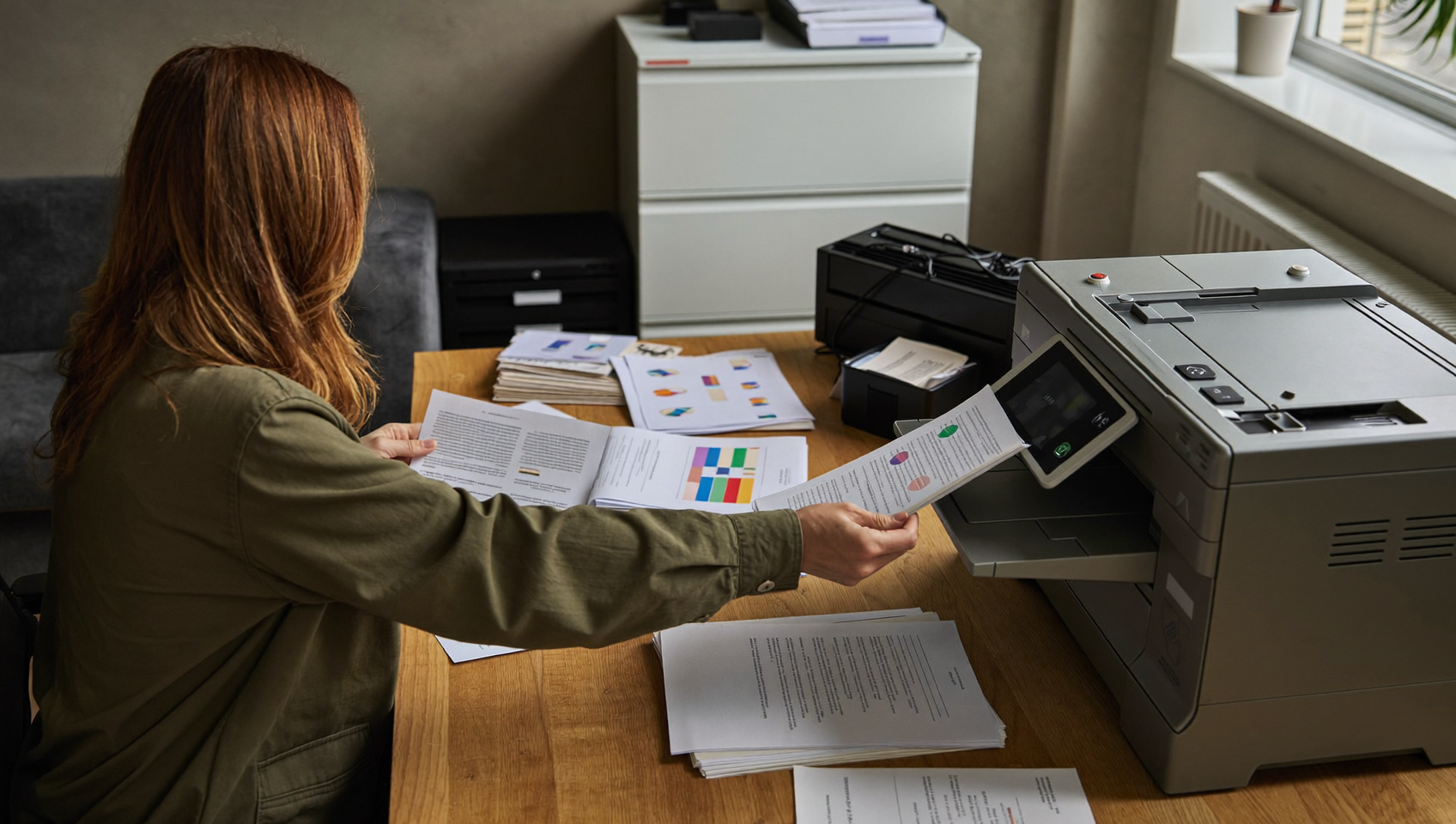
You’ve got a signed contract that needs to go out today, but your fax machine is jammed. Or maybe you don’t even own one anymore. Meanwhile, your insurance company, attorney, or government office still requires a faxed copy. Sound familiar? For small businesses, this tension between modern workflows and legacy requirements isn’t going away anytime soon. That’s exactly why internet fax for small business has become a practical necessity rather than a novelty.
Internet fax for small business lets you send and receive faxes over the internet instead of using a traditional fax machine. Documents upload digitally, convert to fax signals, and arrive as email attachments—eliminating hardware costs while meeting legacy fax requirements from insurers, attorneys, and government offices.
Free weekly newsletter
Growth tips for service businesses
Every Tuesday — actionable ideas to get more leads, reviews, and repeat customers. No fluff.
Quick Answer
Internet fax services let small businesses send, receive, and sign documents digitally through email or cloud apps instead of using traditional fax machines. You upload documents, enter a fax number, and they’re transmitted instantly over the internet, eliminating hardware costs, phone line fees, and paper waste while enabling remote access from any device.
What Is Internet Fax?
Internet fax (also called online fax or cloud fax) lets you send and receive fax documents over the internet instead of through a traditional phone line and fax machine. You upload a document, type in the recipient’s fax number, and the service converts your file into a fax signal on the other end. Pretty straightforward. Incoming faxes arrive as PDF attachments in your email or a web portal.
The underlying technology bridges two worlds. On your side, everything is digital. On the recipient’s side, their fax machine receives the document exactly as if you’d sent it from a physical machine. According to industry research from ResearchAndMarkets.com, the fax services market is projected to reach $6.5 billion by 2029, which tells you that fax isn’t dying. It’s just moving online.
Why Small Businesses Still Need Fax Capability
If you run a home services company, a law firm, a healthcare practice, or a real estate agency, you’ve almost certainly encountered situations where fax is the only accepted delivery method. Courts, insurance carriers, pharmacies, and government agencies often mandate faxed documents for compliance or legal reasons. There’s no way around it. Ignoring that requirement isn’t an option.
Regulated Industries Drive Fax Demand
Healthcare practices need to send referrals, prescriptions, and patient records via fax to comply with HIPAA requirements. Legal offices fax court filings and signed agreements daily. Even contractors working with municipal permitting offices often find that fax submissions are the only path to getting approvals processed. Nothing else works. The U.S. faxing market continues to grow, driven primarily by these regulated industries where digital alternatives haven’t been fully adopted.
The Cost Problem with Traditional Fax
A dedicated fax line costs money every month. The machine itself needs toner, paper, and maintenance. And someone on your team has to physically walk over to it, load documents, and confirm transmission. That’s wasteful. For a five-person business, that’s an absurd use of time and budget. Internet fax eliminates the hardware, the phone line, and the manual process entirely.
On top of that, traditional fax machines create security risks. Sensitive documents sit in an open tray where anyone walking by can read them. Cloud fax services encrypt transmissions and deliver documents directly to authorized inboxes, which is a meaningful upgrade for businesses handling client information.
How to Choose an Internet Fax Service for Your Business
Not all internet fax services work the same way, and the right choice depends on your volume, industry, and existing tools. What does that look like in practice? Here’s what matters most when evaluating options.
Volume and Pricing Structure
Most services charge per page, per month, or offer a flat rate. If you send five faxes a month, a pay-per-page plan keeps costs minimal. But if your office processes dozens of faxes weekly, a flat-rate plan prevents surprise bills. Do the math first. Before signing up, track your actual fax volume for a month so you’re not guessing.
- Low volume (under 50 pages/month): Look for free tiers or pay-per-page plans. Some services offer a handful of free pages monthly.
- Medium volume (50-300 pages/month): Monthly subscription plans typically offer the best value here, usually ranging from $10-$25/month.
- High volume (300+ pages/month): Flat-rate unlimited plans or enterprise tiers prevent cost overruns and simplify budgeting.
Security and Compliance Features
If you handle protected health information, legal documents, or financial records, encryption and compliance certifications aren’t optional. Look for services that offer TLS encryption for transmission, encrypted storage for received faxes, and the ability to sign a Business Associate Agreement (BAA) if you’re in healthcare. Non-negotiable. According to the latest fax usage data, healthcare remains one of the largest fax-dependent industries, making HIPAA-compliant faxing especially important.
Integration with Your Existing Tools
Standalone fax services create another silo your team has to check. That’s inefficient. The better approach is choosing a fax solution that plugs into the communication platform you already use. That way, faxes show up alongside your calls, texts, and emails without requiring a separate login or workflow.
- Email integration: At minimum, you should be able to send faxes from your email and receive them as PDF attachments.
- Mobile access: Your team shouldn’t need to be at a desk to send or check faxes. A mobile app or responsive web portal is essential.
- CRM or practice management sync: For healthcare and legal practices, fax documents should connect to patient or case records automatically.
- Unified communication platform: The ideal setup consolidates fax alongside your phone system, messaging, and inbox so nothing falls through the cracks.
Number Portability and Local Presence
If you already have a fax number that clients and partners know, you’ll want a service that lets you port that number over. Changing your fax number means updating every form, business card, and directory listing. That’s a headache. Most reputable services support number porting, but always confirm before committing. Some providers also let you choose a local number, which matters if your clients expect to see a familiar area code.
Best Practices for Managing Internet Fax in a Small Business
Setting up internet fax is straightforward, but getting real value from it requires a few deliberate choices. These practices help you avoid the most common friction points.
Consolidate Your Communication Channels
The biggest mistake small businesses make is adding yet another disconnected tool. Don’t do this. Your fax service shouldn’t exist in a vacuum. When faxes, calls, texts, and emails all live in separate apps, important messages get buried. A significant percentage of business calls go unanswered, and the same pattern applies to faxes that arrive in a forgotten inbox. Consolidation solves this.
Create a Fax Workflow
Decide upfront who handles incoming faxes, where they get filed, and how quickly they need a response. Without a defined process, faxes accumulate in an inbox with no owner. For practices and offices that receive time-sensitive documents, assign a team member to check and route faxes at set intervals throughout the day.
- Designate a fax inbox owner so nothing sits unread for days.
- Set naming conventions for saved faxes (date, sender, topic) to make retrieval painless.
- Automate confirmations so senders know their fax was received, reducing follow-up calls.
- Archive regularly to a cloud storage folder organized by client or case, not just chronologically.
Verify Compliance Before You Send
Even though internet fax is more secure than a physical machine, you still need to verify that your specific service meets your industry’s compliance standards. Don’t assume anything. Ask the provider directly whether they support BAA signing, where data is stored, and how long faxes are retained. The online fax market has expanded rapidly, and not every new entrant has built proper compliance infrastructure.
How SalesCaptain Helps
Most internet fax services solve one problem and create another: a new app your team has to remember to check. That defeats the purpose. SalesCaptain takes a different approach by including internet fax as a built-in feature of its unified communication platform, so faxes sit right alongside your calls, texts, webchat messages, and social media DMs in one collaborative inbox.
That’s a meaningful distinction for service businesses. Your office manager doesn’t need to toggle between a fax portal, a phone system, and a messaging app. Everything arrives in the same place, with the same contact history attached. And because SalesCaptain assigns one unified number for calls, SMS, and fax, your clients only need to remember a single number for your business.
Compared to platforms like Podium, Birdeye, 8×8, Chekkit, and Kenect, SalesCaptain includes internet fax natively. Those competitors don’t offer fax capability at all, which means their users still need a separate fax service and a separate workflow. That’s extra friction. SalesCaptain’s Business plan starts at $159/month per location and bundles fax with an AI phone agent, AI chat agents, workflow automation, and a full business phone system. For small businesses that need fax but don’t want to manage yet another vendor, that consolidation is the entire point.
The platform also connects natively with tools like practice management and scheduling systems across healthcare, legal, and home services. So when a fax arrives related to a specific client, the context is already there.
Key Takeaways
Internet fax for small business isn’t about clinging to outdated technology. It’s about meeting real requirements from courts, insurance companies, healthcare systems, and government agencies without the expense and hassle of a physical fax machine. The right service saves you a phone line, eliminates hardware maintenance, and improves document security.
When choosing a provider, prioritize volume-appropriate pricing, compliance features that match your industry, and integration with your existing communication stack. Standalone fax apps work in a pinch, but they add another silo to manage. The most efficient approach is a platform that handles fax alongside every other communication channel your business already uses.
Small businesses that consolidate fax into their unified communication workflow spend less time chasing documents and more time serving clients. That’s the practical win here, and it’s worth getting right.
Frequently Asked Questions
Is internet fax legally accepted the same way as traditional fax?
Yes. Internet fax produces the same output on the receiving end as a traditional fax machine. Courts, insurance companies, and government agencies accept internet fax transmissions because the recipient’s machine can’t distinguish between a fax sent from a physical machine and one sent via an online service. The document, confirmation page, and transmission record are identical.
Can I keep my existing fax number when switching to internet fax?
Most reputable internet fax services support number porting, which lets you transfer your current fax number to the new platform. The process typically takes a few business days. Always confirm porting availability with your new provider before canceling your existing fax line, and keep both active during the transition to avoid missing documents.
How much does internet fax cost compared to a traditional fax line?
A dedicated analog fax line typically runs $20-$40/month from your phone company, plus toner, paper, and machine maintenance. Internet fax services range from free (for very low volume) to $10-$25/month for most small business needs. And if you choose a unified platform like SalesCaptain that includes fax alongside your phone system and messaging, there’s no additional fax-specific cost beyond your plan.
Is internet fax secure enough for healthcare and legal documents?
It can be, but not all services are equal. Look for providers that offer TLS encryption during transmission, encrypted document storage, and willingness to sign a Business Associate Agreement for HIPAA compliance. Cloud fax is generally more secure than a traditional machine because documents aren’t left sitting in an open tray. However, you should verify your specific provider’s security certifications before sending protected information.
What file formats can I send via internet fax?
Most internet fax services accept PDF, Word documents, JPEG, PNG, and TIFF files. PDFs are the most reliable format because they preserve formatting exactly as intended. Some services also let you fax directly from document scanning apps on your phone, which is useful when you’re away from the office and need to send a signed document quickly.
Ready to see it in action?
See how small businesses use SalesCaptain to handle faxes and calls without expensive systems.
Book a Free Demo →See How SalesCaptain Can Help
SalesCaptain includes internet fax alongside AI phone agents, AI chat agents, and a unified inbox, so your team manages every conversation from one place. No extra fax vendor. No extra login. Just one platform for calls, texts, fax, webchat, and social messages.
Visit SalesCaptain.com to explore the platform and start consolidating your business communication today.