
AI-powered customer experience marketing (CXM) platform that helps local businesses win.


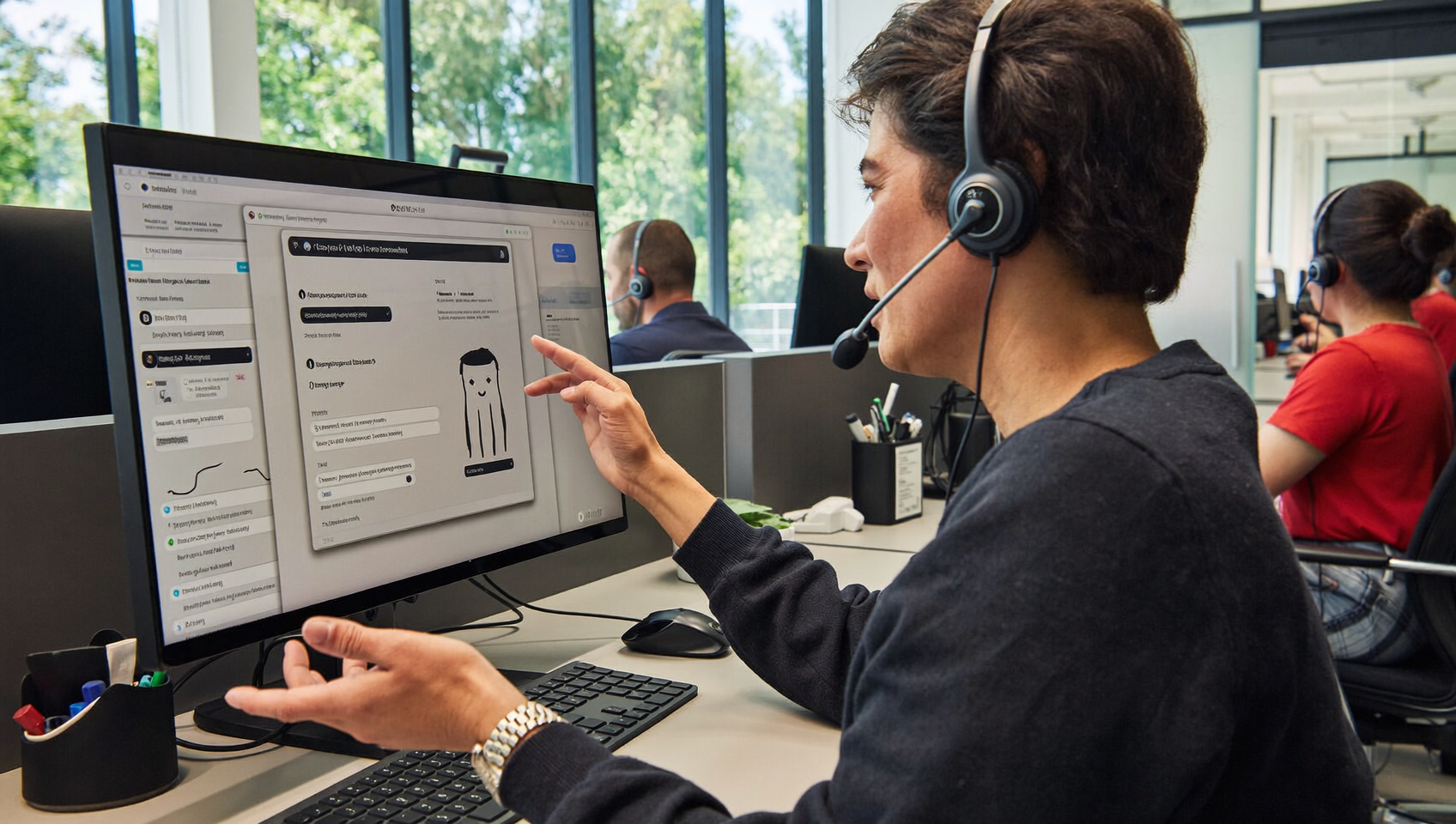
Every missed chat message is a potential customer choosing someone else. For service businesses handling dozens of inquiries a day across websites, social media, and text, live chat for business isn’t a nice-to-have anymore. It’s how you capture leads, answer questions, and book appointments before the competition even picks up the phone. SalesCaptain’s AI Chat Agents give your business instant, automated responses across every messaging channel, all feeding into one unified inbox your whole team can see.
Live chat for business is real-time messaging that lets customers ask questions and receive instant answers through website widgets, SMS, Facebook Messenger, and other channels. Unlike email, live chat keeps conversations immediate and unified, helping businesses capture leads, answer inquiries, and book appointments before competitors respond.
Free weekly newsletter
Growth tips for service businesses
Every Tuesday — actionable ideas to get more leads, reviews, and repeat customers. No fluff.
Quick Answer
Live chat for business enables real-time customer communication directly on your website, capturing leads instantly before they leave. It increases conversion rates by allowing immediate responses to visitor questions, reduces cart abandonment, and provides 24/7 availability through automation. Most platforms integrate SMS and social messaging, creating a unified inbox that ensures no inquiry goes unanswered while building stronger customer relationships.
What Is Live Chat for Business?
Live chat refers to real-time messaging between a business and its customers, typically through a widget on a website, but increasingly through SMS, Instagram DMs, Facebook Messenger, and other channels. Unlike email, which might sit unanswered for hours, live chat creates an instant connection. Customers type a question. They get an answer within seconds.
Traditionally, live chat required a human agent sitting at a screen, waiting. That model doesn’t scale. Not for a plumbing company with three employees or a dental office where the front desk is already overwhelmed. Modern live chat tools use AI to handle the initial conversation, qualify the lead, and even book the appointment, all without pulling your team away from higher-value work.
What separates useful live chat from a glorified contact form is speed and intelligence. According to LiveChat’s Customer Service Report, response time is the single biggest factor in chat satisfaction. Every second of delay increases the chance a visitor bounces. That’s why AI-powered chat has become the standard for businesses that can’t afford to staff a dedicated chat team around the clock.
How Live Chat Works in SalesCaptain
Setting up live chat with SalesCaptain doesn’t require a developer or a week of configuration. You’ll be up and running in minutes, not days. Here’s how a typical business goes from zero to fully automated chat.
- Add the webchat widget to your site. SalesCaptain provides an embeddable chat widget you can drop onto any page. Copy, paste, done. Your visitors immediately see a chat option in the corner of your site.
- Connect your other messaging channels. Beyond webchat, link your Instagram DMs, Facebook Messenger, and SMS number. All incoming messages flow into a single inbox, so your team never has to toggle between apps.
- Configure your AI Chat Agent. Tell the agent what your business does, what questions to expect, and what actions to take. Want it to book appointments? It’ll pull from your calendar. Want it to qualify leads before passing them to a human? Set your qualifying criteria and let the AI sort the tire-kickers from serious buyers.
- Set up missed call text-back. When a caller can’t reach you by phone, SalesCaptain automatically sends them a text message, opening a chat conversation instead of losing them entirely. According to Dialfyne’s missed call benchmarks, most callers who don’t get through won’t call back. Text-back recovers those leads.
- Monitor and refine. Your Unified Inbox shows every conversation across every channel with full contact history. Review AI-handled chats, jump in when needed, and adjust your agent’s responses based on real patterns.
📺 Watch: How to Add Live Chat to Your Website
Key Capabilities
SalesCaptain’s live chat goes well beyond a basic messaging widget. Here’s what you’re actually getting.
- Multichannel AI responses: One AI agent handles webchat, SMS, Instagram DMs, and Facebook Messenger simultaneously. Your customers pick the channel they prefer, and the experience stays consistent.
- Instant lead capture: Every chat conversation automatically creates a contact record. Names, phone numbers, email addresses, and conversation context are logged without your team lifting a finger.
- Automated appointment booking: The AI Chat Agent checks your availability and books directly into your calendar. No back-and-forth scheduling emails. No double-bookings.
- Missed call text-back: Unanswered phone calls trigger an automatic text, converting a dead-end into an active chat conversation. According to research on missed call economics, the revenue lost from unanswered calls adds up fast for service businesses.
- Appointment reminders: Reduce no-shows by sending automated reminder messages through the same chat channels your customers already use.
- Unified Inbox with team collaboration: Every message, call, note, and interaction lives in one place. Multiple team members can view conversations, leave internal notes, and pick up where someone else left off.
Who Needs This?
Live chat for business isn’t limited to tech companies with massive support teams. Truth is, the businesses that benefit most are the ones with lean teams and high call volumes. If you’re losing leads because nobody answered fast enough, this is built for you.
- Home services companies (roofers, plumbers, HVAC, landscapers): Customers searching for emergency repairs won’t wait. They’ll message the first business that responds, and instant chat ensures that’s you.
- Healthcare and wellness practices (dental offices, MedSpas, therapy clinics): Patients want to book, reschedule, or ask insurance questions without sitting on hold. AI chat handles it 24/7.
- Legal practices: Prospective clients often reach out after hours. A chat agent can collect case details and qualify the lead while your attorneys sleep.
- Salons, gyms, and fitness studios: Appointment-heavy businesses need frictionless booking. Chat turns a casual inquiry into a confirmed slot in under a minute.
- Real estate agencies: Buyers and sellers browse listings at all hours. Chat captures those late-night “I’m interested” messages before they cool off.
- Operations managers and business owners: If you’re the person who notices your team is drowning in messages across six different apps, the Unified Inbox alone will change your workflow.
Benefits of Live Chat for Business
Faster Response, Higher Conversion
Speed wins deals. That’s not an opinion. GoSquared’s analysis of live chat data shows that businesses responding within seconds convert at dramatically higher rates than those responding in minutes. When SalesCaptain’s AI Chat Agent replies instantly, every single time, you’re capturing leads that competitors with slower responses simply lose.
The compound effect matters here. One faster response doesn’t change your business. But hundreds of instant responses over a month? That’s a measurable increase in booked appointments and closed deals, without hiring anyone new.
Grow Without Growing Your Payroll
Hiring a full-time receptionist or chat agent costs real money. Often $35,000 or more per year according to Bureau of Labor Statistics data on receptionist wages. SalesCaptain’s Business plan starts at $159 per month per location. Your AI agent works every shift, never calls in sick, and handles as many simultaneous conversations as your business throws at it.
For multi-location businesses, the math gets even better. Per-location pricing means you’re not paying per-user fees that balloon as you scale. A five-location home services company pays a predictable amount each month instead of staffing dedicated chat teams at each office.
One Inbox Instead of Chaos
Most service businesses check their website chat in one tab, Instagram DMs on a phone, Facebook messages in another app, and texts somewhere else. It’s a mess. Conversations get lost. Follow-ups slip through the cracks. SalesCaptain’s Unified Inbox pulls all of these channels into a single view with full contact history and internal team notes.
That means when a customer texts about the quote they discussed on Instagram last week, your team has the full thread. No asking the customer to repeat themselves. No scrambling between platforms. The result is a professional experience that builds trust and, frankly, makes your team’s life easier.
After-Hours Coverage That Actually Works
Service businesses don’t operate in a vacuum. Homeowners search for roofers on Sunday night. Patients look up dentists at 10 PM. What does that look like in practice? According to RingReady’s data on missed calls, a significant portion of business inquiries arrive outside of standard working hours. Without automated chat, those leads see an empty chat box and move on to the next Google result. With SalesCaptain’s AI Chat Agent active 24/7, every after-hours visitor gets an immediate, intelligent response.
How SalesCaptain Compares
Most platforms offering chat fall into one of two categories: they’re either pure chat tools with no phone system, or they’re phone systems that bolted on basic messaging as an afterthought. SalesCaptain is different. It’s built from the ground up as a unified communication platform where AI voice agents, AI chat agents, and a collaborative inbox work together.
Take Intercom, for example. It’s a strong customer support tool, but it’s priced for mid-market SaaS companies and doesn’t offer AI voice calling, SMS automation, or missed-call text-back. It wasn’t designed for a plumber who needs to capture leads at midnight. Similarly, Podium handles texting and reviews well, yet it lacks outbound workflow automation, and its pricing isn’t transparent. SalesCaptain offers real-time speech analytics, a power dialer, and audio conferencing capabilities that Podium doesn’t include.
Birdeye is another name that comes up frequently, but its VoIP features are limited. There’s no call routing, no IVR, no call flow builder, and no AI for calls. It’s primarily a reputation management tool with messaging tacked on. If you need an actual phone system alongside your chat, Birdeye can’t deliver what SalesCaptain does.
Weave focuses heavily on healthcare and dental. That means general service businesses like landscapers or law firms find themselves using features built for a different industry. Plus, Weave doesn’t support WhatsApp, social chat, or advanced templating and personalization that SalesCaptain provides out of the box. For businesses that need flexibility across industries and channels, SalesCaptain is the more complete solution.
Frequently Asked Questions
Does live chat for business actually increase leads?
Yes. Instant responses capture visitors who’d otherwise leave your site without taking action. Comm100’s Live Chat Benchmark Report shows strong correlations between fast chat response times and higher customer satisfaction, which directly feeds lead conversion. SalesCaptain’s AI agent responds in seconds, every time, so no inquiry goes unanswered.
Can I use live chat on channels besides my website?
Absolutely. SalesCaptain’s AI Chat Agents work across SMS, Instagram DMs, Facebook Messenger, and webchat simultaneously. All conversations land in one Unified Inbox, so your team doesn’t need to jump between apps to respond.
Do I need technical skills to set up the chat widget?
No. Adding SalesCaptain’s webchat to your site takes a simple copy-paste embed. Configuring the AI agent is done through a straightforward interface where you describe your business and set your preferences. No coding required.
How much does live chat cost with SalesCaptain?
SalesCaptain offers a free Startup plan for one location. The Business plan is $159 per month per location, and the Enterprise plan is $300 per month per location. AI call minutes are billed at $0.12 per minute. There’s no per-user fees, which keeps costs predictable as your team grows.
Ready to see it in action?
See how businesses use SalesCaptain to handle every customer message instantly without hiring more staff.
Start Capturing Every Lead With AI-Powered Live Chat
SalesCaptain gives your business instant, intelligent chat across every channel, backed by a full phone system and unified inbox. Stop losing customers to slow responses and start your free plan today.