
AI-powered customer experience marketing (CXM) platform that helps local businesses win.


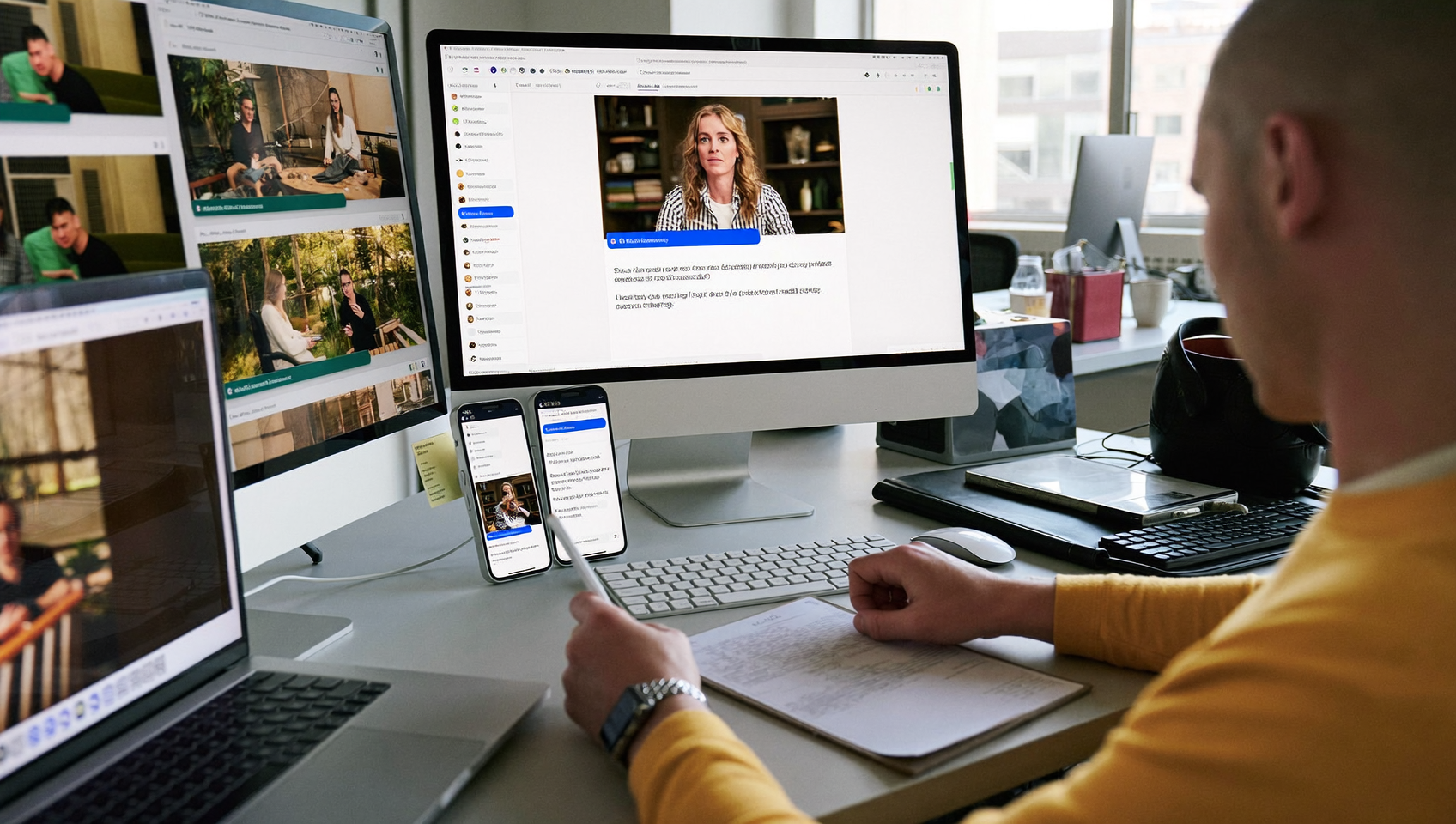
Every unanswered chat message is a potential customer walking away. live chat software for business gives your team, or an AI agent, the ability to respond to website visitors, social media messages, and text inquiries in real time. For service businesses juggling phone calls, appointment requests, and follow-ups across multiple channels, a live chat tool isn’t a luxury—it’s essential. It’s how you stop losing leads to slow response times. SalesCaptain’s AI Chat Agents handle these conversations around the clock, capturing contact information, booking appointments, and answering common questions without requiring a single staff member to be online.
Live chat software for business enables real-time messaging with website visitors, social media contacts, and text inquiries through a single platform. It lets your team—or an AI agent—respond instantly to customer questions, capture leads, and book appointments without forcing visitors to call or wait for email replies.
Free weekly newsletter
Growth tips for service businesses
Every Tuesday — actionable ideas to get more leads, reviews, and repeat customers. No fluff.
Quick Answer
Live chat software enables businesses to engage website visitors in real-time through instant messaging. It captures leads immediately, answers customer questions without delay, and often integrates with scheduling tools to book appointments automatically. Many platforms operate 24/7 with AI assistants or round-the-clock support teams, ensuring no potential customer goes unanswered and reducing response time from hours to seconds.
What Is Live Chat Software for Business?
Live chat software lets businesses communicate with customers through real-time messaging on their website, social media profiles, or via SMS. Instead of forcing a visitor to call your office, fill out a contact form, or send an email that might sit unread for hours, chat gives them an instant way to ask a question and get an answer. And that speed matters. According to GoSquared’s analysis of live chat data, chat consistently delivers higher customer satisfaction scores than email or phone support because of that immediacy.
Traditional live chat tools require a human agent sitting at a computer, ready to type responses. That works for large support teams, but it falls apart for a roofing company with three employees or a dental office where the front desk staff is already overwhelmed. Modern live chat software closes that gap with AI-powered agents that can handle conversations automatically. The result? Your business responds instantly, even at 2 AM on a Saturday. No new hires needed.
Types of Live Chat Tools
Not all chat software works the same way. Some are purely reactive, sitting on your website waiting for someone to click. Others are proactive, triggering messages based on visitor behavior. And a growing category blends chat with AI automation, handling entire conversations without human involvement. Here’s what’s out there:
- Widget-only tools: A chat bubble on your website that connects visitors to a human agent or a basic chatbot. Simple, but limited to one channel.
- Multichannel chat platforms: These connect webchat, SMS, Instagram DMs, Facebook Messenger, and sometimes WhatsApp into one interface. Much more useful for businesses that get inquiries from multiple places.
- AI-native chat platforms: Built with automation at the core. AI agents respond, qualify leads, book appointments, and escalate to humans only when necessary. SalesCaptain falls into this category.
The distinction matters because most businesses don’t just need a chat widget. They need a system that captures leads and moves them toward a booking or sale, regardless of which channel the conversation starts on.
How Live Chat Works in SalesCaptain
Setting up AI-powered live chat in SalesCaptain takes minutes, not days. There’s no coding involved, and you don’t need a dedicated IT person. Here’s the step-by-step breakdown:
- Add the webchat widget to your site. SalesCaptain generates a lightweight code snippet you paste into your website. It works on WordPress, Squarespace, Wix, and custom-built sites. Once installed, a branded chat bubble appears on every page.
- Connect your other messaging channels. Link your Instagram, Facebook Messenger, and SMS number so all incoming messages flow into one place. Every conversation, regardless of where it started, shows up in your Unified Inbox alongside calls and emails.
- Configure your AI Chat Agent. Tell the AI what your business does, what services you offer, your operating hours, and your most common customer questions. The agent uses this information to hold natural conversations, answer FAQs, and collect lead details like name, phone number, and service needed.
- Set up appointment booking rules. Connect your calendar so the AI agent can offer available time slots and confirm bookings during the chat. No back-and-forth emails required. Integrations with tools like HousecallPro and Mindbody let the booking sync directly to your scheduling system.
- Activate missed-call text-back. When a customer calls and nobody picks up, SalesCaptain automatically sends a text message inviting them to chat instead. According to Dialfyne’s missed call research, a significant percentage of callers who don’t get through won’t call back. Texting them immediately keeps that lead alive.
- Review and refine from the Unified Inbox. Every chat conversation is logged with full history. Your team can jump in at any point, see what the AI discussed, and take over if needed. Contact records update automatically.
📺 Watch: How to Add Live Chat to Your Website
Key Capabilities
- Multichannel messaging from one inbox: Webchat, SMS, Instagram DMs, and Facebook Messenger all feed into SalesCaptain’s Unified Inbox. Your team doesn’t need to check five different apps. One screen shows every conversation with full context, including past calls, texts, and notes.
- Instant AI responses 24/7: The AI Chat Agent replies within seconds, day or night. It handles greetings, answers service questions, collects contact information, and books appointments. For after-hours inquiries, this is especially valuable. According to RingReady’s cost-of-missed-calls analysis, most service businesses lose substantial revenue from leads that arrive outside normal hours.
- Lead capture and qualification: Every chat interaction captures the visitor’s name, phone number, and what they’re looking for. The AI asks qualifying questions, like property size for a landscaping company or case type for a law firm, so your team knows which leads to prioritize before they ever pick up the phone.
- Missed-call text-back: When a call goes unanswered, an automatic text goes out within seconds. That text can open a chat conversation where the AI agent takes over, turning a missed call into a booked appointment instead of a lost lead.
- Appointment reminders and follow-ups: Once an appointment is booked through chat, SalesCaptain’s Workflow Automation sends confirmation texts, reminder messages, and follow-up sequences automatically. These reduce no-shows and keep your calendar full.
- Payments via text: After a service is quoted during chat, you can send a payment link directly in the conversation. Customers pay without leaving the text thread. This feature isn’t something you’ll find in tools like Aircall, Nextiva, or OpenPhone.
Who Needs This?
Live chat software built for real-time lead capture and appointment booking serves a specific set of businesses. If your revenue depends on responding quickly to inbound inquiries, this is for you.
- Home service companies (roofers, plumbers, HVAC technicians, landscapers, appliance repair): Homeowners want fast answers about availability and pricing. Chat captures those leads before they call your competitor.
- Healthcare and wellness practices (dental offices, medical clinics, MedSpas, therapy practices): Patients often prefer messaging over calling. secure chat keeps communication compliant while reducing front-desk phone volume.
- Legal practices: Potential clients researching attorneys frequently visit multiple firm websites. An AI chat agent that instantly engages them and collects case details gives you a significant advantage over firms relying on contact forms.
- Appointment-based businesses (salons, gyms, fitness studios): Walk-in traffic is declining. Most bookings start online, and chat makes the booking process frictionless.
- Real estate agencies: Buyers and sellers browsing listings want quick responses. Chat qualifies them by asking about budget, timeline, and property preferences before connecting them to an agent.
- Operations managers and business owners who manage communication across multiple locations and can’t afford to hire dedicated receptionists for each one.
Benefits of Live Chat Software for Business
Faster Response Times That Convert More Leads
Speed wins in service businesses. A potential customer who messages you at 7 PM and gets a response in three seconds is far more likely to book than one who waits until morning for a reply. What does that look like in practice? According to LiveChat’s Customer Service Report, response time is the single biggest factor in chat-based customer satisfaction. With an AI agent handling initial responses, your business always replies first.
Lower Staffing Costs Without Sacrificing Service Quality
Hiring a full-time receptionist costs $35,000 or more per year. That’s a lot of money. According to Bureau of Labor Statistics data, an AI chat agent handles the same volume of routine conversations for a fraction of that cost, and it never calls in sick. Your existing staff can focus on complex issues that actually need a human touch, while the AI manages the repetitive “What are your hours?” and “Do you serve my area?” questions.
A Single View of Every Customer Conversation
When a customer texts you on Monday, calls on Wednesday, and messages your Instagram on Friday, your team needs to see all of that in one place. SalesCaptain’s Unified Inbox creates a complete timeline for every contact, so nobody asks the customer to repeat themselves. That continuity builds trust. It makes your business feel more professional than it might be staffed to be.
Consistent Follow-Up That Doesn’t Depend on Memory
Most leads don’t convert on the first interaction. They need a reminder, a follow-up text, or a nudge to schedule. SalesCaptain’s Workflow Automation handles this automatically based on triggers you set, like “if no appointment booked within 24 hours, send follow-up text.” Your pipeline stays active without anyone having to remember to follow up.
How SalesCaptain Compares
Most live chat tools solve one problem well but leave gaps everywhere else. Intercom, for instance, is built for SaaS customer support teams, not for a plumbing company that needs to book emergency appointments. Its pricing reflects that enterprise focus, and it doesn’t offer SMS automation, AI voice agents, or missed-call text-back.
Podium handles webchat and texting but lacks outbound workflow automation and doesn’t offer real-time speech analytics or a power dialer. Birdeye is primarily a reputation management platform; it doesn’t include call routing, IVR, call flow building, or any AI for phone calls. Weave focuses heavily on healthcare and dental, with no social chat, no WhatsApp support, and limited AI automation features.
SalesCaptain is different. It’s the only platform that combines AI chat agents, AI phone agents, and a unified inbox in a single tool built specifically for service businesses. You get multichannel chat, voice AI, workflow automation, and a full phone system at per-location pricing that starts free. According to the U.S. Chamber of Commerce’s technology impact report, small businesses that adopt integrated communication tools see measurable improvements in customer retention and operational efficiency. That’s exactly the outcome SalesCaptain is engineered to deliver.
Frequently Asked Questions
Can live chat software replace my receptionist?
For routine inquiries, absolutely. An AI chat agent handles FAQs, collects lead information, and books appointments without human involvement. However, complex or sensitive conversations still benefit from a real person. SalesCaptain lets your team jump into any AI-handled conversation at any point, so you get the best of both approaches.
Does SalesCaptain’s live chat work on mobile devices?
Absolutely. The webchat widget is fully responsive and works on phones, tablets, and desktops. And since SalesCaptain also handles SMS, Instagram DMs, and Facebook Messenger, your customers can reach you from whatever device and app they’re already using.
How is SalesCaptain’s chat different from a basic chatbot?
Basic chatbots follow rigid scripts and break down easily. SalesCaptain’s AI Chat Agents use natural language understanding to hold real conversations, ask qualifying questions dynamically, and adapt based on context. They’re also connected to your calendar, CRM, and phone system, so they can actually take action. Not just answer questions.
What does live chat software for business cost with SalesCaptain?
SalesCaptain offers a free Startup plan for one location. The Business plan is $159 per month per location, and the Enterprise plan is $300 per month per location. AI call minutes are billed at $0.12 per minute. There are no per-user fees, which makes it far more affordable than tools like Aircall at $30 per license or platforms with opaque pricing like Podium and Birdeye.
Ready to see it in action?
See how businesses use SalesCaptain to capture every lead without hiring more chat staff.
Start Capturing More Leads With AI-Powered Live Chat
SalesCaptain gives your business instant, intelligent responses across webchat, SMS, Instagram, and Facebook Messenger, all from one inbox. Set up your AI Chat Agent in minutes, not weeks, and never lose another lead to a slow reply. Get started with SalesCaptain today.