
AI-powered customer experience marketing (CXM) platform that helps local businesses win.



If you’re researching a Salesforce CRM small business solution, you’ve probably noticed a pattern: the platform is powerful, but it’s built for companies with dedicated IT teams and six-figure software budgets. For most service businesses with one to five locations, Salesforce delivers far more complexity than value. What small businesses actually need isn’t a massive CRM. They need a communication platform that captures every lead, responds instantly, and automates the follow-up work that eats up staff hours. That’s exactly what SalesCaptain was built to do.
Quick Answer
Salesforce can work for small businesses but often comes with unnecessary complexity and cost. Smaller service companies typically find better ROI with streamlined alternatives offering essential CRM features like contact management, pipeline tracking, and basic automation without the steep learning curve or enterprise price tag.
What Is a CRM for Small Business, and Why Salesforce Isn’t Always the Right Fit
A CRM, or customer relationship management system, tracks your interactions with leads and customers. Salesforce pioneered this category and dominates enterprise sales. But for a roofing company, dental practice, or law firm with a handful of employees, Salesforce introduces problems that are hard to ignore.
The setup alone can take weeks. You’ll likely need a consultant just to configure it properly, and CRM adoption remains a major challenge for small teams because complex systems don’t get used consistently. On top of that, Salesforce pricing scales per user, which gets expensive fast once you add sales reps, office staff, and managers. The Pro Suite alone runs $100 per user per month.
Free weekly newsletter
Growth tips for service businesses
Every Tuesday — actionable ideas to get more leads, reviews, and repeat customers. No fluff.
Here’s the deeper issue, though. A traditional CRM tracks conversations after they happen. It doesn’t answer your phone at 9 PM. It doesn’t text back a missed caller within seconds. In fact, it doesn’t book an appointment while your team is out on a job site. Small businesses don’t lose customers because their CRM lacked a custom field. They lose customers because nobody picked up the phone. According to recent industry research, small businesses lose over $26,000 per year from missed calls alone.
Where the Real Gap Lives
Salesforce excels at pipeline reporting, deal tracking, and enterprise workflow automation. Yet it has no native AI voice agent, no missed-call text-back, and no built-in phone system designed for service businesses. You’d need to bolt on third-party tools for calling, texting, and chat, then pay to integrate them all. For a five-person HVAC company or a two-location MedSpa, that approach creates more overhead than it eliminates.
SalesCaptain takes a fundamentally different approach. Instead of making you build a communication stack around a CRM, it gives you the entire communication layer, with AI handling the repetitive work, from a single platform.
How SalesCaptain Works as Your Small Business Communication Hub
Getting started doesn’t require a consultant or a multi-week implementation. Here’s what the setup process actually looks like:
- Get your business phone number. Port your existing number or pick a new local or toll-free number. SalesCaptain’s phone system runs on 99.99% uptime with crystal-clear audio, IVR, and call routing built in.
- Build your AI Phone Agent. Using a drag-and-drop call flow builder, you configure how incoming calls are handled. Your AI agent can answer FAQs, qualify leads, book appointments, block spam, and route callers to the right person. No coding required.
- Connect your messaging channels. Link SMS, webchat, Instagram DMs, and Facebook Messenger so every customer conversation lands in one unified inbox. AI Chat Agents respond instantly across all channels.
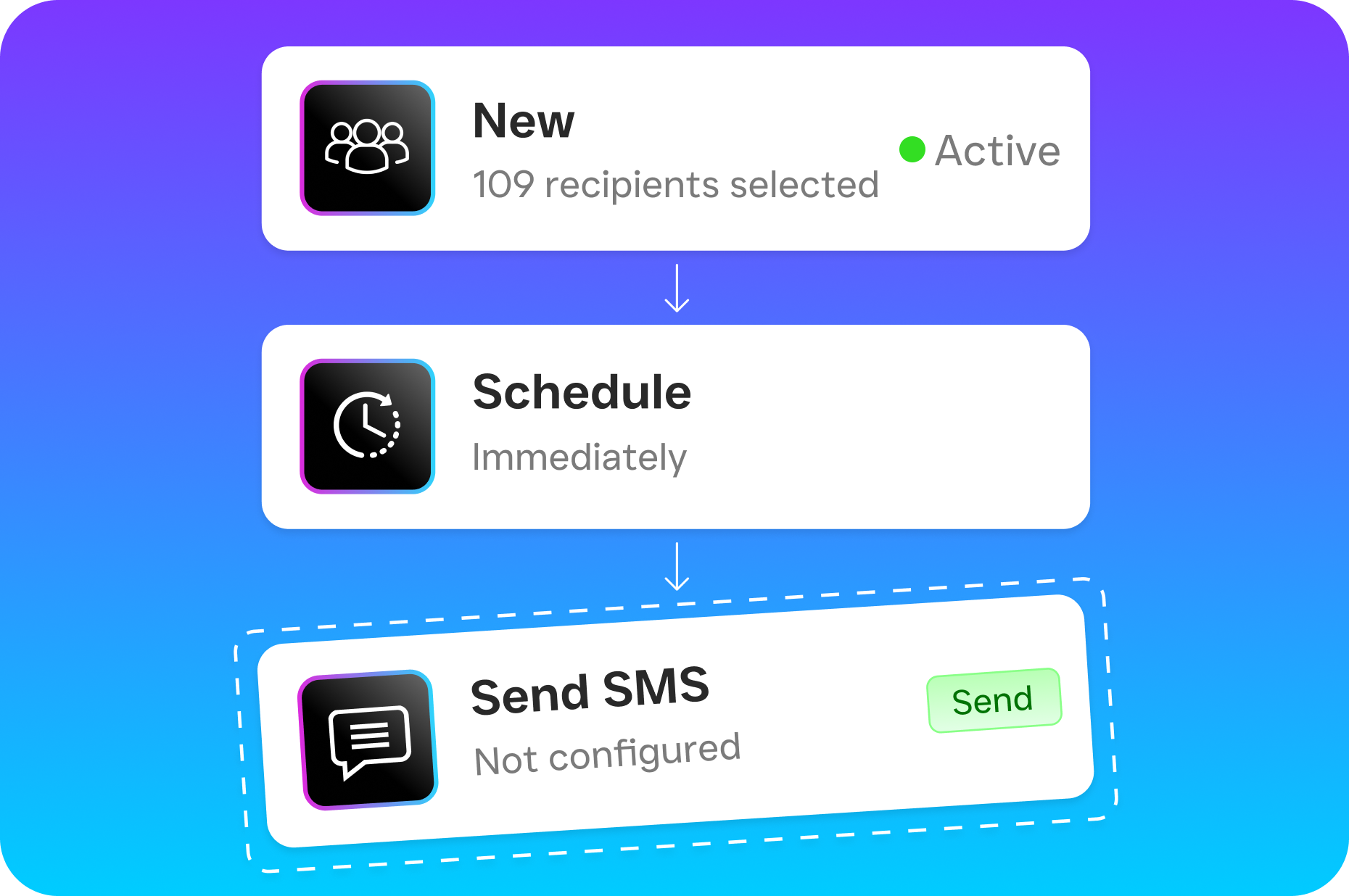
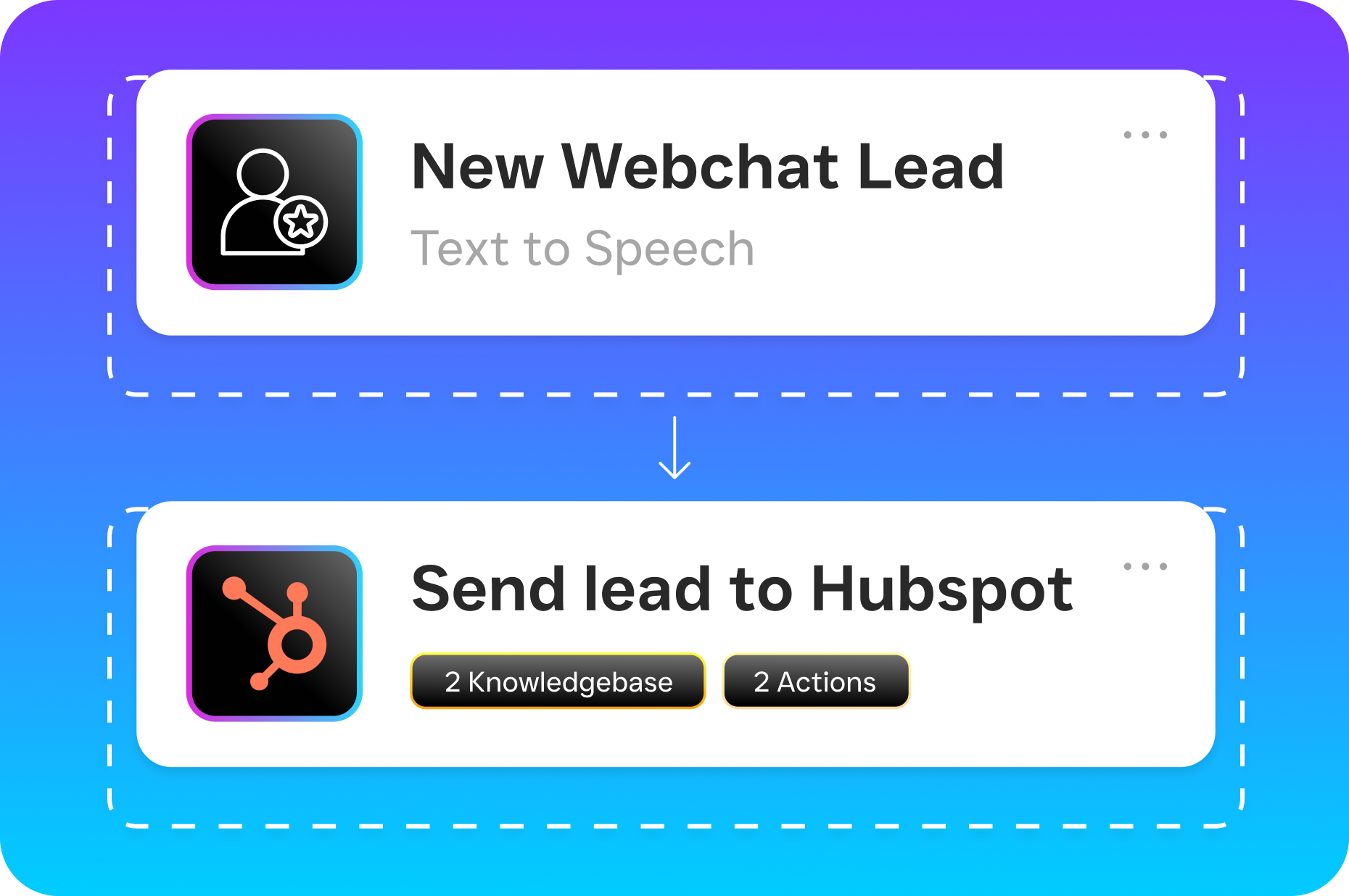
- Set up workflow automations. Build trigger-based follow-ups, appointment reminders, CRM updates, and team notifications with the visual workflow builder. Over 50 integrations connect to tools you already use, including HubSpot, Zoho, Shopify, and QuickBooks.
- Go live and let AI handle the volume. Your AI agents work around the clock. Every call gets answered. Every text gets a reply. Every lead gets followed up on, even at 2 AM on a Sunday.
The entire setup can happen in a single afternoon. Compare that to a Salesforce implementation timeline, and the difference is stark.
Key Capabilities That Replace a Traditional CRM Stack
SalesCaptain isn’t trying to be everything Salesforce is. Instead, it focuses on the capabilities that actually move the needle for service businesses:
- AI Phone Agent with 24/7 coverage: A natural-sounding voice agent answers every call, qualifies leads, books appointments, and captures after-hours inquiries. No more voicemail black holes where leads disappear.
- Missed-call text-back: When a call can’t be answered, an automated text goes out within seconds. According to Phone2.io’s research on missed calls, the speed of your response directly correlates with whether you win or lose that customer.
- Unified inbox across every channel: Calls, texts, webchat, social DMs, email, and internal notes all live in one collaborative inbox. Your team sees the full contact history without switching between apps.
- AI summaries and transcriptions: Every call gets transcribed automatically, with AI-generated summaries that highlight key decisions, follow-up items, and customer concerns. This replaces the note-taking and call-logging features that CRM users struggle to maintain manually.
- Workflow automation with 50+ integrations: Drag-and-drop automations handle follow-ups, reminders, and CRM syncing. If you still want Salesforce as your system of record, SalesCaptain connects to it via Zapier while handling all the front-line communication.
- Payments via text: Collect payments directly through SMS conversations, something neither Salesforce nor most competing communication platforms offer natively.
Who Needs This Instead of Salesforce
Not every business searching for a Salesforce CRM small business solution actually needs Salesforce. Here’s who benefits most from SalesCaptain’s approach:
- Home service companies (roofers, plumbers, HVAC, landscapers, appliance repair) where the owner and field crew can’t answer phones during jobs.
- Healthcare and wellness practices (dental offices, MedSpas, therapy clinics) that need secure communication and appointment automation.
- Legal practices that can’t afford to miss a potential client call, especially after hours when people often search for attorneys.
- Appointment-heavy businesses (salons, gyms, fitness studios) where booking efficiency directly impacts revenue.
- Multi-location businesses that need consistent communication across sites without hiring dedicated receptionists at each one.
- Any SMB owner or operations manager who’s evaluated Salesforce and realized the complexity-to-value ratio doesn’t work for a team under 20 people.
A Salesforce-commissioned study found that SMBs using AI tools see accelerated revenue growth. But you don’t need Salesforce’s platform to get those AI benefits. SalesCaptain delivers AI voice and chat agents purpose-built for the way service businesses actually operate.
Benefits of Choosing a Communication-First Platform
The biggest benefit isn’t a feature. It’s a shift in how your business handles demand. With SalesCaptain’s AI Phone Agent answering calls around the clock, you stop losing the leads that come in after 5 PM, on weekends, or during your busiest hours when staff can’t pick up. According to SchedulingKit’s analysis, missed calls represent thousands in lost revenue annually for most small businesses.
Growth Without Headcount
Hiring a receptionist costs $35,000 or more per year, and they still only cover one shift. A virtual receptionist service like Smith.ai or Ruby charges per call or per minute, and costs climb rapidly as your call volume grows. SalesCaptain’s AI Phone Agent costs $0.12 per minute with no per-seat licensing. That’s a fraction of the cost, and it scales without adding staff.
Faster Lead Response, Higher Conversion
Speed kills in lead response, but in a good way. The business that responds first almost always wins. When your AI agent answers calls instantly and your missed-call text-back fires within seconds, you’re converting opportunities that competitors let slip to voicemail. Your team can then focus on closing deals rather than chasing down callbacks.
One Platform, Not Seven
Most small businesses cobble together a phone system, a texting tool, a chat widget, a social media inbox, and a CRM. Each one has its own login, its own billing, and its own learning curve. SalesCaptain replaces that entire stack with one platform. Your team sees every customer interaction in one place, which means faster context, better handoffs, and fewer dropped balls. The Salesforce SMB Trends Report itself acknowledges that small businesses struggle with disconnected tools. SalesCaptain solves that problem without the enterprise complexity.
How SalesCaptain Compares to Salesforce and Other Options
Salesforce is a world-class CRM. Nobody disputes that. But for a small service business, it’s like buying a commercial truck to run errands. The per-user pricing adds up quickly, the setup demands technical expertise, and the features you’d actually use daily, like answering calls and texting customers, require add-ons.
Other tools in the SMB space have their own gaps. Birdeye, for instance, has no call routing, no call coaching, no IVR, and no AI for calls. It’s primarily a reputation management tool. Nextiva caps SMS at 250 messages per user per month and doesn’t offer payments via text or lead capture forms. Aircall charges $30 per license per month but lacks a voice AI agent, webchat, or missed-call text-back. These platforms solve individual problems but don’t give you the full communication layer.
SalesCaptain is the only platform that combines AI voice agents, AI chat agents, and a unified inbox in one tool. It starts free for a single location, with the Business plan at $159 per month per location. There’s no per-user fee, no hidden costs, and no consultant required to get running. For small businesses that need to handle more volume without hiring more staff, that’s a practical advantage no enterprise CRM can match.
Can I Still Use Salesforce With SalesCaptain?
Yes. If your business already runs on Salesforce and you want to keep it as your CRM, SalesCaptain connects through Zapier and native integrations. SalesCaptain handles the front-line communication, while Salesforce stays your system of record. You get the best of both without forcing your team to choose one or the other.
What’s the Real Cost Difference?
Salesforce Pro Suite starts at $100 per user per month. A five-person team costs $500 monthly just for CRM access, before adding any calling or texting tools. SalesCaptain’s Business plan covers an entire location for $159 per month, including AI agents, phone system, unified inbox, and automation. AI call minutes are billed at $0.12 per minute on top of that. For most small businesses, the total cost comes in well under half of a comparable Salesforce setup.
Does SalesCaptain Work for Businesses Outside the U.S.?
SalesCaptain primarily serves businesses in the United States, with growing availability in India where pricing is shown in INR. If your business operates in either market, the platform supports your needs. International expansion details are available directly from the SalesCaptain team.
How Long Does It Take to Set Up?
Most businesses are fully operational within a single day. Porting an existing phone number may take a few business days depending on your carrier, but you can start with a new number immediately. Building your AI agent, connecting your channels, and setting up automations all happen through drag-and-drop interfaces that don’t require technical expertise.
Stop Overpaying for Complexity You Don’t Need
Your small business doesn’t need an enterprise CRM. It needs every call answered, every lead followed up on, and every customer conversation in one place. SalesCaptain gives you AI-powered communication that works around the clock, starting free.
Ready to see it in action?
See how small businesses use SalesCaptain to manage customers without expensive Salesforce fees.
Book a Free Demo →Frequently Asked Questions
Is Salesforce CRM a good fit for small businesses?
Salesforce is often too complex and expensive for small businesses with one to five locations, as it’s built for enterprise companies with dedicated IT teams and large budgets. The setup can take weeks, requires consultant help, and scales per-user pricing makes it costly to add team members, with the Pro Suite alone costing $100 per user per month.
What does a CRM system do for small businesses?
A CRM (customer relationship management system) tracks your interactions with leads and customers to help manage relationships and sales pipelines. However, traditional CRMs like Salesforce only record conversations after they happen and lack real-time communication features like answering phones or texting missed callers.
How much does Salesforce cost per user?
Salesforce’s Pro Suite pricing starts at $100 per user per month, and costs scale higher as you add sales reps, office staff, and managers to your account. This per-user pricing model can become expensive quickly for growing small business teams.
What are the main problems with using Salesforce for service businesses?
Salesforce lacks native AI voice agents, missed-call text-back capabilities, and phone systems designed for service businesses, requiring you to bolt on expensive third-party tools for calling, texting, and chat. Additionally, the platform’s complexity leads to poor adoption rates among small teams and setup takes weeks with consultant help.
What do small businesses actually lose from not having instant communication features in their CRM?
According to industry research cited in the article, small businesses lose over $26,000 per year from missed calls alone. Small businesses lose customers because nobody picked up the phone, not because their CRM lacked a custom field or advanced reporting features.