
AI-powered customer experience marketing (CXM) platform that helps local businesses win.


If you’re searching for the Salesforce for small business cost, you’ve probably already felt the sticker shock. Salesforce is powerful, but its pricing model was built for enterprise sales teams with dedicated admins, not for a roofing company trying to stop missing after-hours calls or a dental practice that needs appointment reminders. The reality is that most service businesses don’t need a full CRM suite. They need a way to answer every customer call, respond to every text, and follow up automatically, without hiring more staff. SalesCaptain gives you the communication automation that actually moves the needle for your revenue, at a fraction of what Salesforce charges.
What the Real Salesforce for Small Business Cost Looks Like
Salesforce offers several tiers aimed at smaller companies. Their Starter Suite begins at $25 per user per month, while the Pro Suite jumps to $100 per user per month. That sounds manageable until you factor in the full picture. You’ll need add-ons for telephony, SMS, and automation workflows. Most small businesses also pay for a Salesforce admin or consultant to configure the system, which Salesforce’s own SMB Trends Report acknowledges is a barrier for resource-constrained teams.
A five-person team on the Pro Suite pays $500 per month before any integrations. Add a telephony connector, an SMS tool, and a chatbot, and you’re easily past $700 to $1,000 monthly. Yet the core problem for most service businesses isn’t managing a sales pipeline in a CRM. It’s that calls go unanswered, texts don’t get replies fast enough, and leads slip through the cracks before anyone follows up.
Where the Money Actually Goes
According to industry data from SkipCalls, small businesses lose over $26,000 per year from missed calls alone. That’s not a CRM problem. It’s a communication problem. Spending $6,000 to $12,000 annually on Salesforce licenses won’t fix it if nobody’s picking up the phone at 6 PM on a Tuesday. SalesCaptain is purpose-built for this exact gap, giving you AI-powered call answering, texting, and follow-ups in one platform.
How SalesCaptain Works as Your Communication Engine
Rather than forcing you into a complex CRM setup, SalesCaptain focuses on the touchpoints that generate and convert leads for service businesses. Here’s how you go from sign-up to fully automated customer communication:
- Choose your plan and connect your business number. You can start on the free Startup plan for a single location or pick the Business plan at $159 per month per location. No per-user fees.
- Build your AI Phone Agent. Use the drag-and-drop call flow builder to define how incoming calls are handled: greetings, FAQ responses, appointment booking, lead qualification, and after-hours routing. No coding required.
- Set up AI Chat Agents across your channels. Connect SMS, webchat, Instagram DMs, and Facebook Messenger. Each channel feeds into one unified inbox where your team can see every conversation.
- Create automated workflows. Use the visual workflow builder to trigger follow-up texts after missed calls, send appointment reminders, update your CRM, and notify your team, all without manual effort.
- Sync with your existing tools. SalesCaptain integrates natively with Salesforce, HubSpot, Zoho, HousecallPro, ServiceFusion, QuickBooks, and 50+ other platforms. So if you already use Salesforce for pipeline tracking, you don’t have to abandon it. You just stop overpaying for communication features it wasn’t designed to handle.
Key Capabilities That Replace Expensive Add-Ons
Most of the features small businesses bolt onto Salesforce through third-party apps are already built into SalesCaptain natively:
- AI Phone Agent with 24/7 answering: A natural-sounding voice agent picks up every call, qualifies leads, answers common questions, and books appointments. No missed calls, no voicemail black holes. According to research from DialIQ, businesses that don’t answer calls within minutes lose the majority of those prospects to competitors.
- Missed call text-back: When a call can’t be answered, an automatic SMS goes out instantly so the customer knows you’re responsive. This single feature recovers leads that would otherwise disappear.
- Unified inbox for every channel: Calls, texts, webchat messages, social DMs, and email all appear in one team-friendly inbox. No more switching between five apps to piece together a customer conversation.
- AI call summaries and transcriptions: Every call gets transcribed and summarized automatically. Your team sees key takeaways, action items, and customer sentiment without replaying recordings.
- Payments via text: Send payment links through SMS so customers can pay immediately after a service call or appointment confirmation.
- High-volume SMS campaigns: Run appointment reminder blasts, review requests, or promotional messages at scale, built in, not bolted on.
Who Needs This?
SalesCaptain isn’t trying to be everything for everyone. It’s built for service businesses and appointment-driven companies where customer communication is the revenue bottleneck:
- Home service companies (roofing, HVAC, plumbing, landscaping, appliance repair) that miss calls when crews are on job sites
- Healthcare and wellness practices (dental offices, MedSpas, therapy clinics) that need automated appointment booking and reminders
- Legal practices where every missed intake call is a lost case, and after-hours availability matters
- Salons, gyms, and fitness studios handling high volumes of scheduling and rescheduling requests
- Real estate agencies that can’t afford slow response times on buyer or seller inquiries
- Multi-location businesses that need consistent communication across every branch without multiplying staff
According to Salesforce’s own 2025 research, SMBs adopting AI see stronger revenue growth. But the path to AI adoption for a 10-person plumbing company shouldn’t require a Salesforce Enterprise license and a consultant. SalesCaptain makes that path accessible.
Benefits That Show Up on Your Bottom Line
Capture Revenue You’re Currently Losing
Every unanswered call is money walking out the door. Data from Aira shows that missed business calls cost different industries varying amounts per call, but the pattern is universal: slow response equals lost revenue. With SalesCaptain’s AI Phone Agent handling calls around the clock, your business doesn’t have off-hours. Leads that call at 8 PM get the same experience as leads calling at 10 AM.
Scale Without Hiring
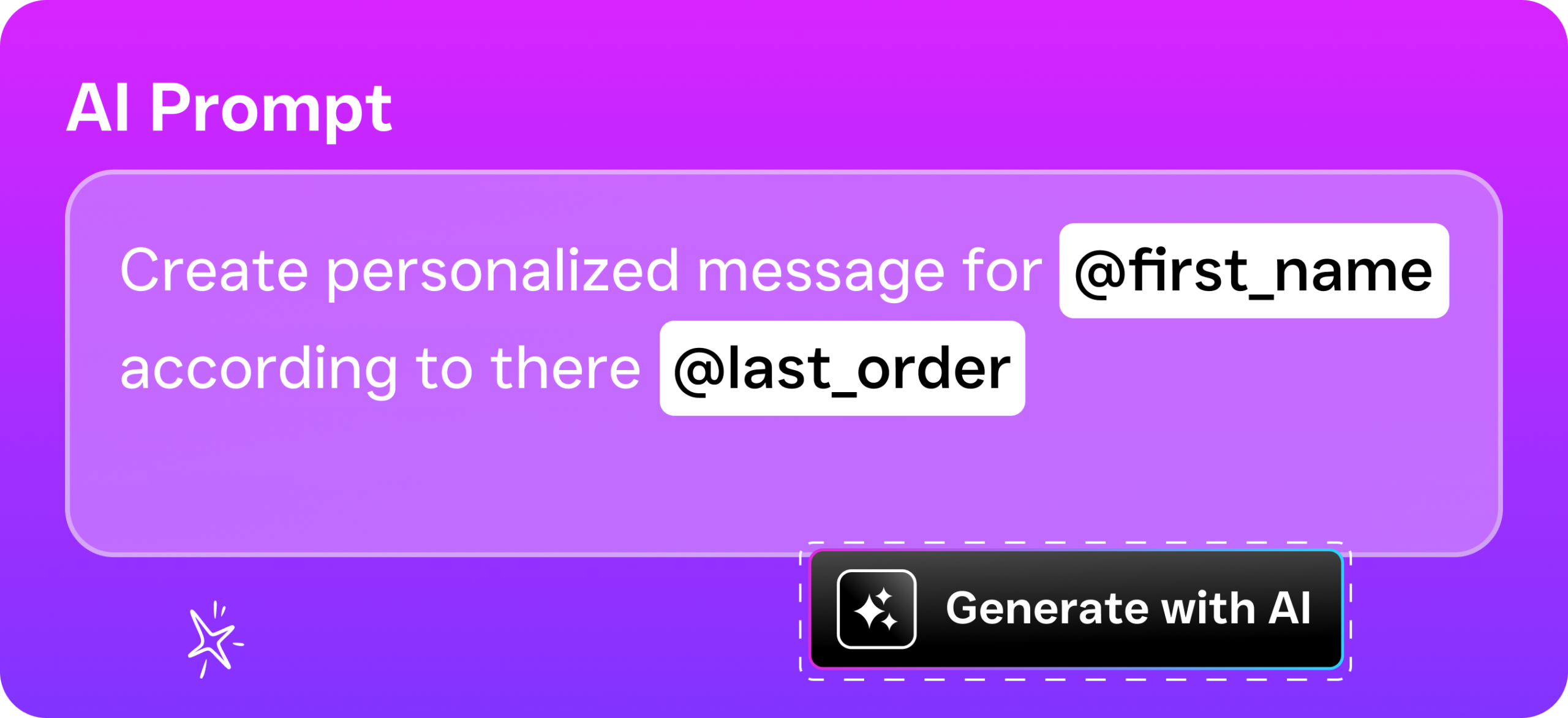
Hiring a receptionist costs $30,000 to $40,000 per year, according to Bureau of Labor Statistics data. That person works 40 hours a week, takes breaks, calls in sick, and can only handle one call at a time. SalesCaptain’s AI agent works 168 hours a week and handles multiple concurrent conversations. At $0.12 per minute for AI calls and $159 per month for the Business plan, you’re replacing the cost of a full-time hire with a fraction of the investment.
Stop Paying for Tools You Don’t Use
Salesforce’s small business cost balloons because you end up paying for pipeline stages, forecasting dashboards, and opportunity tracking that a service business rarely touches. What you actually use are the communication and follow-up features, and those are add-ons in Salesforce’s ecosystem. SalesCaptain gives you those core features natively, and if you still want Salesforce for CRM tracking, the two sync directly.
How SalesCaptain Compares
Salesforce isn’t the only alternative small businesses evaluate. Many look at platforms like Nextiva or RingCentral for communication needs. However, Nextiva caps SMS at 250 messages per user per month and doesn’t offer WhatsApp, payments via text, or lead capture forms. RingCentral similarly lacks WhatsApp support, lead forms, and payments via text. Neither platform includes an AI voice agent that answers and qualifies calls autonomously.
Compared to dedicated answering services, the difference is even starker. Traditional services like Smith.ai and Ruby use human receptionists, which means per-call or per-minute costs that climb fast as call volume grows. They also can’t send follow-up texts, manage your social media messages, or integrate into a unified inbox. SalesCaptain handles all of those natively.
For businesses that want AI answering service capabilities alongside a full phone system, unified messaging, and workflow automation, SalesCaptain is the only platform that bundles AI voice agents, AI chat agents, and a collaborative inbox into one tool. You don’t need to stitch together three or four products to cover what SalesCaptain does out of the box.
Frequently Asked Questions
Can I use SalesCaptain alongside Salesforce?
Yes. SalesCaptain integrates natively with Salesforce, so you can keep Salesforce for CRM and pipeline management while SalesCaptain handles all customer communication, call answering, texting, and follow-up automation. This approach often costs less than trying to make Salesforce do everything.
How much does SalesCaptain cost compared to Salesforce for small business?
SalesCaptain’s Business plan is $159 per month per location with no per-user fees. A five-person team on Salesforce Pro Suite pays $500 per month before adding telephony, SMS, and chatbot tools. For communication-focused needs, SalesCaptain typically costs 50% to 70% less than a comparable Salesforce setup.
Do I need technical skills to set up SalesCaptain’s AI agents?
No. The call flow builder and chat agent setup both use drag-and-drop interfaces. Most businesses go live within a day. There’s no need for a consultant or admin, which is one of the biggest hidden costs with Salesforce for smaller teams.
What happens to calls after business hours?
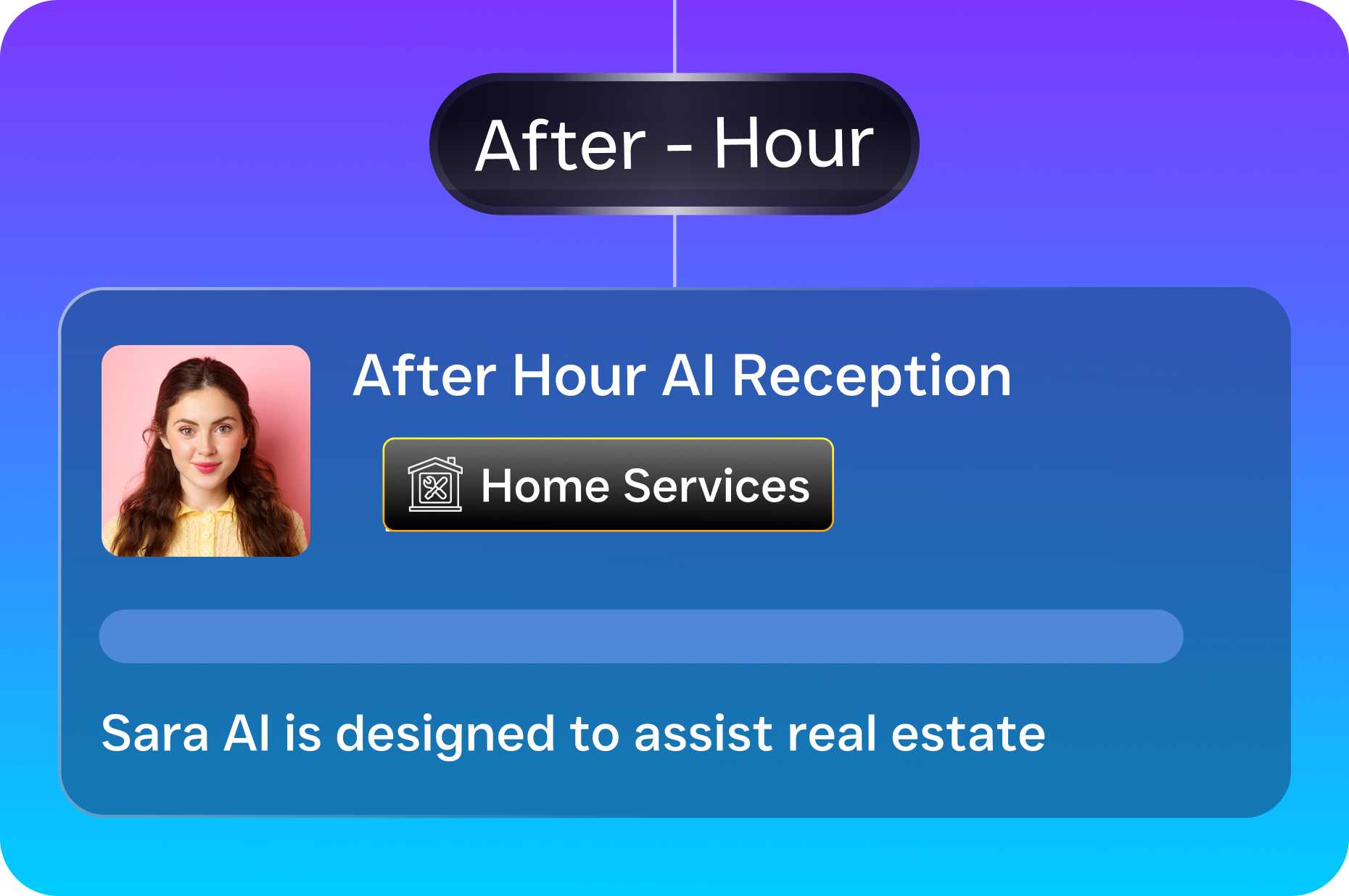
SalesCaptain’s AI Phone Agent answers every call 24/7. It can book appointments, answer frequently asked questions, qualify leads, and send follow-up texts automatically. After-hours calls get the same quality experience as daytime calls, which means you stop losing leads overnight and on weekends.
Stop Overpaying for Features Your Business Doesn’t Need
SalesCaptain gives service businesses AI-powered call answering, automated texting, and a unified inbox for every channel, all starting with a free plan. If you’re spending hundreds on Salesforce licenses and still missing calls, it’s time to switch to a platform built for how your business actually works.