
AI-powered customer experience marketing (CXM) platform that helps local businesses win.



Finding a top rated VoIP for small business isn’t just about getting a phone number and making calls. It’s about building a communication system that captures every lead, automates repetitive tasks, and keeps your team focused on revenue-generating work. For service businesses juggling calls, texts, webchat, and social media messages, the right VoIP platform can mean the difference between steady growth and constant chaos. SalesCaptain combines a full business phone system with AI-powered voice and chat agents, a unified inbox, and workflow automation, all purpose-built for SMBs that can’t afford to miss a single customer interaction.
What Is a Top Rated VoIP for Small Business?
VoIP, or Voice over Internet Protocol, routes your business calls over the internet instead of traditional phone lines. That shift alone cuts costs significantly. According to ElectroIQ’s 2025 VoIP statistics, businesses that switch to VoIP can reduce their communication expenses by up to 50% compared to legacy phone systems. But cost savings are just the starting point.
A truly top rated VoIP system does much more than handle calls. It serves as the foundation for how your business communicates with customers across every channel. Think about what happens when a potential customer calls after hours. With a basic VoIP provider, they hit voicemail and probably call your competitor next. With an advanced platform, that call gets answered by an AI agent, the lead gets qualified, and an appointment gets booked before morning, all without a human touching the phone.
What Separates Basic VoIP from a Real Business communication platform
Most VoIP providers offer the fundamentals: call routing, voicemail, maybe a mobile app. Some add video conferencing or team messaging. However, the gap between “good enough” and “competitive advantage” comes down to how well the platform handles everything around the call. Can it follow up with a text when someone doesn’t answer? Does it transcribe and summarize conversations so your team doesn’t have to take notes? Can it automate the entire after-call workflow?
According to Enterprise Apps Today’s VoIP research, businesses using advanced VoIP features report measurable gains in productivity and customer satisfaction. The trend is clear: small businesses aren’t looking for a phone system anymore. They’re looking for a communication platform that works while they sleep.
How Top Rated VoIP for Small Business Works in SalesCaptain
Setting up SalesCaptain’s VoIP system doesn’t require technical expertise or a dedicated IT team. Here’s how a typical small business gets from sign-up to fully operational in minutes.
- Choose your business phone number. Pick a local or toll-free number, or port your existing number. SalesCaptain provides one unified number for calls, SMS, and fax, so customers reach you through a single point of contact.
- Build your call flow. Use the drag-and-drop call flow builder to define exactly what happens when someone calls. Set up greetings, IVR menus, routing rules for different departments, after-hours handling, and voicemail fallbacks. No coding required.
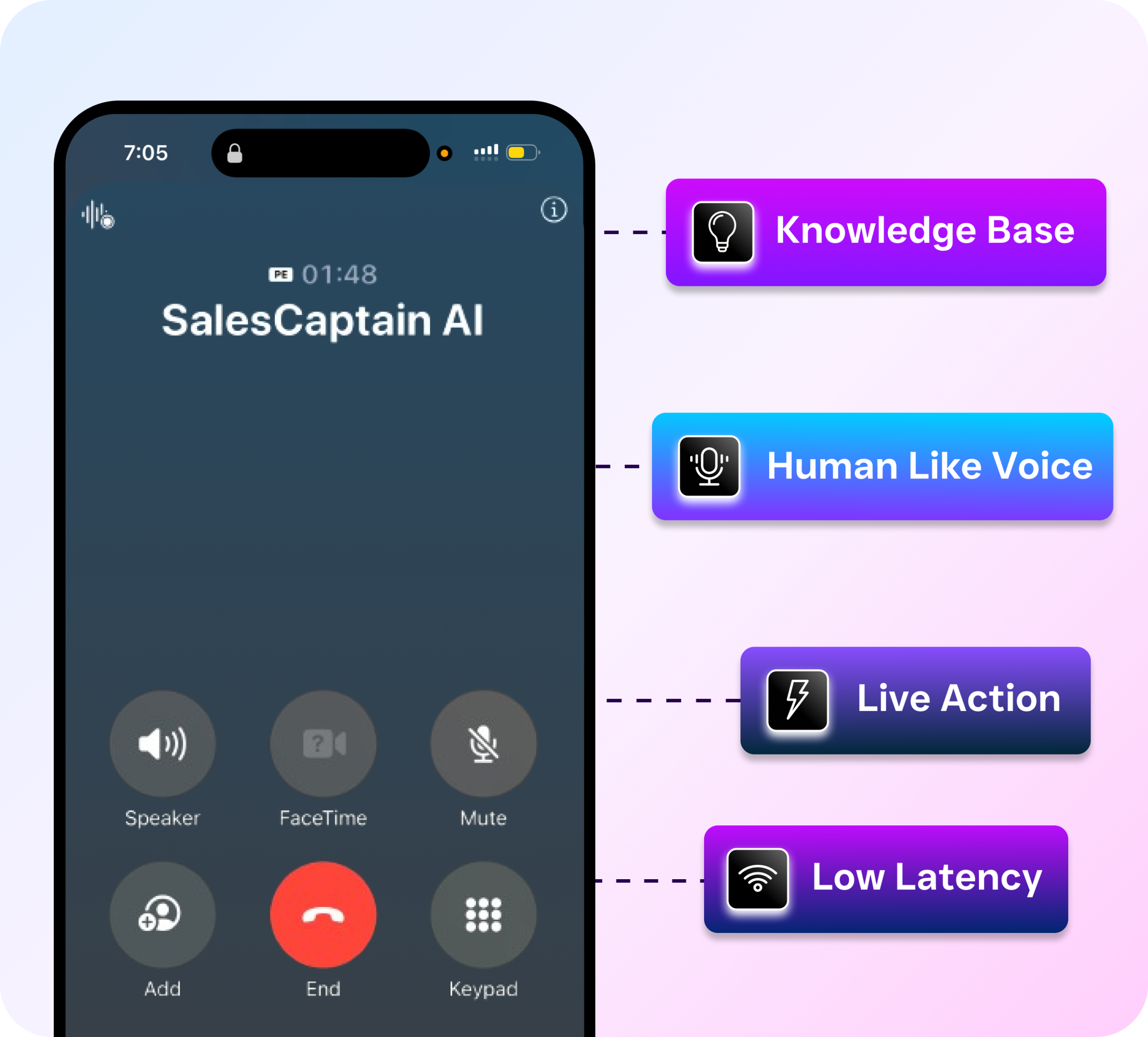
- Deploy your AI Phone Agent. Turn on the AI voice agent to answer calls 24/7. Configure it to book appointments, qualify leads, answer FAQs about your services, and block spam. The agent sounds natural and handles conversations without scripts feeling robotic.
- Connect your channels. Link SMS, webchat, Instagram DMs, Facebook Messenger, and email to your unified inbox. Every customer conversation, regardless of channel, appears in one place for your whole team to see.
- Set up workflow automations. Create automated follow-ups, appointment reminders, CRM updates, and notifications using the visual workflow builder. Connect to your existing tools through 50+ integrations including HubSpot, Salesforce, ServiceFusion, HouseCallPro, and QuickBooks.
- Go live and monitor. Start taking calls and messages immediately. Use AI transcriptions and summaries to review conversations, track performance, and coach your team without listening to every recording.
Key Capabilities
- AI Phone Agent with 24/7 Availability: An AI voice agent that answers every call, qualifies leads, books appointments directly into your calendar, and handles after-hours calls. According to Aira’s missed call research, small businesses lose significant revenue from unanswered calls, and this feature eliminates that problem entirely.
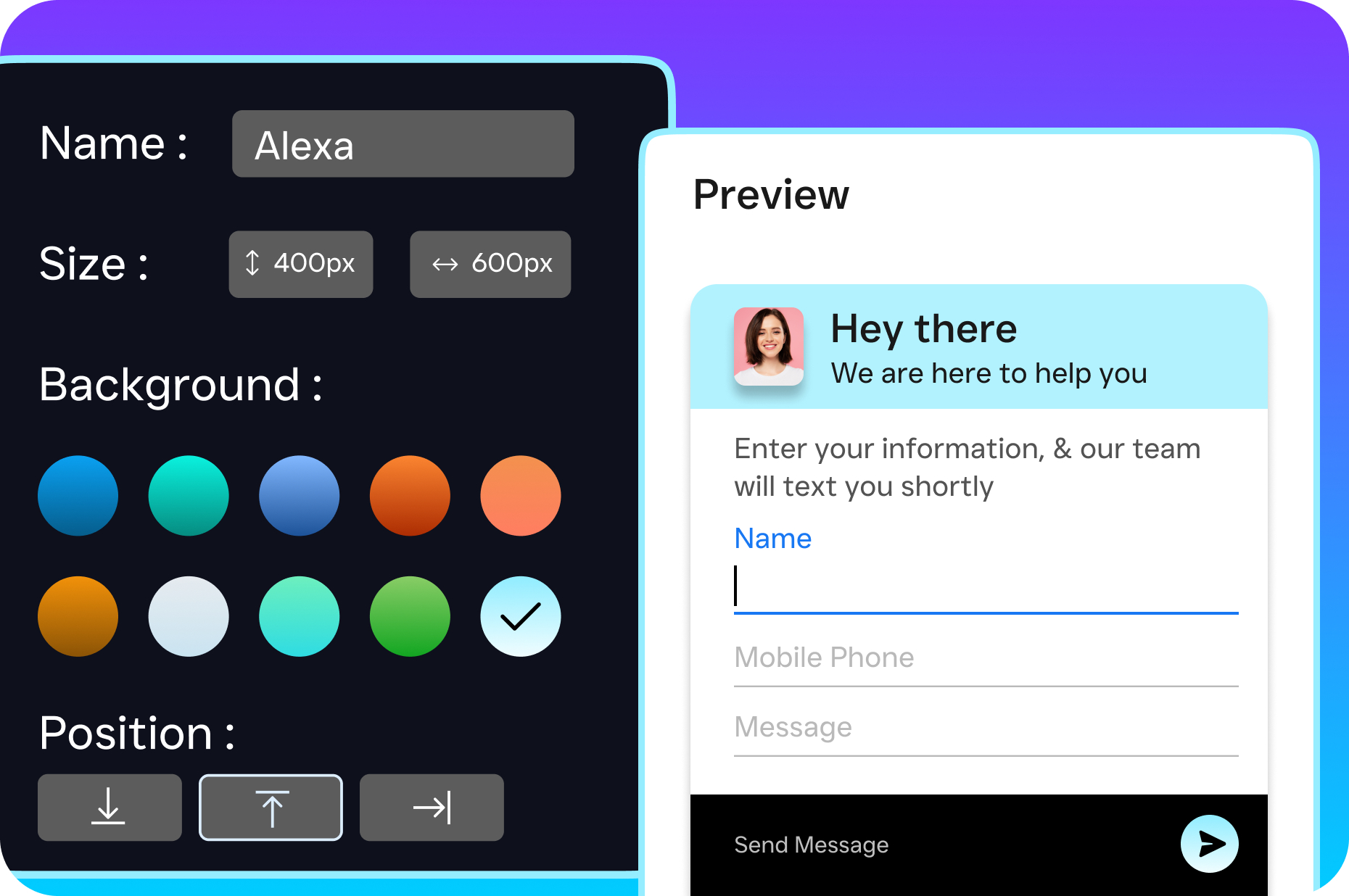
- Unified Inbox Across All Channels: Calls, texts, webchat conversations, social DMs, email, and internal notes all live in a single collaborative inbox. Your team sees the full customer history regardless of which channel the conversation started on, which means no more context switching between apps.
- Call Coaching and Whispering: Managers can listen to live calls and whisper guidance to team members without the customer hearing. This real-time training capability isn’t available on many competing platforms, yet it’s one of the fastest ways to improve call quality.
- AI Summaries and Transcriptions: Every call gets automatically transcribed with speaker identification and distilled into a summary highlighting key decisions, action items, and customer concerns. Your team spends less time on notes and more time on follow-through.
- Missed Call Text-Back: When a call goes unanswered, the system automatically sends a text to the caller. According to OnceHub’s research on missed calls, re-engaging missed callers within minutes dramatically increases the chance of converting them into paying customers.
- Visual Call Flow Builder: Drag-and-drop interface for creating custom call paths, including IVR menus, routing rules, after-hours handling, voicemail-to-text, and SMS follow-ups. You control every step of the caller experience without writing a single line of code.
Who Needs This?
SalesCaptain’s VoIP platform is built specifically for service businesses and appointment-driven companies. If your revenue depends on answering phones and booking jobs, this is designed for you.
- Home service businesses like roofing, plumbing, HVAC, appliance repair, and landscaping companies that can’t afford to miss calls from homeowners needing urgent help.
- Legal practices where every missed intake call could represent thousands in lost case revenue and where call recording and transcription support compliance needs.
- Healthcare and wellness providers including dental offices, medical practices, MedSpas, and therapy clinics that handle high volumes of appointment scheduling.
- Salons, gyms, and fitness studios where walk-in and phone-based booking happens constantly, often outside regular hours.
- Real estate agencies where speed-to-lead determines whether you win the listing or lose it to the agent who answered first.
- Multi-location businesses that need consistent communication standards across every site without multiplying staff costs. SalesCaptain’s per-location pricing at $159/month for the Business plan scales affordably.
- Business owners and operations managers who are personally handling calls and texts because they can’t justify hiring a full-time receptionist.
Benefits of Choosing SalesCaptain as Your Small Business VoIP
Capture Revenue You’re Currently Losing
Every missed call has a dollar value attached to it. SkipCalls estimates that small businesses lose over $26,000 per year from unanswered calls alone. SalesCaptain’s AI Phone Agent eliminates this problem by answering every call, day or night. Callers get immediate attention instead of voicemail, and your calendar fills with qualified appointments while you focus on running your business.
Scale Without Hiring
Hiring a receptionist costs $35,000 or more annually in the US, according to Bureau of Labor Statistics data. And that person only covers one shift, five days a week. With SalesCaptain’s AI agents handling calls, texts, and chat around the clock, you get coverage that would otherwise require multiple full-time employees. The Business plan runs $159/month per location, and AI calls cost just $0.12/minute. That math speaks for itself.
Respond Faster Than Your Competition
Speed wins customers. When someone submits a form, sends a text, or calls your business, the first company to respond gets the job more often than not. SalesCaptain’s AI chat agents reply instantly across SMS, webchat, Instagram, and Facebook Messenger. Your AI Phone Agent picks up before the second ring. And the missed call text-back feature ensures that even if something slips through, the caller hears from you within seconds.
Simplify Your Tech Stack
Most small businesses cobble together separate tools for phones, texting, social media messaging, appointment scheduling, and follow-up automation. That fragmented approach creates gaps where leads fall through. SalesCaptain consolidates all of those functions into one platform, with native integrations into CRMs and business tools you already use. Fewer tools means fewer subscriptions, fewer logins, and fewer things that can break.
How SalesCaptain Compares to Other Top Rated VoIP Options
The small business VoIP market is crowded, and each platform has its strengths. But most options force you to choose between a solid phone system and real AI-powered automation. SalesCaptain doesn’t make you pick. Here’s how the landscape breaks down.
OpenPhone ($15/user) works well as a basic shared phone system. Yet it lacks voicemail drop, call coaching, call queueing, and any meaningful AI capabilities. For a startup with simple needs, it’s fine. For a service business trying to automate lead capture and appointment booking, the feature gaps become limiting fast.
Aircall ($30/license) targets call centers and sales teams. It doesn’t include real-time AI for calls, webchat, payments via text, or lead capture forms. Plus, at $30 per license per month, it’s the most expensive per-seat option in this category. SalesCaptain’s per-location pricing is often more economical for teams with multiple users at a single office.
Dialpad ($15/user) offers strong AI transcription and coaching features. On the other hand, it doesn’t include toll-free minutes, audio conferencing, high-volume SMS, or social chat natively. If your business relies heavily on texting campaigns or communicates with customers on social platforms, those are notable gaps.
Nextiva ($20/user) is a solid traditional VoIP choice with good customer support. However, it caps SMS at 250 messages per user per month, doesn’t support WhatsApp, and lacks features like call coaching, voicemail drop, and text-based payments. For businesses where texting is a primary communication channel, that SMS ceiling creates friction.
Where SalesCaptain stands apart is the combination of AI voice agents, AI chat agents, and a unified inbox in a single platform. No other option on this list offers all three together, and that combination is what allows service businesses to automate customer communication end-to-end instead of just improving one piece of the puzzle. As PCMag’s 2024 Business Choice survey highlighted, the features businesses value most are reliability, ease of use, and the ability to handle multiple communication channels, all areas where SalesCaptain delivers.
Frequently Asked Questions
How reliable is SalesCaptain’s VoIP phone system?
SalesCaptain maintains 99.99% uptime with crystal-clear audio quality. The platform is built on infrastructure designed for business-critical communication, so dropped calls and outages aren’t something you’ll deal with.
Can I keep my existing business phone number?
Yes. You can port your current number to SalesCaptain so customers continue reaching you at the same number they’ve always used. You can also add new local or toll-free numbers as needed.
Is SalesCaptain difficult to set up without an IT team?
Not at all. The platform is designed for non-technical business owners. Call flows, AI agents, and automations are all configured through drag-and-drop visual builders. Most businesses are fully operational within a day of signing up.
What does SalesCaptain cost compared to hiring a receptionist?
The Business plan costs $159/month per location, and AI call minutes run $0.12 each. Compare that to $35,000+ per year for one receptionist who covers limited hours. SalesCaptain’s AI agents handle calls, texts, and chats 24/7, making it a fraction of the cost of adding staff.
Does SalesCaptain integrate with my existing CRM and business tools?
Yes. There are 50+ native integrations including HubSpot, Salesforce, Zoho, ServiceFusion, HouseCallPro, Mindbody, Shopify, QuickBooks, Clio, and Zapier. Your call data, appointments, and customer records sync automatically.
Can I use SalesCaptain across multiple business locations?
Absolutely. The per-location pricing model is designed specifically for multi-location businesses. Each location gets its own phone number, AI agents, and call flows while your team manages everything from a single dashboard.
Stop Missing Calls and Start Growing Your Business
SalesCaptain gives your small business an AI-powered phone system, chat agents, and unified inbox that work around the clock. Start with the free plan and see how much revenue you’re leaving on the table. Get started at SalesCaptain.com