
AI-powered customer experience marketing (CXM) platform that helps local businesses win.


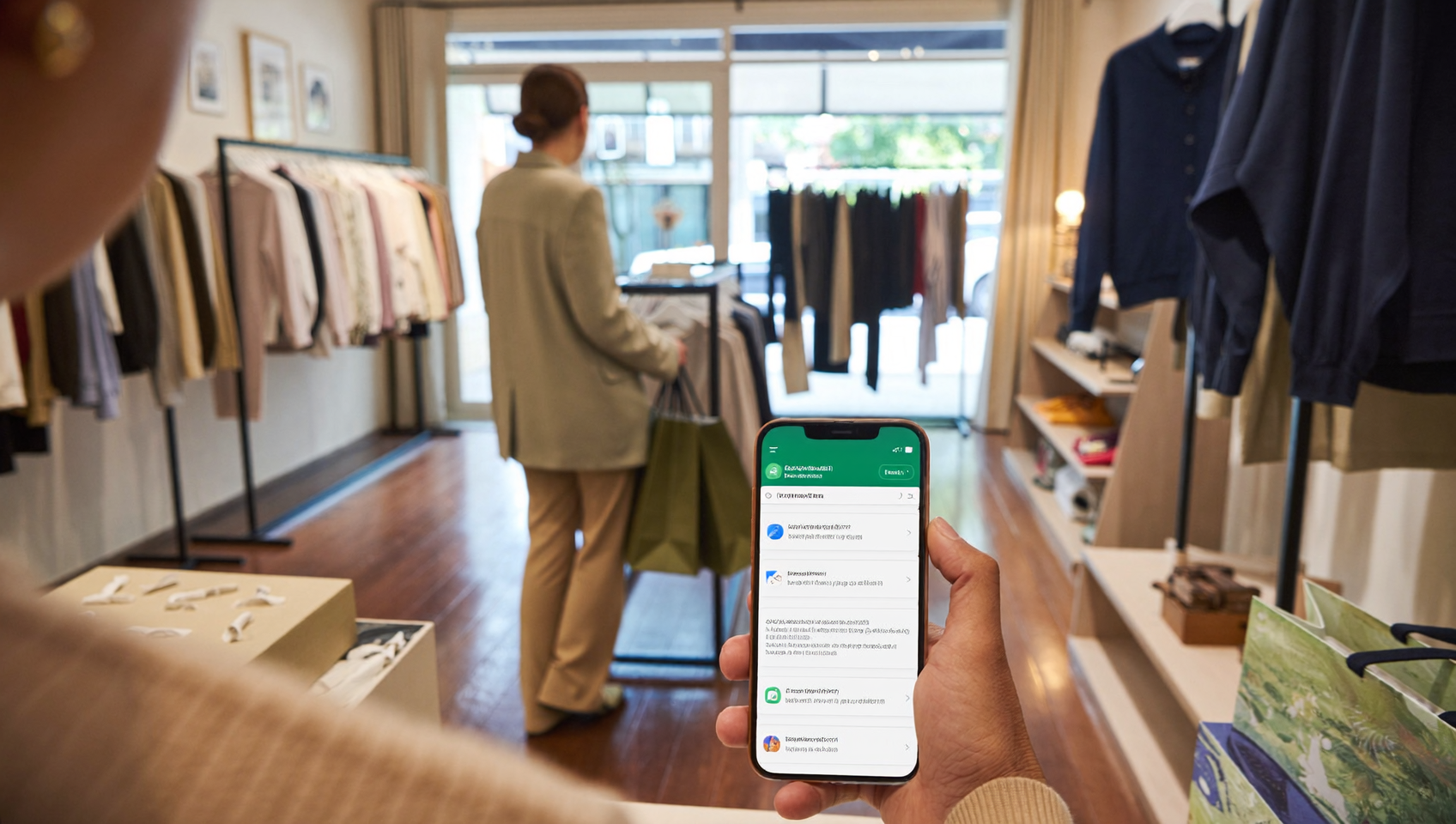
If you’re a small business owner looking to connect with customers where they already spend their time, WhatsApp Business for small business is one of the smartest channels you can add to your communication stack. Billions of active users. Open rates that crush email. WhatsApp gives service businesses a direct, personal line to leads and customers. But here’s the thing—using WhatsApp effectively means more than just downloading an app. It means integrating it into a system that captures leads, automates follow-ups, and keeps every conversation in one place. That’s where a unified communication platform changes the game.
WhatsApp Business for small business is Meta’s free messaging tool that lets you communicate directly with customers on WhatsApp. It includes the Business App for solo operators and the Business API for larger teams, enabling automated responses, customer support, and lead management all in one platform.
Free weekly newsletter
Growth tips for service businesses
Every Tuesday — actionable ideas to get more leads, reviews, and repeat customers. No fluff.
Quick Answer
WhatsApp Business lets small business owners manage customer conversations, automate replies, and track messages in one dashboard. It offers features like business profiles, automated greetings, quick replies, and message labels to organize customer interactions. The platform is free for small teams and integrates with other tools, making it ideal for businesses looking to communicate efficiently without expensive software.
What Is WhatsApp Business for Small Business?
WhatsApp Business is a free tool from Meta designed to help small and medium-sized businesses communicate with customers through the WhatsApp messaging platform. It comes in two forms: the WhatsApp Business App (built for solo operators or very small teams) and the WhatsApp Business API (built for businesses that need automation, multi-agent access, and integration with other software). According to D7 Networks’ compilation of WhatsApp Business statistics, WhatsApp Business has seen explosive global adoption, particularly among SMBs in service industries.
The app version lets you create a business profile with your hours, address, website, and catalog. You can set up quick replies and away messages. But it’s limited to a single device. And there’s no real automation or integration capabilities. The API version removes those limitations but requires a third-party platform to access it, since Meta doesn’t offer a user-facing interface.
Why Small Businesses Choose WhatsApp Over Other Channels
WhatsApp messages get read. That’s it. That’s the simple truth. Email open rates hover around 20%, but WhatsApp messages regularly see open rates well above 90%. For a plumber, roofer, or dental office confirming an appointment or following up on a quote, that difference is enormous. Customers also prefer it because it feels conversational, not transactional. They’re already using WhatsApp to message friends and family. Responding to a business feels natural.
A report covered by Entrepreneur India found that WhatsApp and WhatsApp Business dominate the MSME landscape with a 97% usage rate among surveyed small businesses. That kind of penetration shows this isn’t a niche channel. It’s mainstream. And your competitors are likely already using it.
How WhatsApp Business Works in SalesCaptain
SalesCaptain natively supports WhatsApp as a channel inside its unified communication platform. Instead of managing WhatsApp conversations in a separate app while juggling calls, texts, and emails elsewhere, everything flows into one collaborative inbox. What does that look like in practice?
- Connect your WhatsApp Business account. Link your WhatsApp Business API number to SalesCaptain through the platform’s settings. No coding required.
- Route incoming WhatsApp messages to your unified inbox. Every message from a customer on WhatsApp appears alongside your SMS, calls, webchat conversations, Instagram DMs, and Facebook Messenger threads. Your team sees everything in one place.
- Set up AI Chat Agents for WhatsApp. Deploy SalesCaptain’s AI Chat Agents to respond instantly to WhatsApp inquiries. These agents can answer FAQs, capture lead information, and book appointments without human involvement.
- Build automated workflows triggered by WhatsApp activity. Use SalesCaptain’s drag-and-drop workflow builder to create follow-up sequences. For example, when a new WhatsApp lead comes in, automatically send a confirmation message, update your CRM, and notify your sales team.
- Track and manage conversations. Every WhatsApp thread is tied to a contact record with full history, notes, and activity from all channels. No context gets lost between team members.
The entire process takes minutes to configure. Not days. And because SalesCaptain connects WhatsApp with your phone system, SMS, and other messaging channels, you don’t need separate tools for each.
Key Capabilities
- Instant AI-Powered Responses on WhatsApp: SalesCaptain’s AI Chat Agents respond to WhatsApp messages immediately, even at 2 AM on a Sunday. Leads get answers when they’re ready to buy. Not when your staff clocks in.
- Unified Inbox Across All Channels: WhatsApp, SMS, phone calls, webchat, Instagram DMs, Facebook Messenger, and email all converge in one inbox. Your team doesn’t waste time switching between apps or missing messages buried in a separate platform.
- Automated Lead Capture and Qualification: When someone reaches out via WhatsApp, SalesCaptain’s AI agents can ask qualifying questions, collect contact details, and score the lead before a human ever gets involved.
- Appointment Booking Through WhatsApp: Customers can book directly within the WhatsApp conversation. SalesCaptain integrates with scheduling tools like Acuity Scheduling (native two-way sync for availability and appointment creation) and ServiceTitan (native two-way for appointments and booking) so availability stays accurate.
- Workflow Automation Triggered by WhatsApp Events: A new WhatsApp message can trigger a complete workflow: CRM update, team notification, follow-up reminder, or an automated reply sequence. All of it is configurable with SalesCaptain’s visual workflow builder.
- Team Collaboration on WhatsApp Threads: Multiple team members can view and contribute to WhatsApp conversations. Internal notes keep everyone aligned without the customer seeing behind-the-scenes coordination.
Who Needs This?
WhatsApp Business through SalesCaptain is built for service businesses and appointment-heavy operations that need fast, reliable customer communication. If your revenue depends on responding quickly and booking appointments efficiently, this channel belongs in your stack.
- Home service businesses (roofing, HVAC, plumbing, landscaping, appliance repair) that receive inquiries around the clock and can’t afford to miss a single lead.
- Healthcare and wellness practices (dental offices, MedSpas, therapy practices) that need to confirm appointments, send reminders, and answer patient questions without tying up phone lines.
- Legal practices where prospective clients want a discreet, convenient way to reach out and share case details privately.
- Salons, gyms, and fitness studios that rely on appointment volume and benefit from automated booking through a channel customers already use daily.
- Real estate agencies managing high volumes of buyer and seller inquiries across multiple agents and listings.
- E-commerce businesses using SalesCaptain’s native Shopify integration (two-way: order triggers, fetch orders and customers) who want to handle order questions and shipping updates through WhatsApp.
- Operations managers and business owners who need visibility into all customer conversations without checking five different apps.
Benefits of WhatsApp Business for Small Business
Faster Lead Response Without Hiring More Staff
Speed kills in sales. But not the way most people think. Slow response times kill deals. Research compiled by Answering Agent on missed calls and business revenue shows that the cost of slow or missed responses adds up rapidly for small businesses. When you add WhatsApp to SalesCaptain with AI Chat Agents handling first responses, every inquiry gets an instant reply. You don’t need to hire another receptionist. And you don’t need to stay glued to your phone. The AI handles qualification and booking while you focus on the work that actually generates revenue.
Meeting Customers on Their Preferred Channel
Many customers, especially younger demographics and international audiences, prefer messaging over calling. According to Chatfuel’s roundup of WhatsApp Business statistics, the platform’s engagement rates consistently outperform traditional channels like email and even SMS in many markets. By offering WhatsApp as a contact option, you’re removing friction. Someone who won’t pick up the phone to call your office might happily tap out a quick WhatsApp message.
One System Instead of Five
Without a unified platform, WhatsApp becomes yet another app to monitor. Messages fall through the cracks when one person checks WhatsApp while another manages SMS and a third handles email. SalesCaptain eliminates that chaos by pulling every channel into a single inbox with shared contact history. Each team member sees the full picture. Regardless of which channel a customer used. That consistency translates directly to better customer experiences and fewer dropped leads.
Automated Follow-Up That Actually Happens
Most small businesses know they should follow up. Few do it consistently. SalesCaptain’s workflow automation solves this by making follow-up automatic. Once a WhatsApp conversation triggers a workflow, the system handles reminders, drip sequences, and CRM updates without anyone remembering to do it manually. Inconsistent follow-up is one of the biggest revenue leaks. Automation plugs it.
How SalesCaptain Compares
Not every communication platform treats WhatsApp as a first-class channel. Nextiva, for example, doesn’t offer native WhatsApp support. And they cap SMS at 250 messages per user per month. Aircall similarly lacks native WhatsApp and webchat integration, focusing primarily on call center workflows. Weave is strong in healthcare, but it doesn’t support WhatsApp or social chat channels. These gaps force businesses to bolt on separate tools. Creating the exact fragmentation that a unified platform is supposed to eliminate.
SalesCaptain includes WhatsApp alongside SMS, calls, webchat, Instagram, Facebook Messenger, and email in a single inbox. It’s one of the few platforms that combines native WhatsApp support with AI Chat Agents, AI Phone Agents, and workflow automation. All at pricing designed for SMBs (starting free for one location, $159/month per location on the Business plan). For businesses that need WhatsApp and don’t want to manage a patchwork of disconnected tools, that combination matters.
Podium doesn’t support WhatsApp either. And while Technology Advice’s review of AI answering services highlights the growing importance of multichannel AI for small businesses, most platforms on that list focus on voice only. SalesCaptain covers voice and messaging. In one system.
Frequently Asked Questions
Do I need the WhatsApp Business API or just the WhatsApp Business App?
If you want automation, multi-user access, and integration with a platform like SalesCaptain, you’ll need the WhatsApp Business API. The free WhatsApp Business App is limited to one device. And it doesn’t support AI agents or workflow triggers. SalesCaptain connects through the API. You get the full range of automation and team collaboration features.
Can SalesCaptain’s AI Chat Agents handle WhatsApp conversations automatically?
Yes. SalesCaptain’s AI Chat Agents work across WhatsApp, SMS, webchat, Instagram DMs, and Facebook Messenger. They respond instantly. Capture lead details. Answer common questions. And book appointments without human involvement. Your team can step in at any point if the conversation needs a personal touch.
How does WhatsApp fit into SalesCaptain’s unified inbox?
WhatsApp messages appear in the same inbox as all your other channels. Every conversation is linked to a contact record that shows the full history across calls, texts, emails, social messages, and internal notes. Your team won’t need to check a separate app. And they won’t wonder what was said in a previous interaction on a different channel.
Is WhatsApp Business effective for businesses primarily based in the United States?
WhatsApp adoption in the US has grown significantly, particularly among businesses that serve diverse communities or have international customers. While SMS remains dominant in some US markets, offering WhatsApp as an additional channel removes barriers for customers who prefer it. Since SalesCaptain supports both SMS and WhatsApp in the same inbox, there’s no downside to adding it as an option.
Ready to see it in action?
See how small businesses use SalesCaptain to manage customer conversations across WhatsApp automatically.
Add WhatsApp to Your Business Communication Stack
SalesCaptain brings WhatsApp, SMS, calls, webchat, and social media into one AI-powered inbox built for service businesses. Respond to leads instantly. Automate follow-ups. Book more appointments without hiring more staff. Start free with one location.