
AI-powered customer experience marketing (CXM) platform that helps local businesses win.


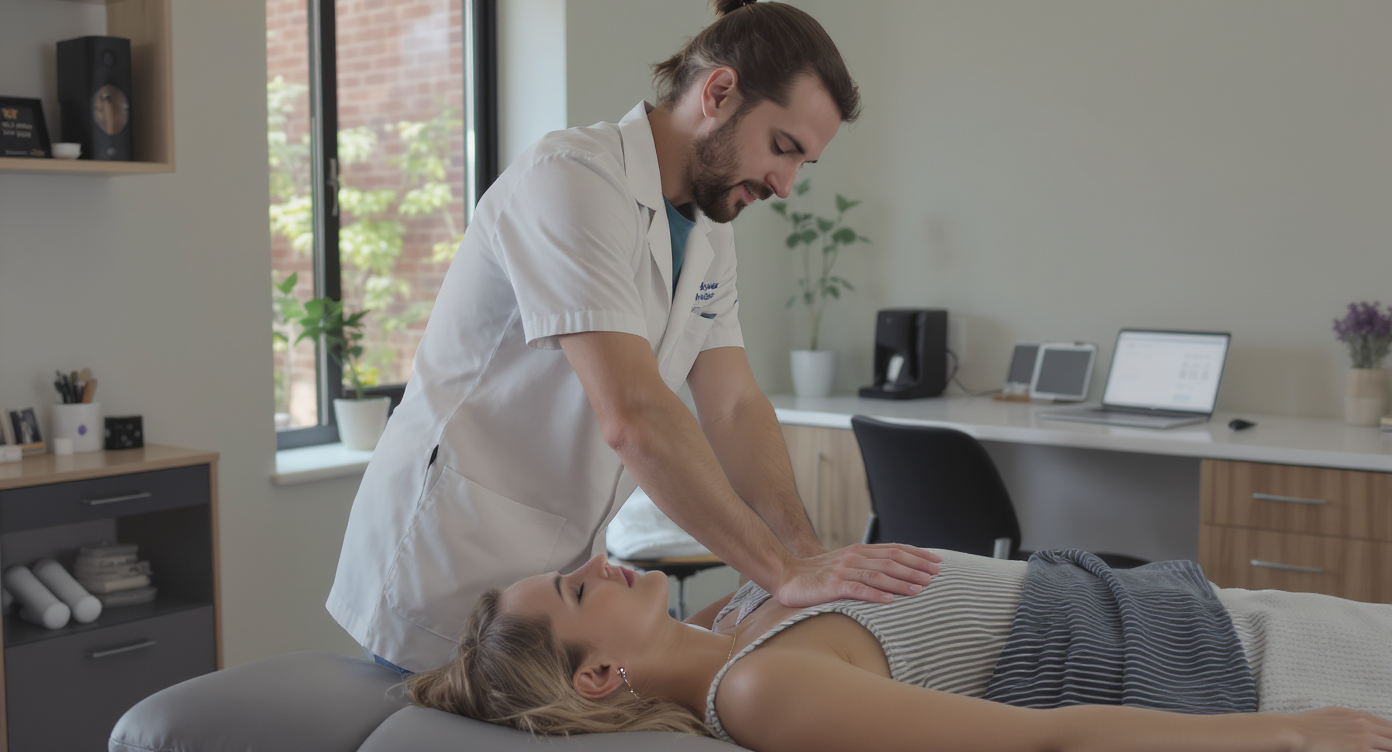
A patient calls your chiropractic office at 6:15 PM to reschedule their adjustment. Nobody picks up. They don’t leave a voicemail. By morning, they’ve booked with the clinic down the street. That lost patient isn’t just one missed appointment—it’s months of recurring revenue walking out the door. Sound familiar? Learning how to automate customer follow up for chiropractic offices is one of the most practical steps you can take to stop this cycle and keep your schedule full without burning out your front desk staff.
Automating customer follow-up for chiropractic offices means using software to send timely messages via text, email, or phone without manual effort. It automatically reminds patients of appointments, sends post-visit check-ins, and captures missed calls—keeping your schedule full while reducing no-shows and lost patients to competitors.
Quick Answer
Automated follow-up systems send appointment reminders, post-visit check-ins, and re-engagement messages through email, SMS, or phone calls on a schedule you set. These tools reduce no-shows, keep patients engaged between visits, and free your staff from manual calling, allowing chiropractors to maintain consistent patient contact without additional labor costs.
What Is Automated customer follow-up?
Automated customer follow-up is the process of using software to send timely, personalized messages to patients without anyone on your team pressing “send.” Instead of relying on your receptionist to remember which patients need a reminder, a recall notice, or a post-visit check-in, automation handles it on a schedule you define. These messages can go out via text, email, phone call, or even webchat. Whatever works best for your patients.
Free weekly newsletter
Growth tips for dental & medical practices
Every Tuesday — actionable ideas to get more leads, reviews, and repeat customers. No fluff.
For chiropractic offices specifically, follow-up automation covers appointment reminders, missed appointment outreach, reactivation campaigns for lapsed patients, review requests after visits, and care plan check-ins. According to Zapier’s business automation research, the majority of small businesses already use some form of automation, and communication follow-up is one of the highest-impact areas to start. Yet many chiropractic practices still rely on sticky notes and memory. Patients slip through the cracks every single day.
Why Chiropractic Offices Lose Patients Without Follow-Up Automation
Chiropractic care is inherently recurring. Patients rarely need just one visit. A typical treatment plan might span 8 to 12 sessions over several weeks. If a patient misses one appointment and doesn’t hear from your office quickly, the gap widens. They forget. They get busy. They assume you don’t care. And then they’re gone.
The Real Cost of Silence
Every unanswered call or forgotten follow-up has a price tag. According to Synvola’s analysis of missed call costs, a single missed call can cost a service business hundreds of dollars in lost revenue. For a chiropractic office where one patient might represent $1,500 or more in lifetime value, even a handful of lost patients per month adds up fast. The Bureau of Labor Statistics projects strong growth in chiropractic demand, which means your competitors are getting busier too. Patients who don’t hear back from you? They’ll find someone who responds faster.
Front Desk Bottlenecks
Your front desk team is already juggling check-ins, insurance verification, phone calls, and patient questions. Asking them to also track follow-ups manually is unrealistic. It’s not a training problem. It’s a bandwidth problem. When one person handles 40+ patient interactions per day, something always falls through. Automation doesn’t replace your staff—it removes the repetitive tasks that bury them.
📺 Watch: How to Create a Lead Follow-Up Sequence
How to Set Up Automated Follow-Up for Your Chiropractic Practice
Building an effective follow-up system doesn’t require technical expertise. But it does require thinking through your patient journey. Here’s a practical framework that works for most chiropractic offices.
Step 1: Map Your Follow-Up Triggers
Before you automate anything, identify every moment where a patient needs to hear from you. These trigger points become the backbone of your automation workflows.
- New patient inquiry: Someone calls or fills out a form but hasn’t booked yet. They need an immediate response, ideally within minutes, not hours.
- Appointment booked: A confirmation text or email goes out right away, with a reminder 24 hours before.
- Missed appointment: If a patient no-shows, an automated message goes out within the hour offering to reschedule.
- Post-visit follow-up: After each adjustment, a check-in message asking how they feel and reminding them of their next visit.
- Lapsed patient reactivation: If someone hasn’t visited in 30, 60, or 90 days, a personalized message brings them back.
- Review request: After a positive interaction, an automated text asking for a Google review while the experience is fresh.
Each of these triggers represents revenue that’s either captured or lost. According to Aplos AI’s small business automation guide, businesses that automate their customer communication see measurably better retention rates compared to those relying on manual outreach. That’s not a coincidence.
Step 2: Choose Your Channels Wisely
Not every patient checks email. In fact, most won’t. Text messages have dramatically higher open rates than email for appointment-related communication. Some follow-ups work better as phone calls though, especially reactivation outreach where a personal touch matters.
The most effective chiropractic follow-up systems use multiple channels together. A missed appointment might trigger an SMS first, then an AI phone call if there’s no response within a few hours, then an email the following day. This layered approach ensures you reach patients. And it does it without your staff manually tracking who responded where.
Step 3: Write Messages That Sound Human
Automation only works if patients don’t feel like they’re talking to a robot. Your messages should use the patient’s first name, reference their specific visit or treatment, and sound conversational. What does that look like in practice?
Bad: “Dear Patient, this is a reminder that you’ve an upcoming appointment. Please call to confirm.”
Good: “Hi Sarah, just a quick reminder about your adjustment tomorrow at 2 PM with Dr. Martinez. Reply YES to confirm or let’s know if you need to reschedule.”
Short, direct, and actionable. That’s what gets responses. Avoid clinical language. Write like you’d text a friend. Because that’s the inbox you’re landing in.
Step 4: Build Workflows, Not One-Off Messages
A single reminder text isn’t automation. Real automation means building workflows where one action triggers a chain of follow-ups that adapt based on patient behavior. If a patient confirms, the chain stops. If they don’t respond, the next step fires automatically.
Drag-and-drop workflow builders make this accessible. You don’t need to code. You set the rules once, and the system runs 24/7. According to Inkle’s analysis of small business automation, businesses that build multi-step workflows recover significantly more revenue from lapsed customers than those using simple one-off reminders.
Best Practices for Chiropractic Follow-Up Automation
Getting automation right isn’t just about the technology. It’s about strategy. Here are the practices that separate clinics with 90%+ retention from those constantly scrambling to fill their schedule.
Timing Matters More Than You Think
A follow-up sent at the right moment converts. One sent too late gets ignored. For missed calls, responding within five minutes is the benchmark. Research from SchedulingKit’s missed call data shows that the likelihood of reaching a lead drops dramatically after just a few minutes. For appointment reminders, 24 hours before is the sweet spot. And for reactivation campaigns, start at the 30-day mark. Don’t wait until 90 days when most practices finally notice a patient has disappeared.
Segment Your Patients
Not every patient should get the same message. A new patient who just completed their first consultation needs different follow-up than a long-term patient who missed their sixth adjustment. Segment your automation by patient type:
- New leads: Focus on booking the first appointment. Speed is everything.
- Active patients on a care plan: Reinforce compliance, send encouragement, remind them of progress.
- Completed care plan patients: Shift to wellness maintenance messaging with monthly check-in offers.
- Lapsed patients: Re-engage with value, not guilt. Offer a reason to come back.
Track What’s Working
Automation without measurement is just noise. You need to know which messages get opened, which get responses, and which actually result in booked appointments. Most modern platforms provide this data natively. Review it monthly. Kill the messages that aren’t performing and double down on what converts.
How SalesCaptain Helps
SalesCaptain brings together the tools chiropractic offices need to automate follow-up without stitching together five different apps. The platform combines an AI Phone Agent, AI Chat Agents, a Unified Inbox, and a visual Workflow Automation builder in a single system. It’s designed specifically for service businesses.
Here’s what that looks like in a chiropractic setting. When a patient calls after hours, SalesCaptain’s AI Phone Agent picks up, answers common questions about your services and hours, and books the appointment directly. If the call goes to voicemail instead, a missed-call text-back goes out immediately. Your patient gets a way to engage right away. All of this happens without anyone on your team lifting a finger.
For ongoing follow-up, the drag-and-drop Workflow Automation builder lets you create multi-step sequences triggered by appointment status, patient behavior, or time-based rules. Build an entire reactivation campaign in minutes: SMS on day one, AI phone call on day three, email on day seven. Because everything flows through the Unified Inbox, your team sees every patient interaction across calls, texts, webchat, and social media DMs in one place. No more switching between apps. No more wondering if someone already followed up.
SalesCaptain also integrates with tools chiropractic offices already use. With 50+ native integrations including HubSpot, Zoho, and Zapier, your patient data stays synced across systems. Pricing starts with a free plan for single-location practices, and scales to $159/month per location for the full feature set. That’s realistic for independent chiropractors and multi-location groups alike.
Compared to platforms like Weave, which focuses primarily on healthcare but lacks social chat, WhatsApp support, and advanced templating and personalization features, SalesCaptain offers a broader communication toolkit. And unlike Podium, which doesn’t include a power dialer, post-call analytics, or real-time speech analytics, SalesCaptain gives you deeper visibility into every patient conversation.
Key Takeaways
Automating customer follow-up for your chiropractic office isn’t a luxury anymore. It’s the difference between a full schedule and a leaky one. Here’s what to remember:
- Map every follow-up trigger in your patient journey before choosing any tool.
- Use multiple channels (SMS, AI phone, email) in layered workflows, not isolated one-off messages.
- Respond to missed calls and new inquiries within minutes, not hours.
- Segment your patients so messages feel relevant, not generic.
- Measure results monthly and refine what isn’t converting.
The practices that grow fastest aren’t necessarily the best at chiropractic care. They’re the best at staying in front of their patients between visits. Automation makes that possible at scale. And you don’t need to hire more staff or work longer hours. Build the system once, and let it work for you every day.
Frequently Asked Questions
How quickly should a chiropractic office follow up with a missed call?
Within five minutes is the gold standard. Research on missed business calls consistently shows that response time is the single biggest factor in whether a lead converts. An automated missed-call text-back can bridge that gap instantly while your staff is busy with in-office patients.
Can AI phone agents really handle chiropractic patient calls?
Yes, particularly for common interactions. Scheduling, rescheduling, answering FAQs about services and insurance, providing office hours and directions—AI handles all of it. Modern AI voice agents sound natural and can follow custom call flows tailored to your practice. They won’t replace clinical conversations, but they handle the routine calls that make up the majority of inbound volume.
What’s the best channel for chiropractic appointment reminders?
SMS consistently outperforms email for appointment reminders because patients see texts almost immediately. However, the most effective approach combines SMS with a follow-up phone call for patients who don’t respond. According to CloudTalk’s guide on AI receptionists, multi-channel follow-up dramatically improves contact rates compared to single-channel outreach.
Is follow-up automation secure?
It depends entirely on the platform and how you configure it. Appointment reminders and general follow-up messages don’t typically include protected health information. So they’re lower risk. However, ensure your platform offers appropriate security, avoid including diagnostic details in automated messages, and consult your compliance officer before launching any patient communication workflows.
How much does follow-up automation cost for a small chiropractic office?
Costs vary widely. Some platforms charge $200 to $500+ per month with per-user fees that add up quickly. SalesCaptain offers a free startup plan for single-location practices, with its full-featured business plan at $159/month per location and AI call minutes at $0.12/minute. That’s often less than the cost of a single lost patient per month.
Ready to see it in action?
See how chiropractors use SalesCaptain to automate follow-ups and book more appointments.
Book a Free Demo →See How SalesCaptain Can Help
SalesCaptain gives chiropractic offices everything they need to automate follow-up across calls, texts, and chat from one platform. Build AI-powered workflows, respond to patients 24/7, and keep your schedule full without adding headcount.
Visit SalesCaptain.com to explore the platform and start automating your patient follow-up today.